AI Image Generator - Image to Image
Edit backgrounds, add text, and create polished assets with Unbound AI's AI image editor
Drop image file for AI editing
or click to browse • Max 4 images, 4MB each
Reference them as image 1, image 2, image 3, image 4 in the prompt. Minimum dimensions are 272x272 pixels.
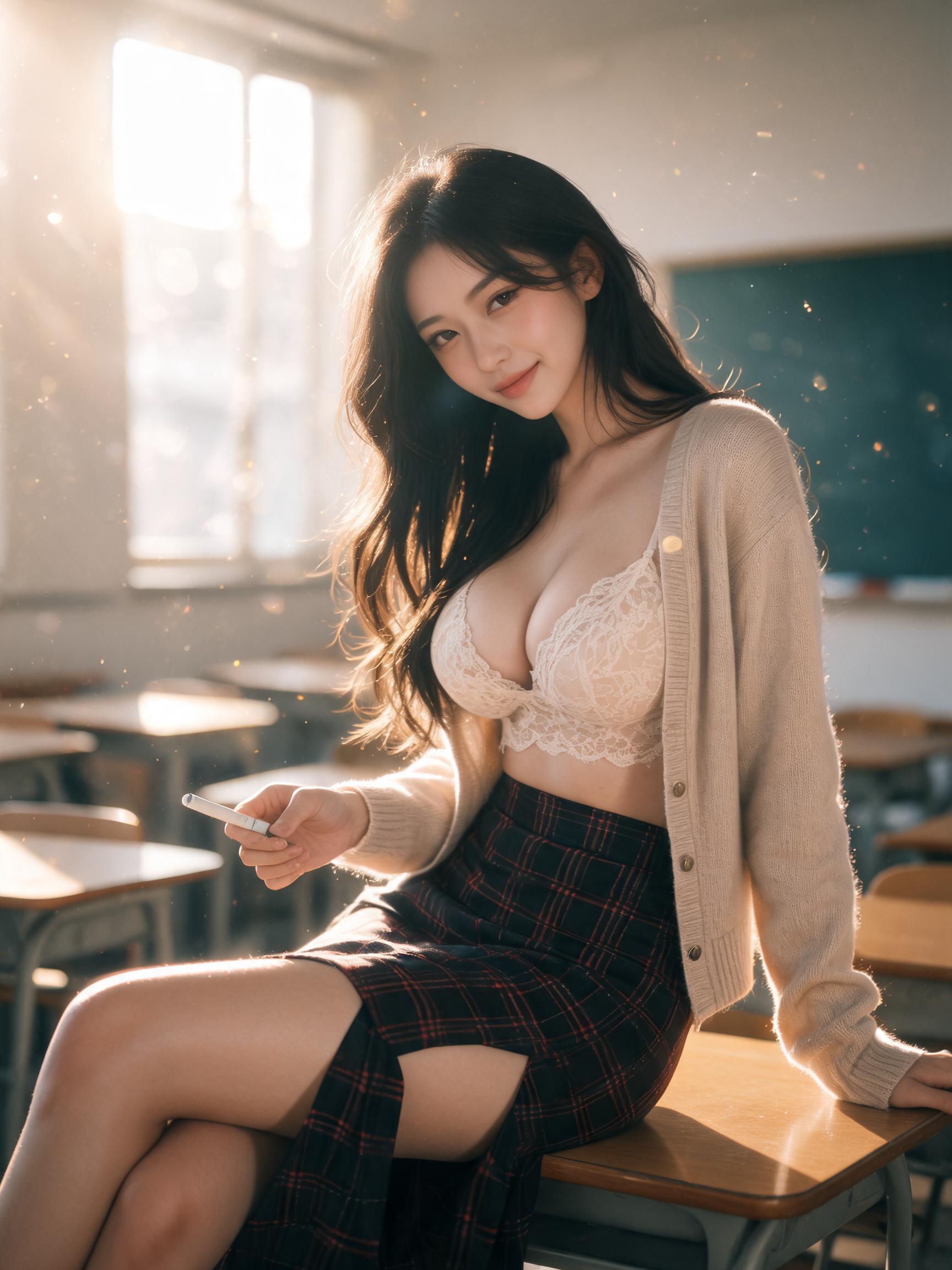
Inspiration
View All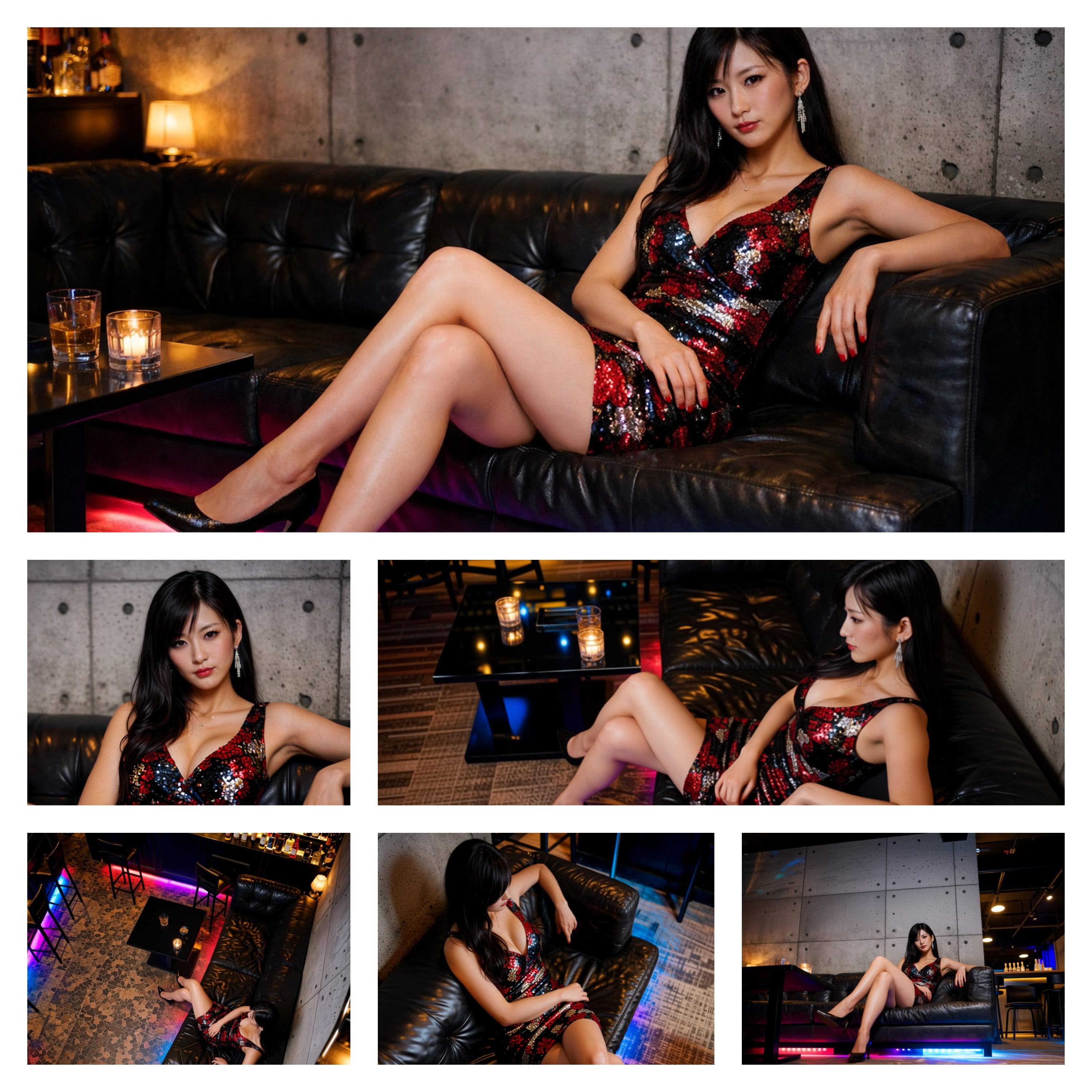
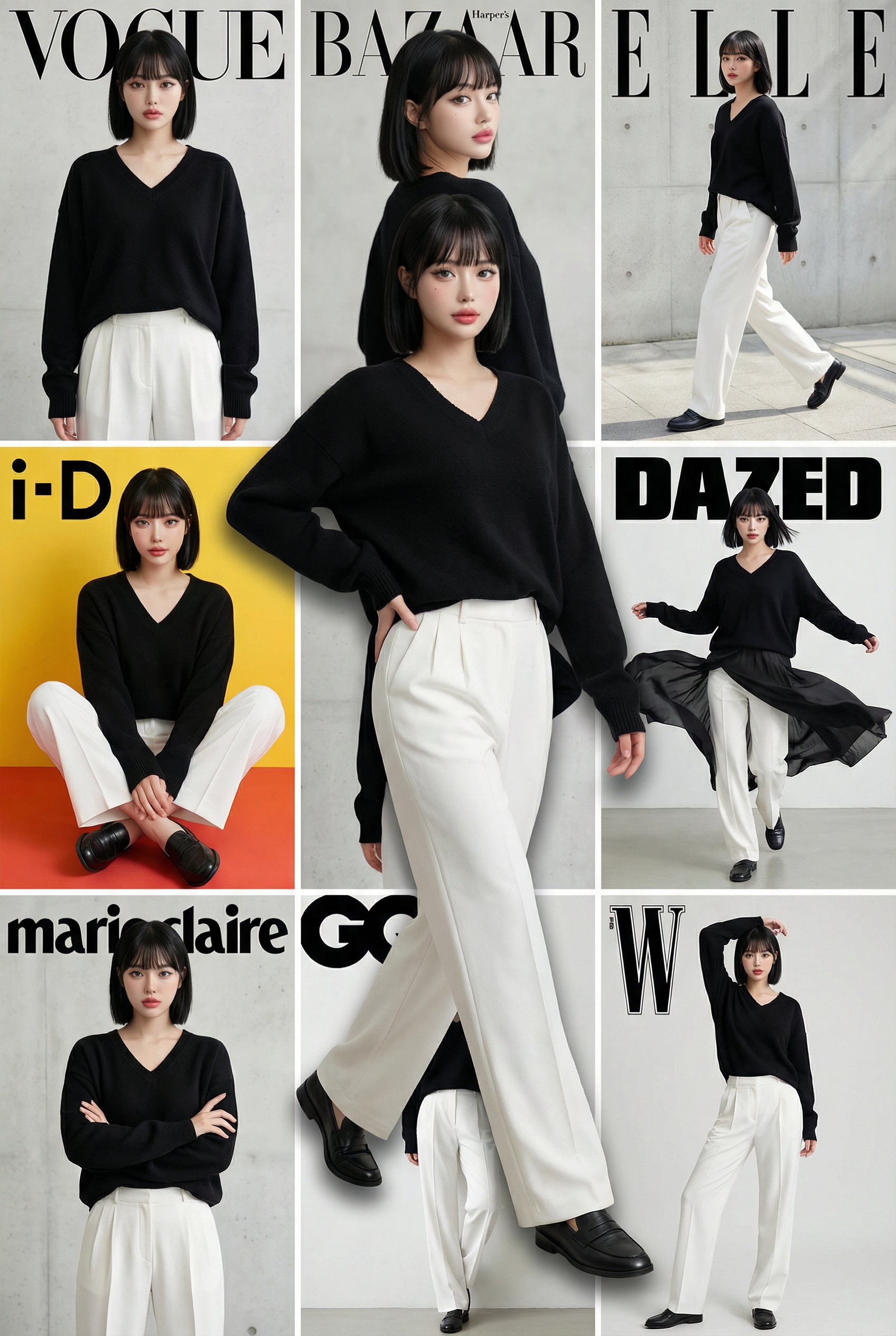
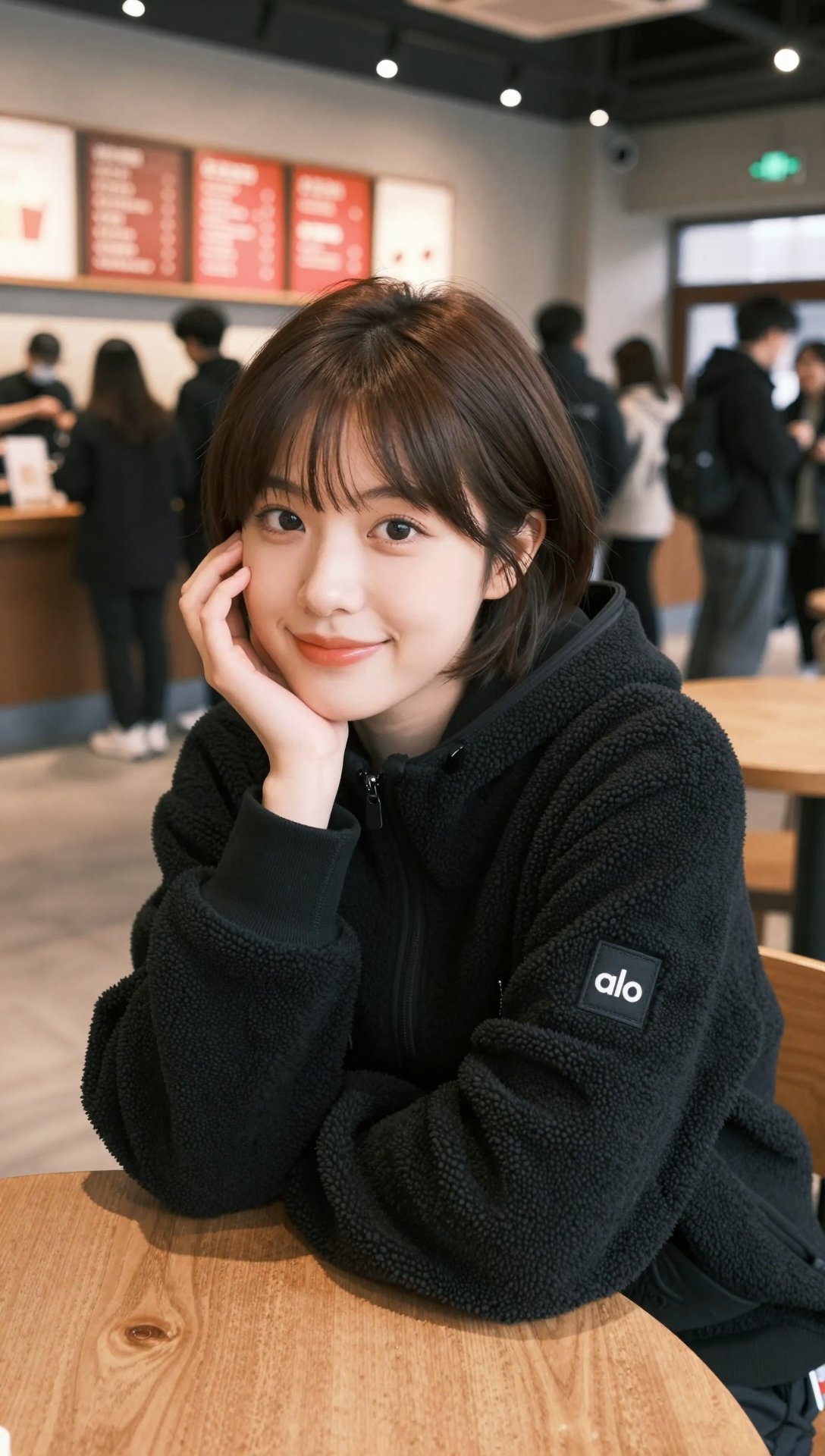
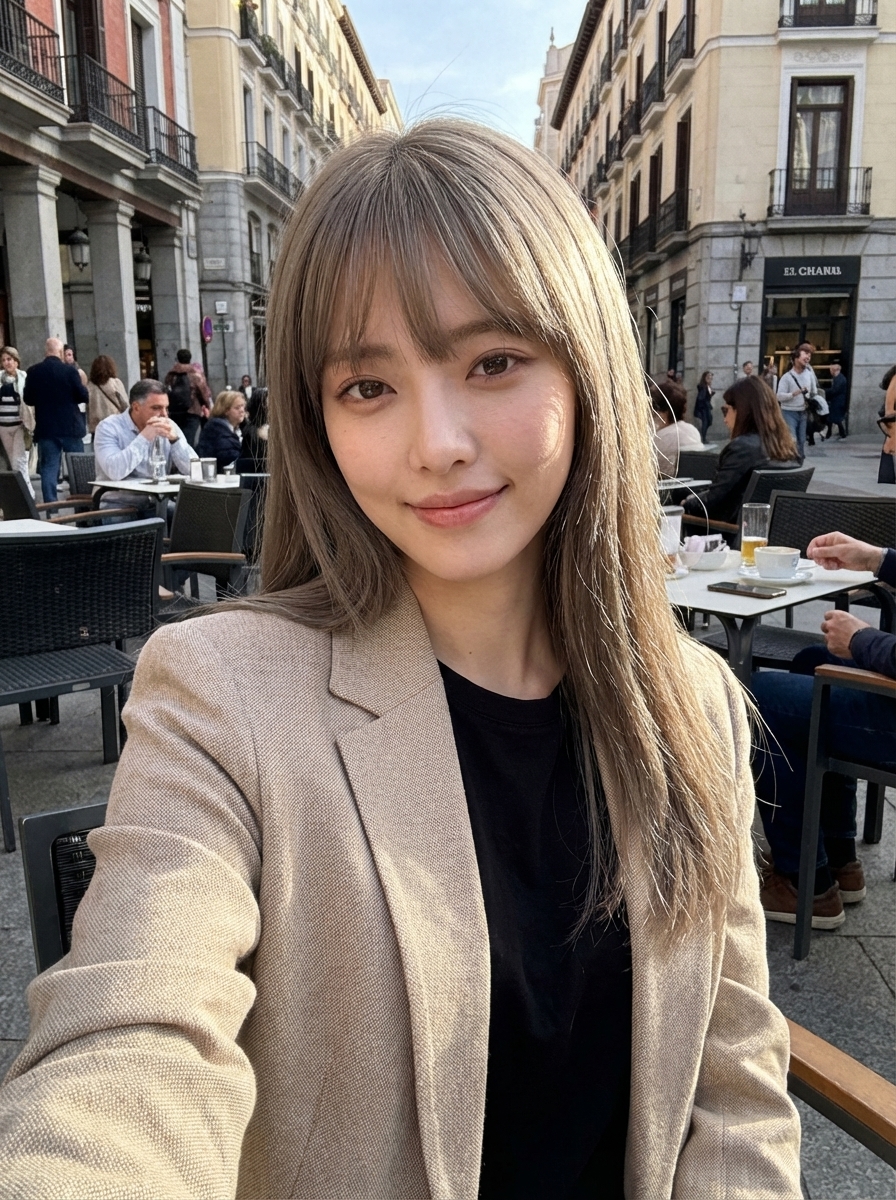
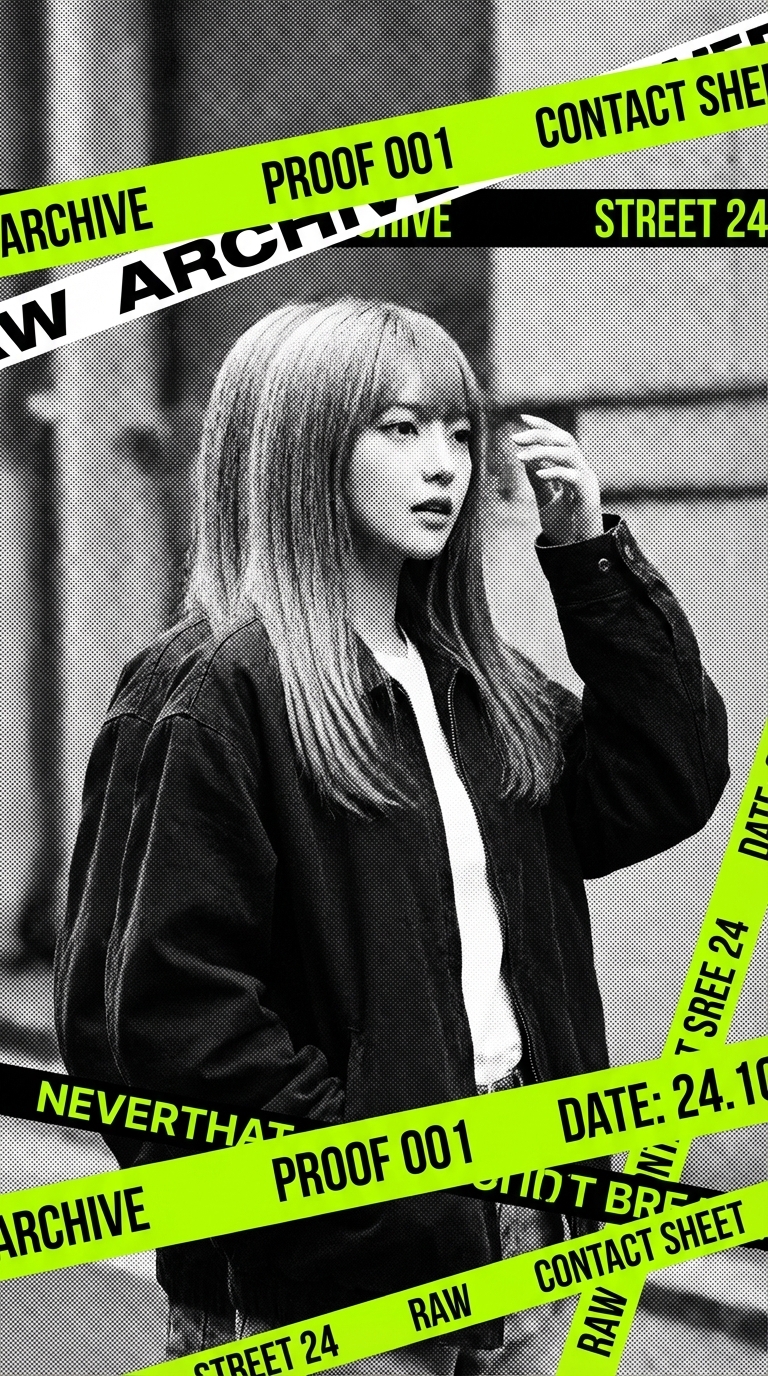
How it Works
Input Prompt
Describe your idea in natural language.
AI Processing
Our engine interprets intent and builds your assets.
Export Result
Download in high quality instantly.
AI Image Editor FAQ
Our AI image editor supports JPG, PNG, GIF, and WebP formats. Images should be under 10MB for optimal performance.
Upload your source image and describe the transformation you want. Our AI image generator analyzes your image and prompt to produce a new version while preserving key elements.
Yes. Describe the elements you want to change in your prompt. For example: 'Change the background to a mountain landscape' or 'Make the lighting more dramatic.'
Aspect ratios control the output dimensions. Use 1:1 for squares, 16:9 for wides, and 2:3 for portraits. 'Auto' keeps the original proportions.
Standard model costs 5 credits per generation. Premium models cost more and provide higher fidelity and better detail preservation.
Yes. Select a higher resolution (1K, 2K, or 4K) to upscale while editing.
Ready to create your next release with Unbound AI's uncensored AI image generator and uncensored AI video generator?
Buy one-time credits for faster queues, higher resolutions, and expanded usage options.