A two-image workflow
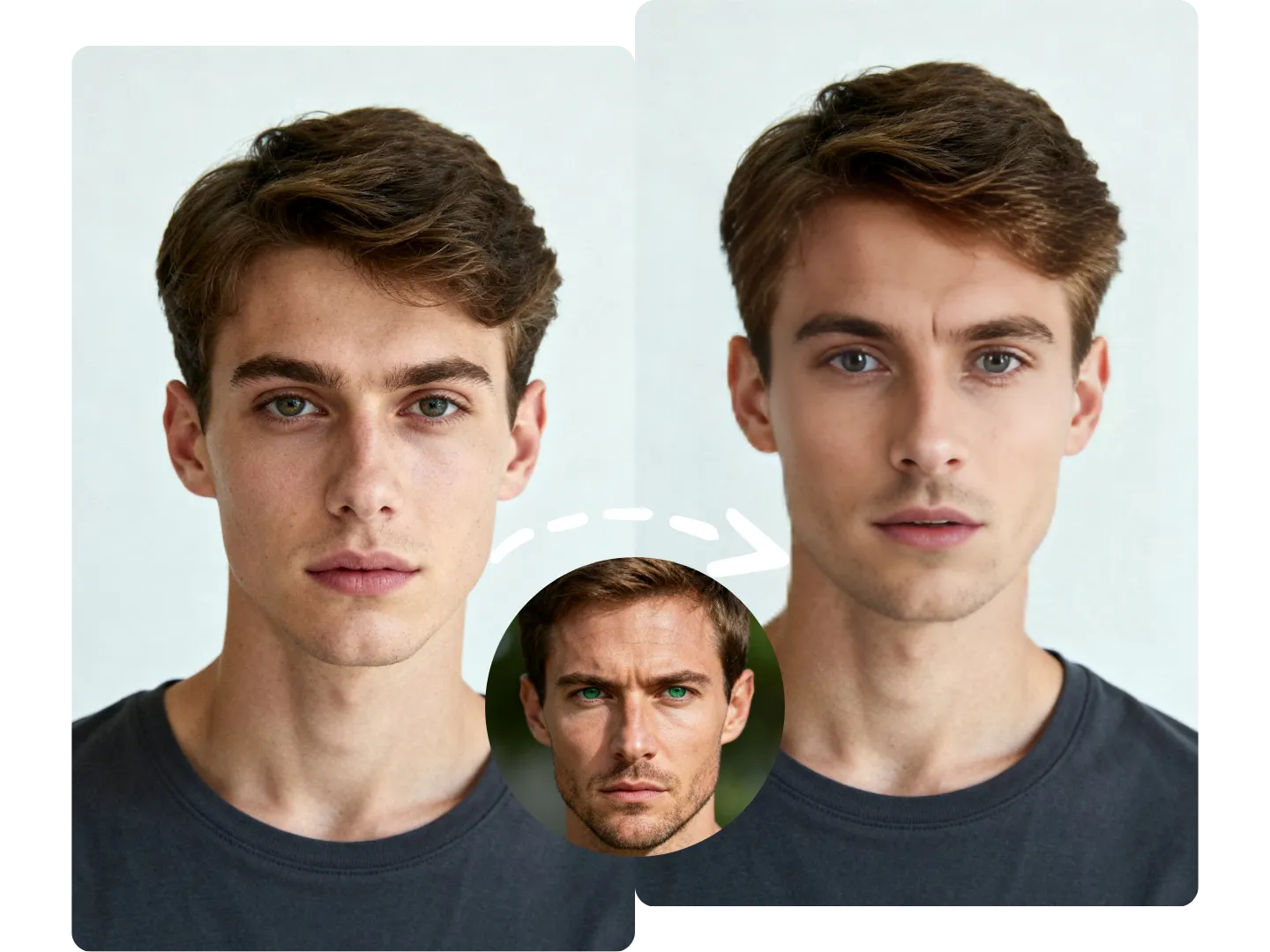
The target photo defines the composition while the source portrait supplies the identity to blend into it.
Matching the angle, sharpness, and lighting of both images helps create a more natural result.
Swap a source face into a target photo with natural lighting, pose, and expression blending.
Video/GIF: 30 credits per item · Photo: 5 credits per photo
The AI places the source identity onto the main face in the target photo while preserving its pose and expression.
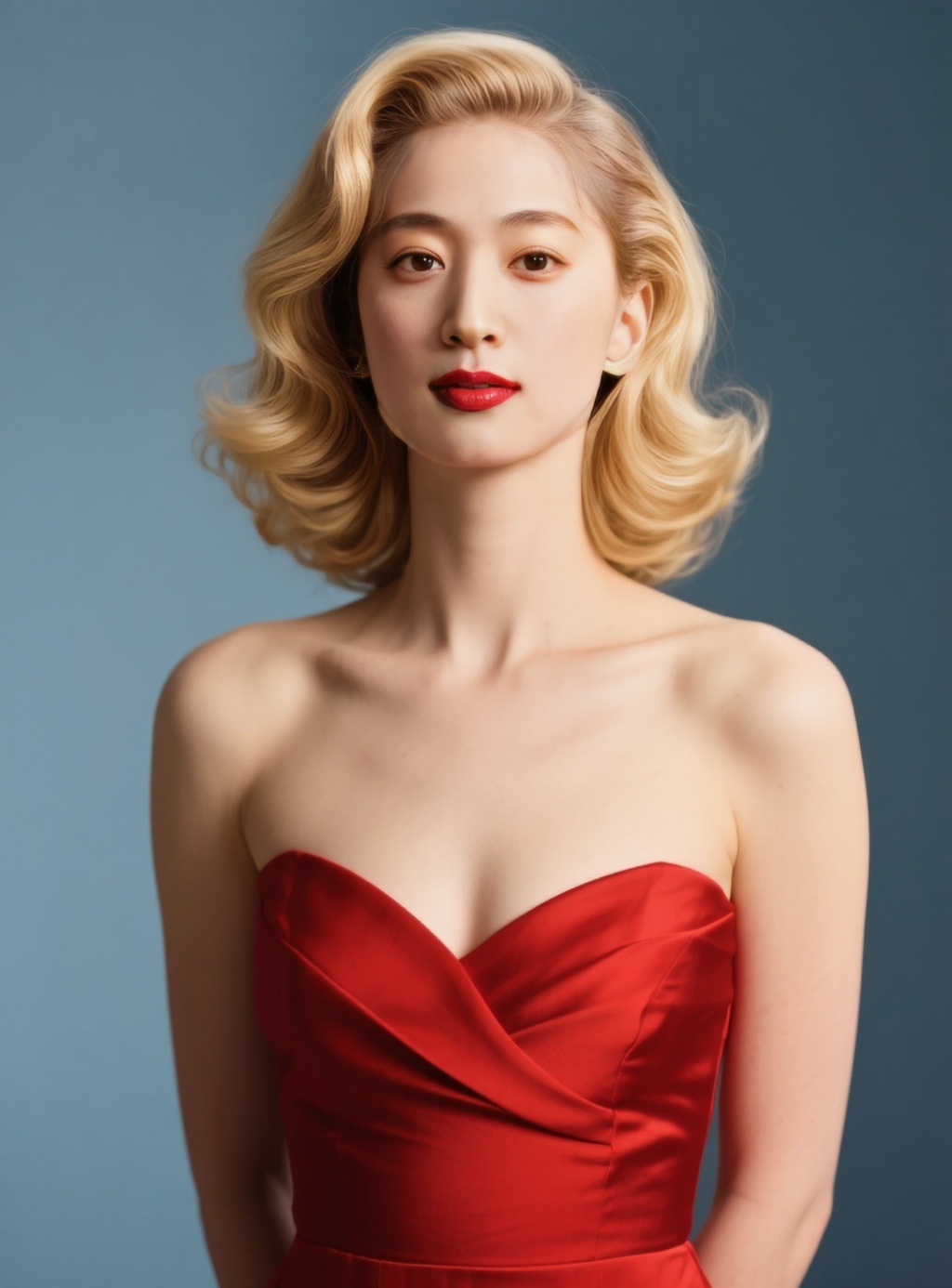
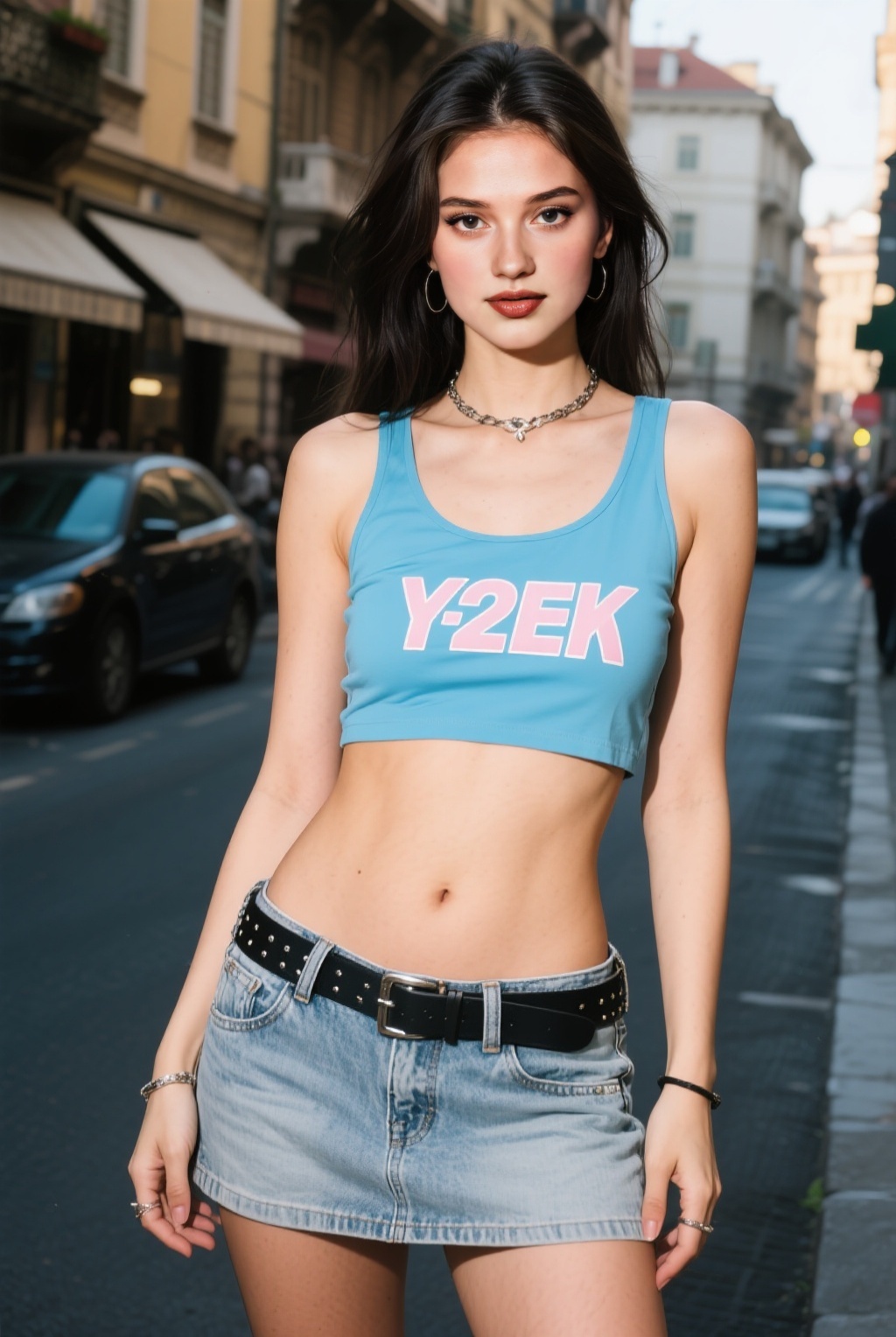
Choose the photo containing the face you want to replace.
Upload a clear portrait of the identity you want to use.
Create the face swap and open the archived image result.
Replace a face in a target photo with a source portrait while retaining the original scene, pose, and expression.
The target photo defines the composition while the source portrait supplies the identity to blend into it.
Matching the angle, sharpness, and lighting of both images helps create a more natural result.
You must have the rights and permission to use the target media and face you upload. Illegal content, non-consensual deepfakes, and impersonation are prohibited.
The target photo keeps its scene, pose, and expression. The source image provides the replacement identity.
The uploader accepts JPG, PNG, and WebP images up to 10MB each.
Choose sharp portraits with similar face angles and compatible lighting, and avoid masks or heavy occlusion.
Yes. Only upload photos and likenesses you own or have explicit permission to edit.
Buy one-time credits for faster queues, higher resolutions, and expanded usage options.