Designed for moving faces
The model tracks the selected face across frames and blends the source identity into changing poses and expressions.
Clear footage with stable lighting and limited face obstruction produces the most consistent output.
Swap a source face into a video while preserving motion, expressions, and the original audio.
Video/GIF: 30 credits per item · Photo: 5 credits per photo
The AI replaces the selected face across the target video while preserving its motion, expressions, and audio.

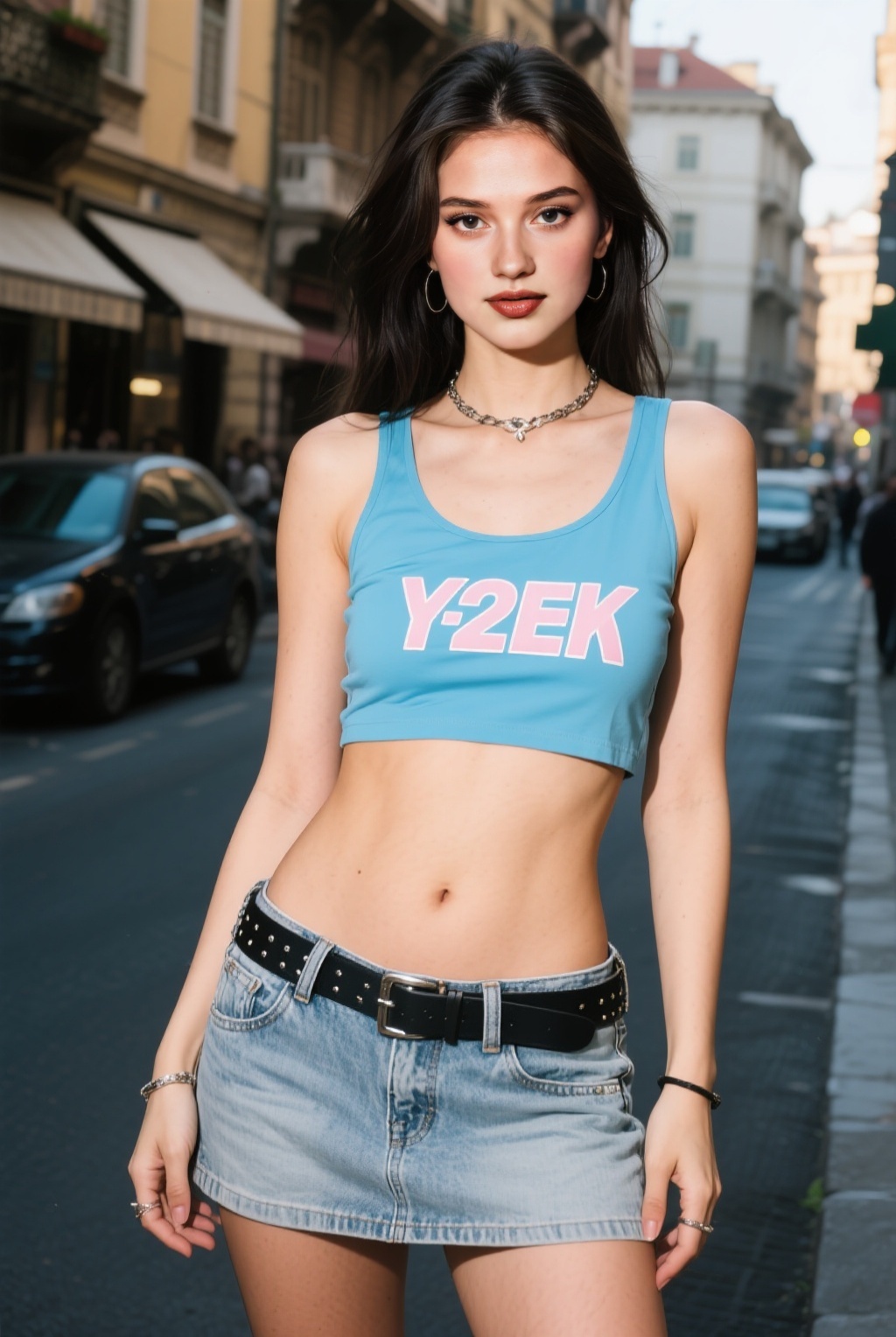
Choose the target clip containing the face you want to replace.
Upload a clear portrait of the replacement identity.
Run the swap, preview the video, and open the archived result.
Replace a face across a target video while preserving expressions, motion, timing, and the original audio.
The model tracks the selected face across frames and blends the source identity into changing poses and expressions.
Clear footage with stable lighting and limited face obstruction produces the most consistent output.
You must have the rights and permission to use the target media and face you upload. Illegal content, non-consensual deepfakes, and impersonation are prohibited.
The uploader accepts MP4, WebM, MOV, and GIF files up to 50MB.
Yes. The face swap changes the visual face layer while retaining the target video's audio.
Use a clear source portrait and a target clip with stable lighting, visible faces, and minimal occlusion.
Yes. Only use media and likenesses you own or have explicit permission to edit.
Buy one-time credits for faster queues, higher resolutions, and expanded usage options.