Qwen Image Edit Multiple Angles Unbound AI combines an uncensored AI image generator with an uncensored AI video generator to power qwen image edit workflows.
Multi-View Camera Control from One Image
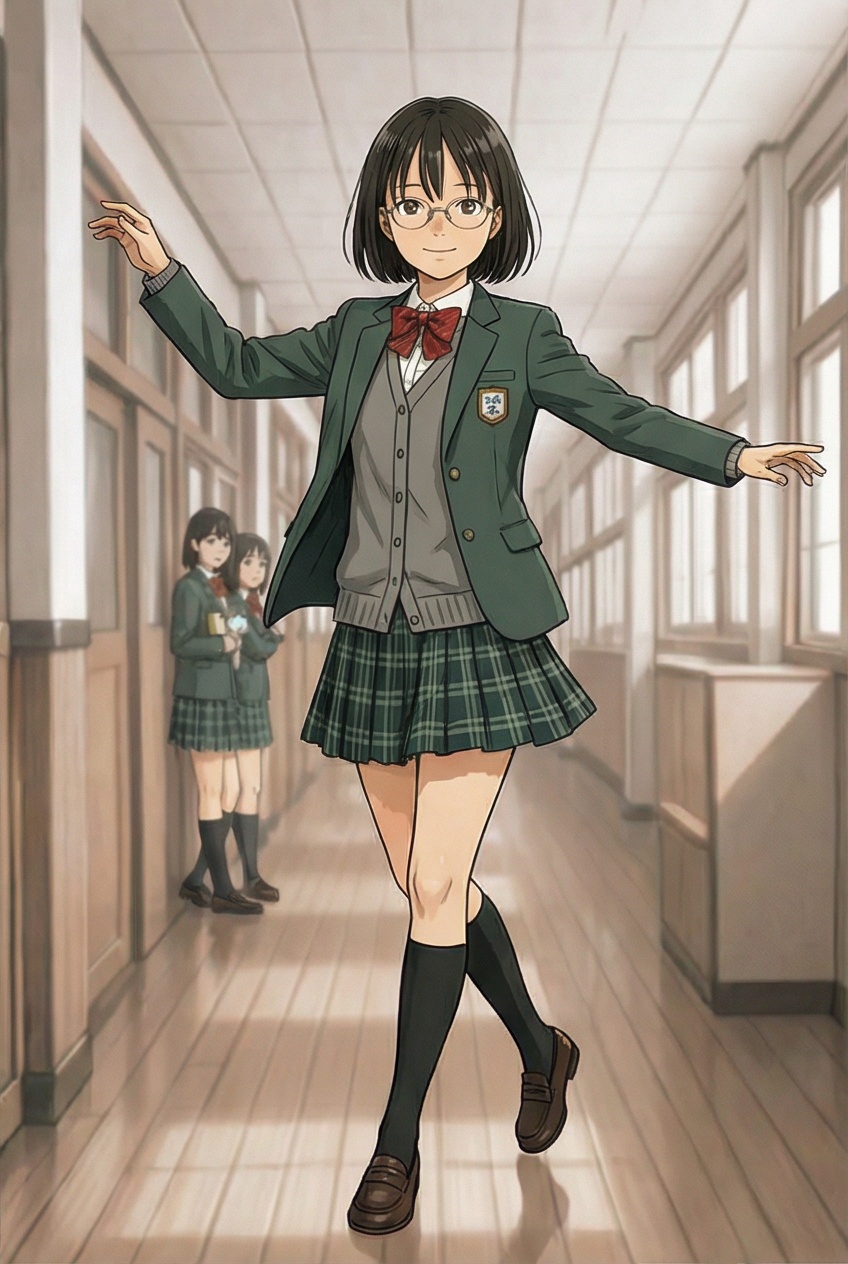
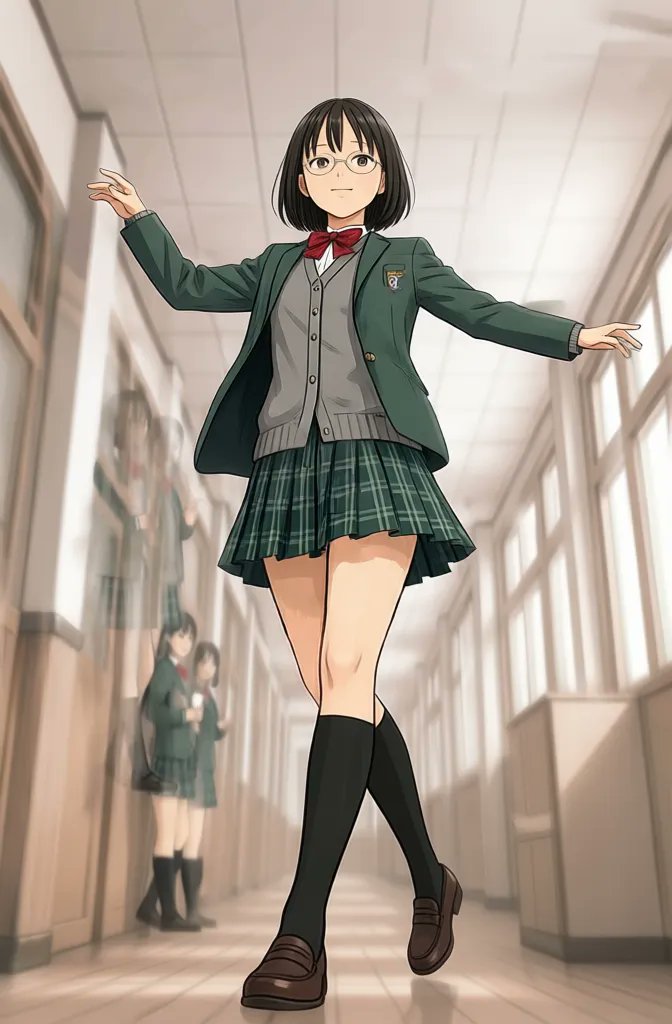
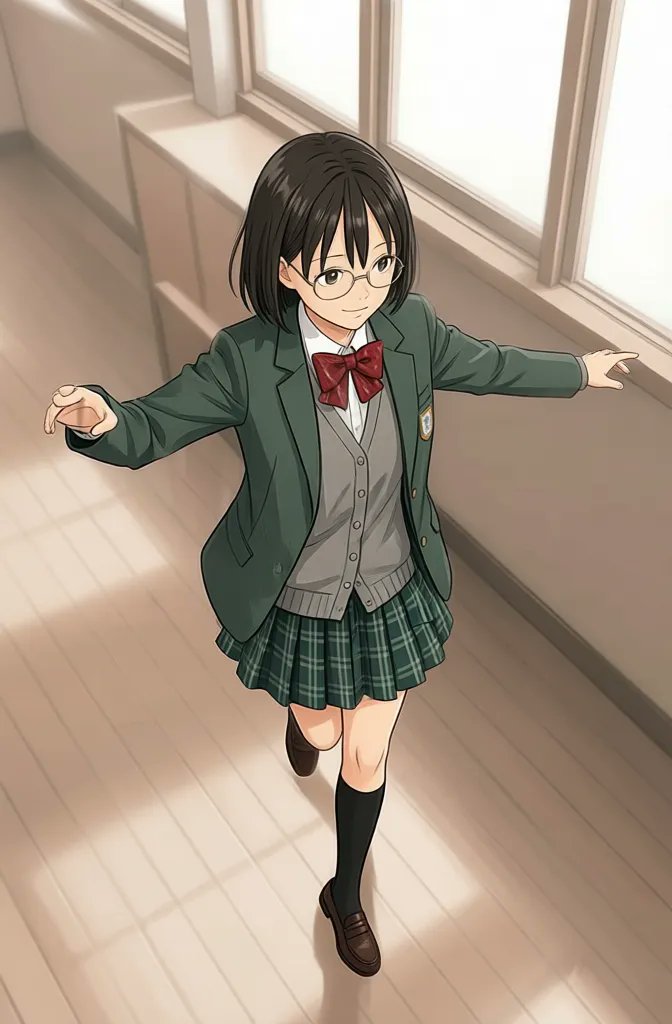
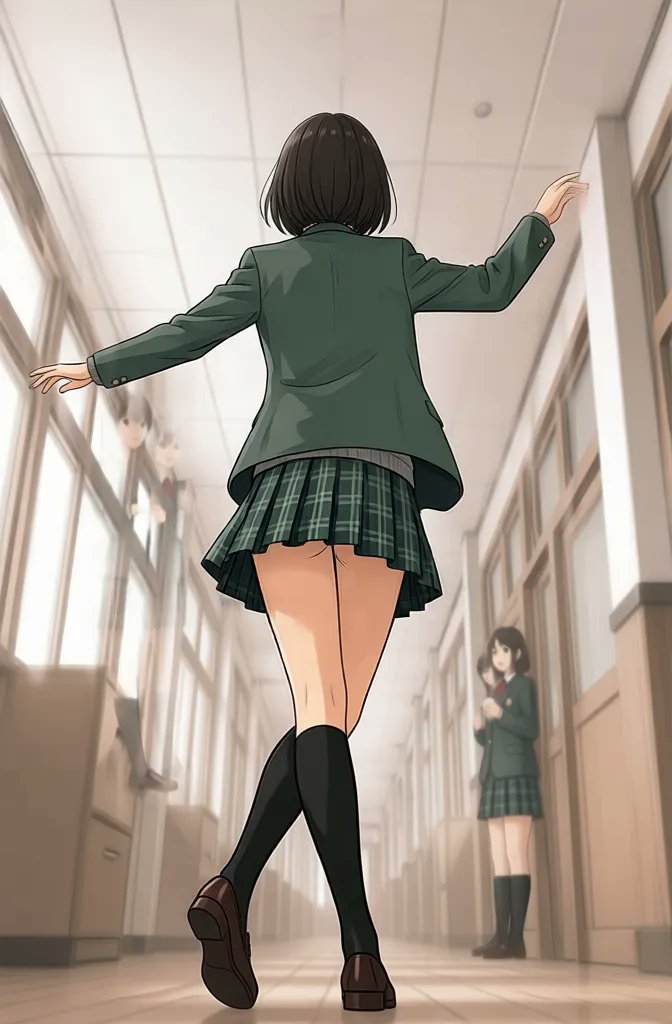
Why Use Qwen Image Edit Multiple Angles
Multi-view image editing with camera angle control
This page is strongest when the user intent is multi-view generation, not generic image editing. Qwen Image Edit Multiple Angles helps create front, side, back, high-angle, and low-angle results from one source image.
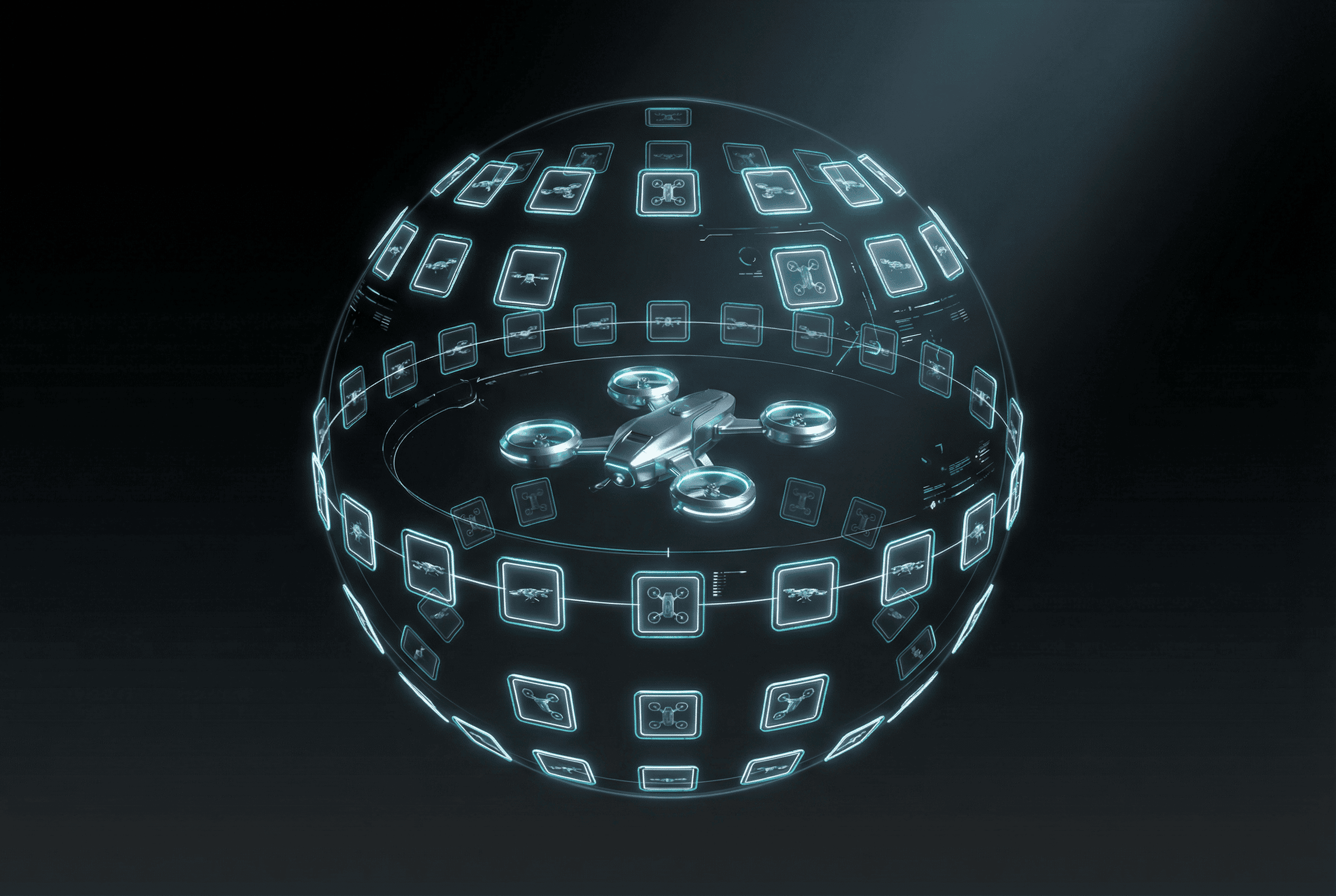
Built on Qwen-Image-Edit-2511
Use Qwen Image Edit when you need controlled image editing that preserves the subject while changing viewpoint, framing, and camera position.
Azimuth, Elevation, and Distance Control
Rotate around the subject horizontally, move the camera higher or lower, and change framing from close-up to wide. This is what makes the model suitable for real multi-view tasks.
Stable Multi-View Consistency
The model is designed to preserve subject structure across viewpoints, making it useful for turnarounds, product angle sets, and perspective exploration.
Useful for Products, Characters, and Concepts
Generate front, side, back, low-angle, and overhead views from one source image for product photography, character sheets, concept design, and ecommerce.
Multiple angles
Control the camera angle from one source image
Qwen Image Edit Multiple Angles creates consistent front, side, back, high-angle, and low-angle views from one image. Adjust azimuth, elevation, and distance to place the camera precisely.
Azimuth
Rotate horizontally around the subject to create front, three-quarter, side, or back views from one source image.
Elevation
Move the camera higher or lower for low-angle, eye-level, or top-down perspectives while keeping the subject consistent.
Distance
Change the framing from close-up to wide shots to show product details or explore the full scene with the same subject.
Best use cases
- Product photography with front, side, and detail views
- Character turnarounds and concept sheets
- Fashion and ecommerce angle exploration
- Multi-view ideation for game and 3D concepts
How it differs from standard image-to-image editing
Standard image-to-image tools usually focus on style transfer or broad edits. Qwen Image Edit Multiple Angles focuses on viewpoint control, helping you create consistent views from several camera angles using one image.
Prompt direction examples
Qwen Image Edit FAQ
Everything About Qwen Image Edit Multiple Angles
Learn how Qwen Image Edit works and how Qwen Image Edit Multiple Angles enables multi-view camera control from a single image.
Still have questions? Contact our support team
Start Creating Multi-View Images with Qwen
Try Qwen Image Edit Multiple Angles
Generate stable front, side, back, and angled results from one image with Qwen Image Edit Multiple Angles for product shots, character sheets, and camera exploration.
- Start from one image and build multiple viewpoints
- Rotate around your subject with controlled camera movement
- Use azimuth, elevation, and distance for stable framing
- Create product, character, and concept angle sets faster