Creator Guides

Guides

Explore practical guides, comparisons, and walkthroughs to help you choose the right AI tools, workflows, and platforms for what you want to create.

Start with the guides below for creator-focused advice, platform comparisons, and step-by-step workflow ideas. More guides will be added over time.

Showing 1-10 of 49 guides

Page 1 / 5

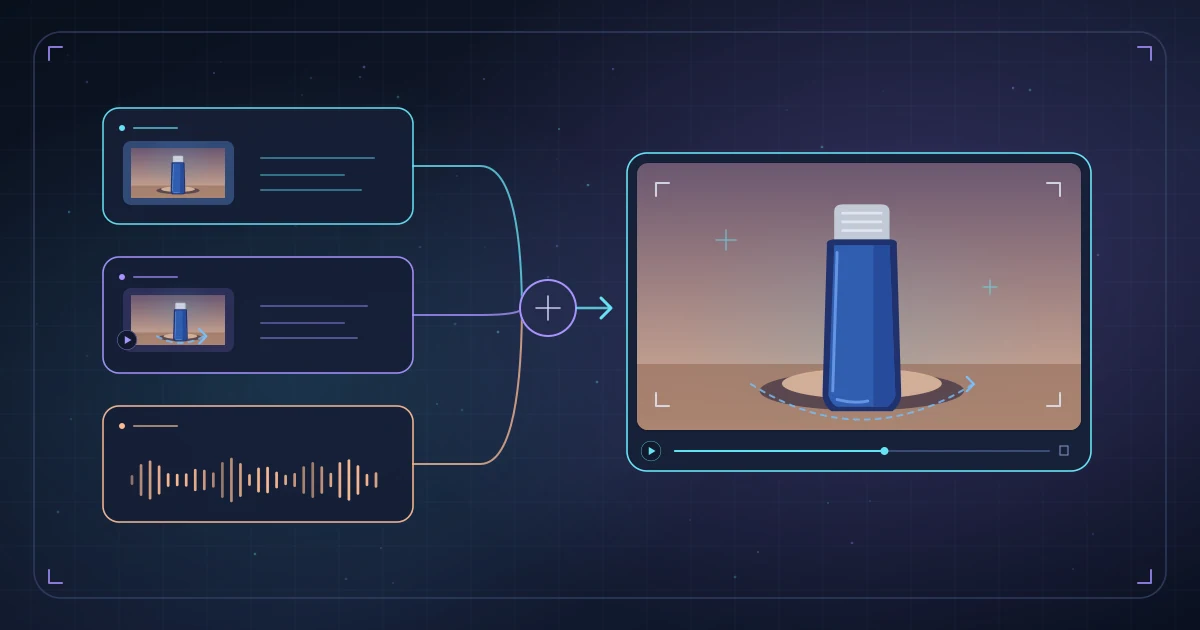
How to use image, video and audio references in AI video
Reference to video guide
Unbound AI Team•4 min read•2026-11-09

How to use image, video and audio references in AI video

Give each reference a job. Use an image for identity, a clip for motion and audio for timing, then see what to change when an AI video drifts.
How to extend an AI video without a visible cut
AI video extension guide
Unbound AI Team•4 min read•2026-11-09

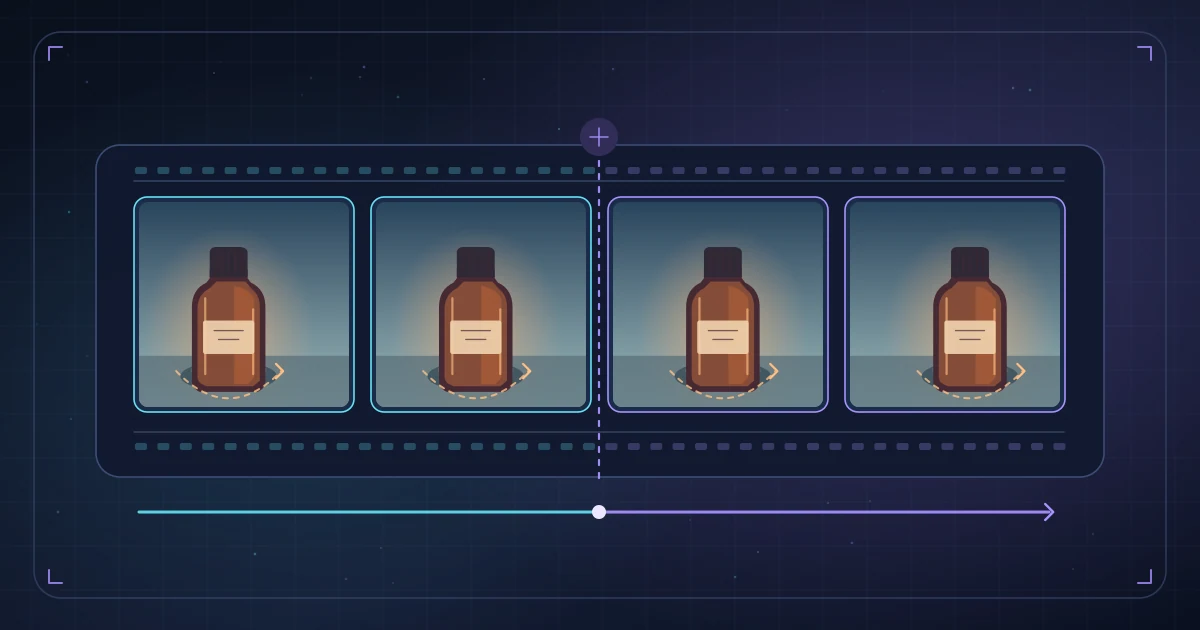
How to extend an AI video without a visible cut

Choose a clean ending, write the next beat and compare the join. Extend a short AI clip while keeping the subject, camera and sound consistent.

How to face swap a video with multiple shots
Video face swap guide
Unbound AI Team•4 min read•2026-11-09

How to face swap a video with multiple shots

Choose a clean source portrait, split a video at hard cuts and check how the face holds through turns and occlusion before stitching the shots together.

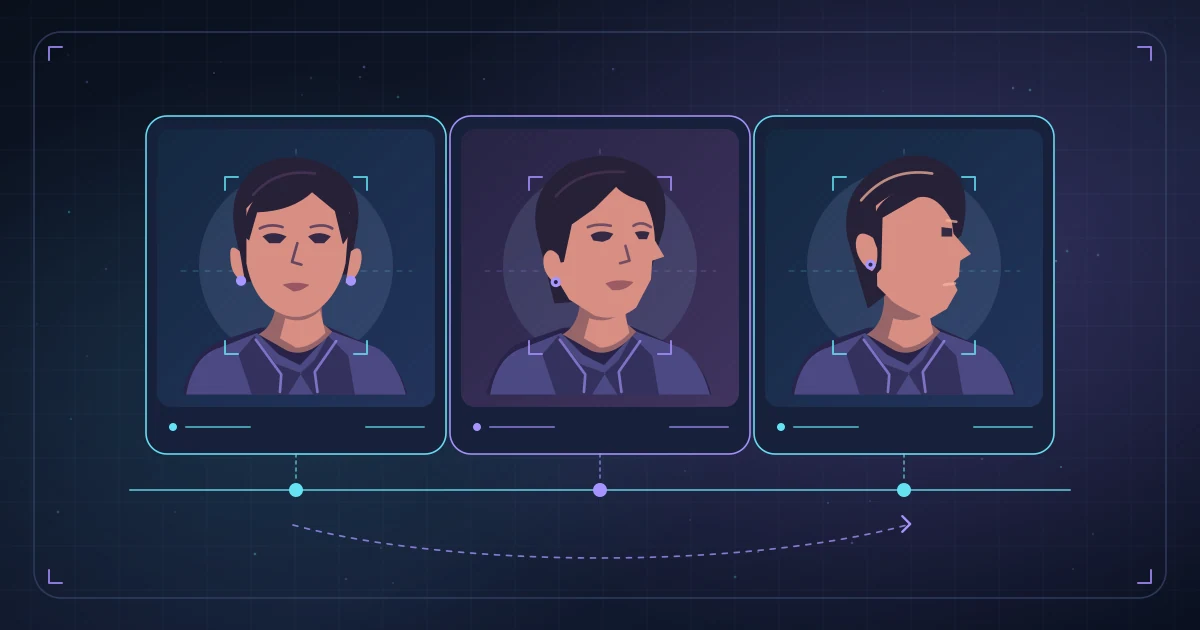
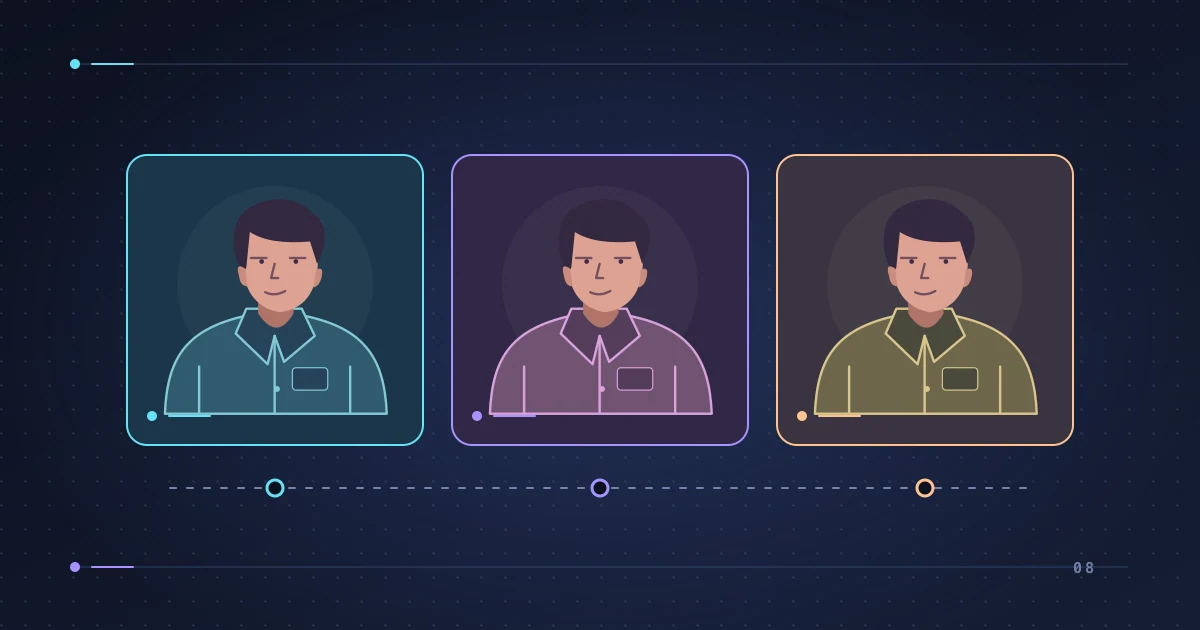
How to make a consistent AI character reference sheet
Character reference workflow
Unbound AI Team•4 min read•2026-11-09

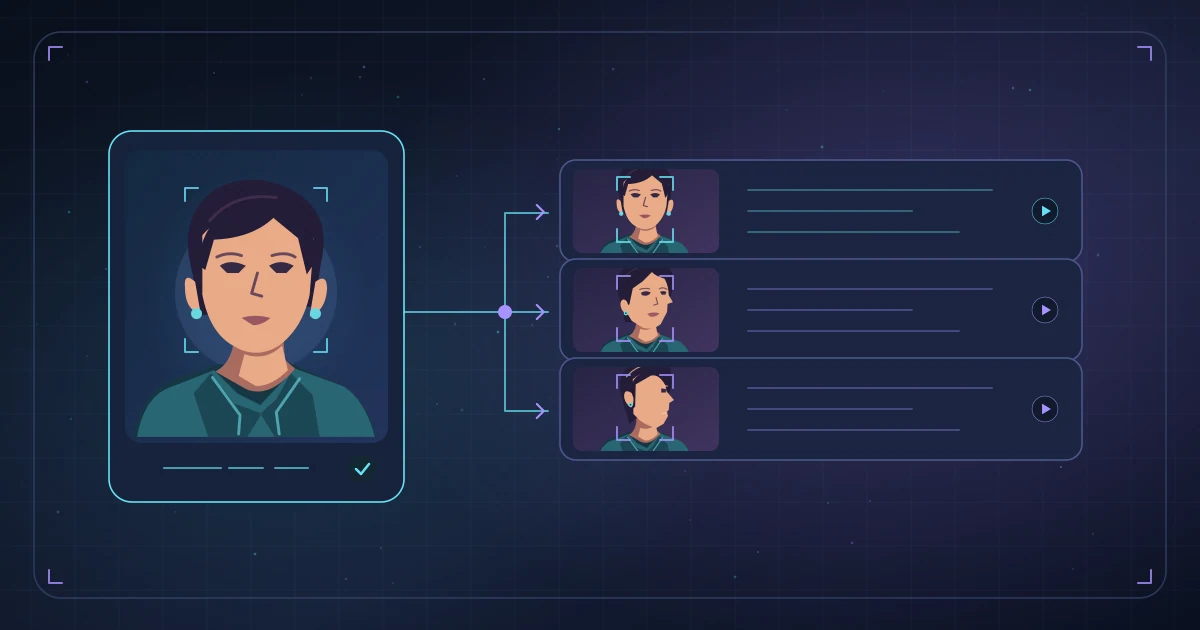
How to make a consistent AI character reference sheet

Build front, three-quarter and profile portraits from one source image. Compare the same face across angles, then try a short motion test.

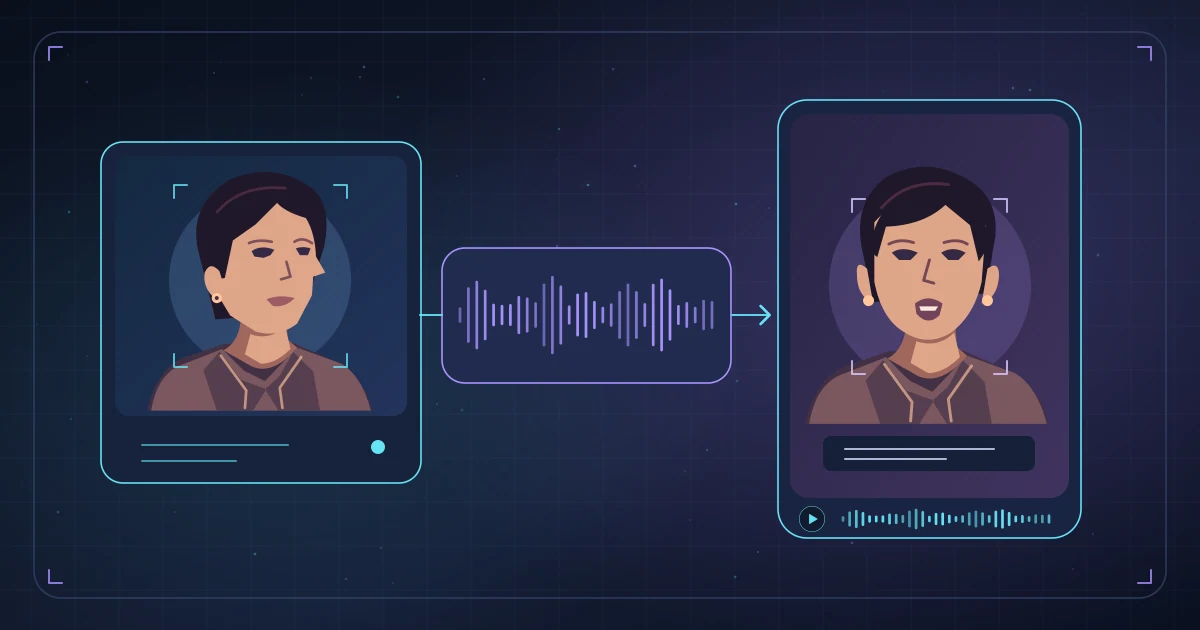
How to turn a photo and audio into a talking video
Talking photo workflow
Unbound AI Team•4 min read•2026-11-09

How to turn a photo and audio into a talking video

Pair a clear portrait with a short voice recording. Pick a lip sync model, check the consonants and fix timing before exporting a longer talking photo.

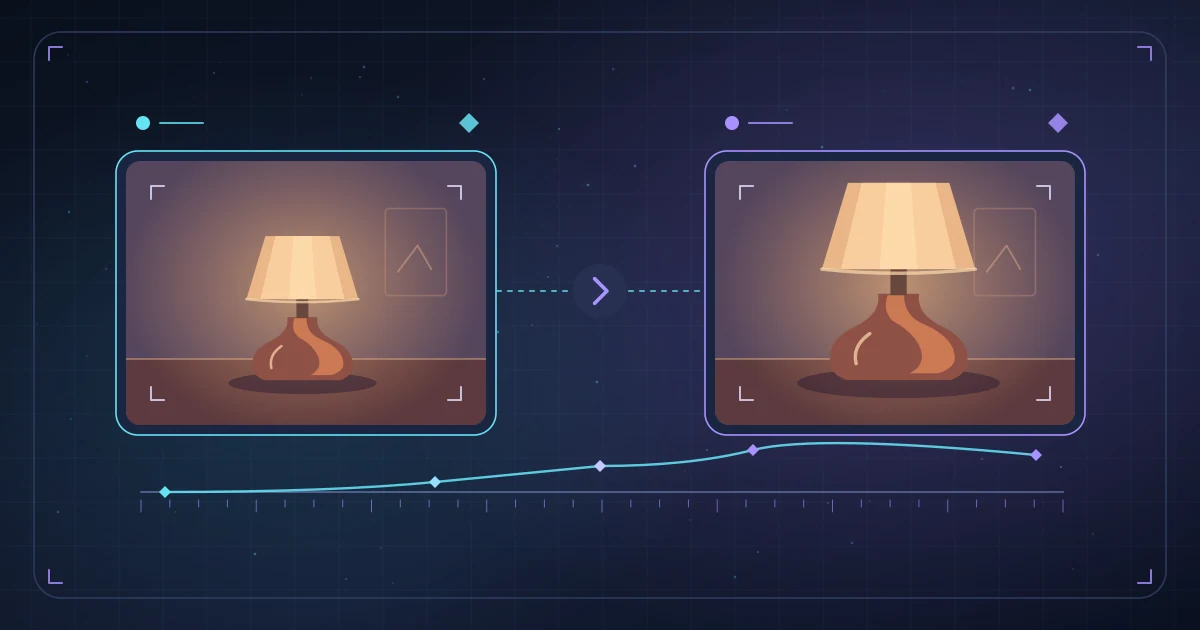
How to use first and last frames in AI video
First and last frame guide
Unbound AI Team•4 min read•2026-11-09

How to use first and last frames in AI video

Set an opening and ending image, then describe the movement between them. Use two compatible frames to guide an AI camera move or transition.

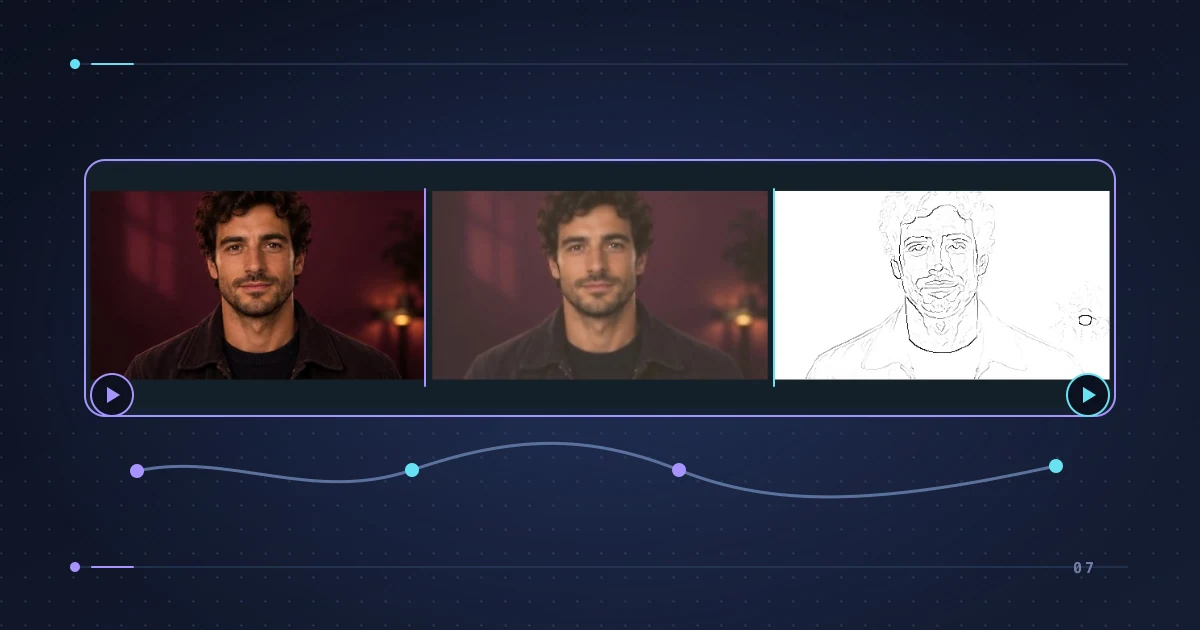
How to Restyle a Video While Keeping Its Motion
Video-to-video guide
Unbound AI Team•4 min read•2026-11-09

How to Restyle a Video While Keeping Its Motion

Use AI video-to-video editing to restyle an existing clip. Try two style prompts, compare the same moments and catch motion or framing drift.

How to Change Outfits While Keeping the Same AI Character
AI outfit editing guide
Unbound AI Team•4 min read•2026-11-09

How to Change Outfits While Keeping the Same AI Character

Build a consistent AI lookbook from one character reference. Try three outfit prompts and check the face, pose, lighting and garment details.

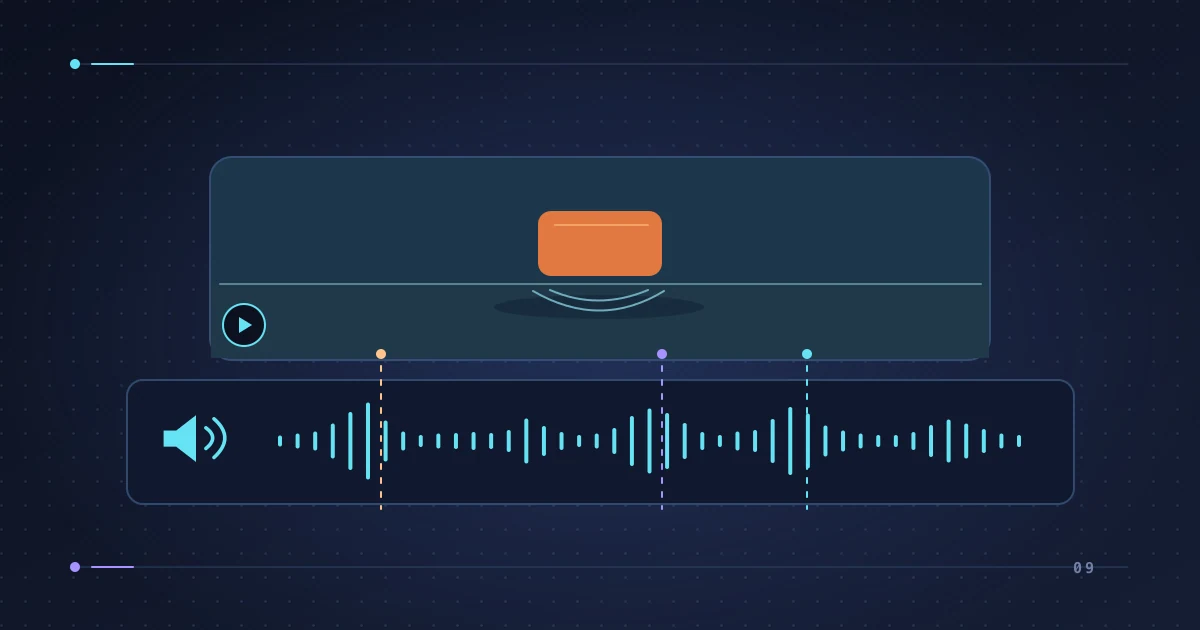
How to Add Sound Effects to a Silent AI Video
AI sound effects guide
Unbound AI Team•4 min read•2026-11-09

How to Add Sound Effects to a Silent AI Video

Add footsteps, object sounds and ambience to a silent clip. Learn how to cue the action, write a sound prompt and check timing against the picture.

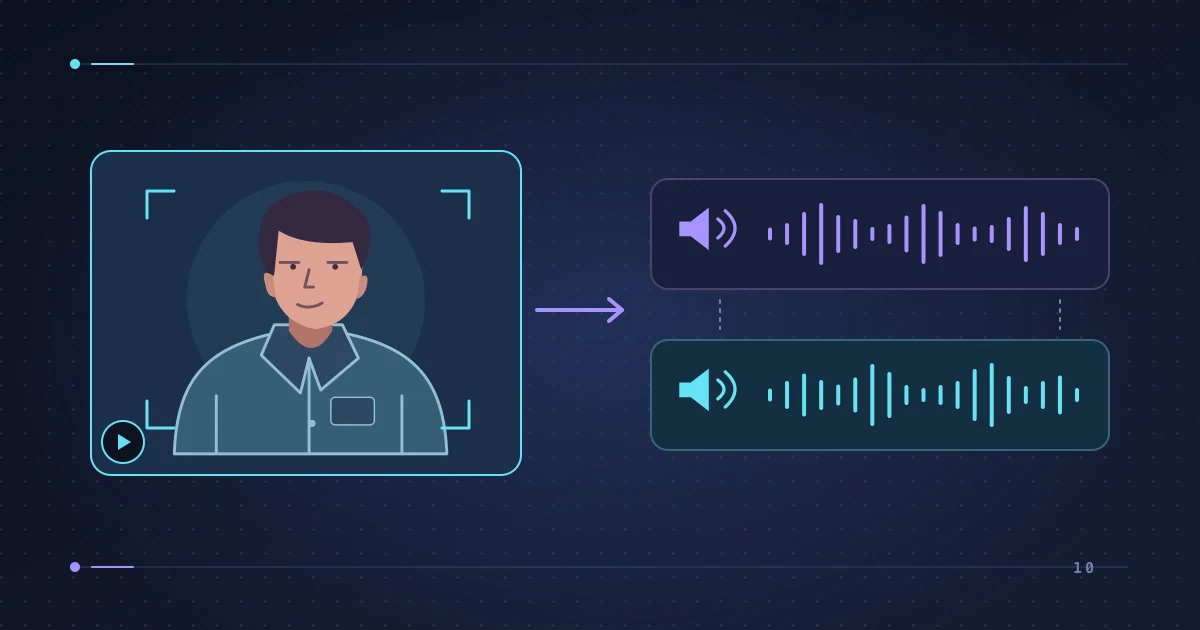
How to Dub a Video and Sync the New Voice to a Portrait
Video dubbing guide
Unbound AI Team•4 min read•2026-11-09

How to Dub a Video and Sync the New Voice to a Portrait

Translate a short video with AI dubbing, check the new voice against the source, and use the translated audio to make a separate lip-synced portrait.