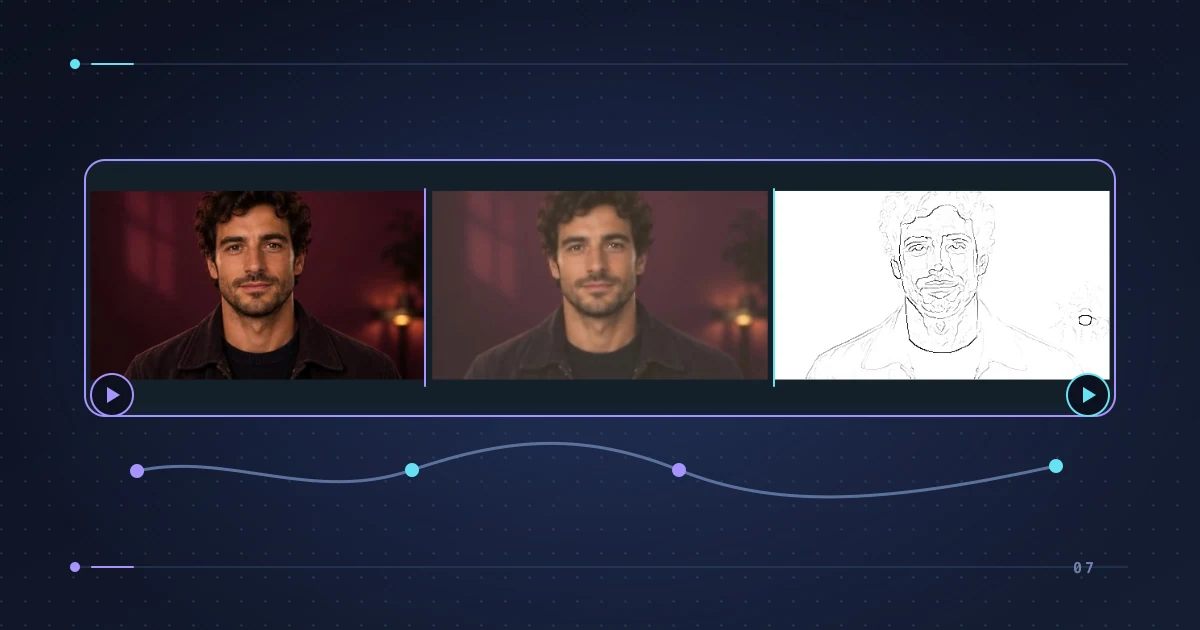
Choose a shot with one readable action
Pick an uninterrupted shot you can describe in one sentence. A subject passing across the frame, a camera sliding past a tabletop object, or a slow turn gives you a clear motion path to follow. Leave some space around the moving subject so you can see if the crop shifts.
Play the original once and mark three moments you can easily find again. Choose a starting position, the most distinct action and the final position. An editor timestamp or a quick frame grab is enough. Keep the source file handy while you review.
Open Video to Video, add the clip and choose a model with settings that suit its duration and framing. For a first comparison, use the same model, input and output settings in both runs. Vary just the visual instruction.
How to compare the motion
Two prompts for the same clip
The first sentence describes the look. The remaining sentences define the parts of the source to carry through.
| Style | Prompt to try | What to look for |
|---|---|---|
| Soft illustration | Restyle the clip as a soft watercolor illustration with a restrained palette and visible paper texture. Follow the source subject’s path and speed. Keep the original camera angle and framing. | Check whether the subject takes the same path through the frame. |
| Graphic ink | Convert the clip to a high-contrast ink illustration with clean silhouettes and a deep blue accent. Keep the source movement, camera trajectory and timing. Preserve the positions of the main objects. | Check whether the outlines stay stable around the fastest part of the motion. |
Review the three moments before exporting
| When | Look at | Adjustment for the next pass |
|---|---|---|
| Beginning | Subject position, camera angle and visible props. | Keep the original composition and scale explicit in the prompt. |
| Main action | Direction, pose and whether the subject passes the same landmark. | Trim around the main action or choose a clip with fewer overlapping objects. |
| Ending | Where the action lands and how the image holds after it. | Keep the final pose in the prompt. Compare duration before joining the clip to another shot. |
Fix the first change you can see
If the camera suddenly pushes in, remove conflicting style words such as “dramatic angle” or “dynamic framing”. If the subject’s features drift, dial back heavy texture around the face and keep the same reference on models that accept one.
If a source caption or logo has to stay legible, prepare a clean clip and restore the overlay in your editor after the restyle. Listen to the exported preview before using it in a mix, especially when the original has dialogue or ambient sound.
Frequently asked questions
Can the AI match every source frame?
A generative restyle can vary timing and details. Review the source and the edit side by side. For a colour-only change with exact frame timing, use a video editor’s grading tools.
Which tool fits a new scene based on the same movement?
Use Reference to Video if you want a new shot guided by a source motion clip. Use Video to Video when you want the original shot itself to guide the edit.
Next step
Open Video to Video
Upload a short source clip and describe a single visual change for your first pass.