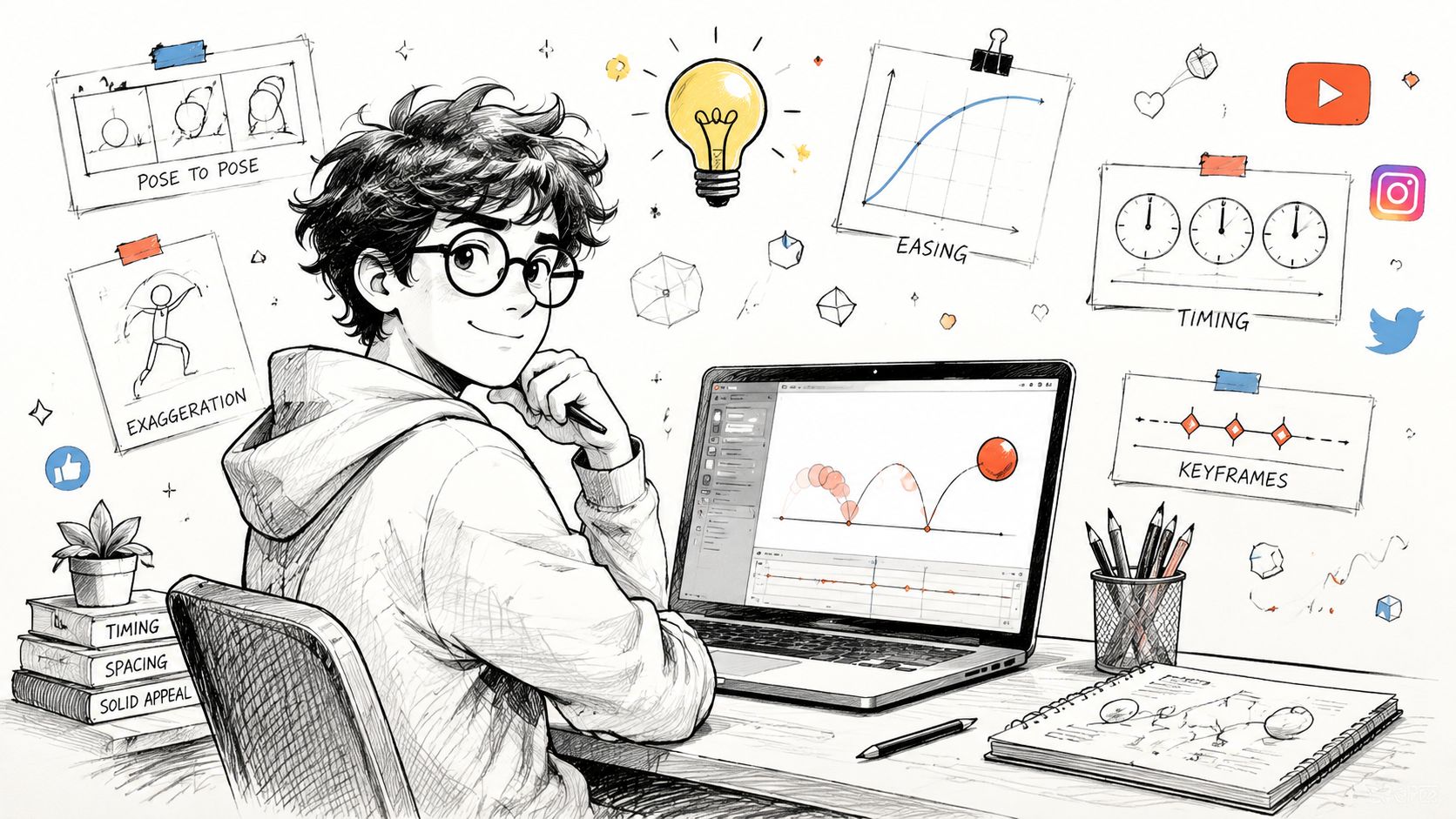
Animation can look inaccessible when your first encounter is a professional timeline full of keyframes, curves, layers, and unfamiliar controls. That is a real production method, but it is not the only useful starting point. If your goal is a social post, a product reveal, a short explainer, or a simple visual story, you can learn faster by directing one clear movement and finishing a small clip.
AI changes the beginner's role. You do not have to construct every frame by hand; you describe the subject, action, timing, visual style, and camera behavior, then judge and refine the generated motion. The craft still matters, but the first lesson becomes much more practical: turn one idea into one short, publishable animation.
Start with One Idea and One Action
“How do I learn animation?” is too broad to guide a first session. A better question is: “What single idea can I turn into a five-second clip today?”
That smaller target creates a useful micro-win. A café could animate steam rising from a cup. A product brand could reveal a package with a slow rotation. A coach could make a headline land with a confident rhythm. A teacher could move one part of a diagram so the relationship is easier to understand.
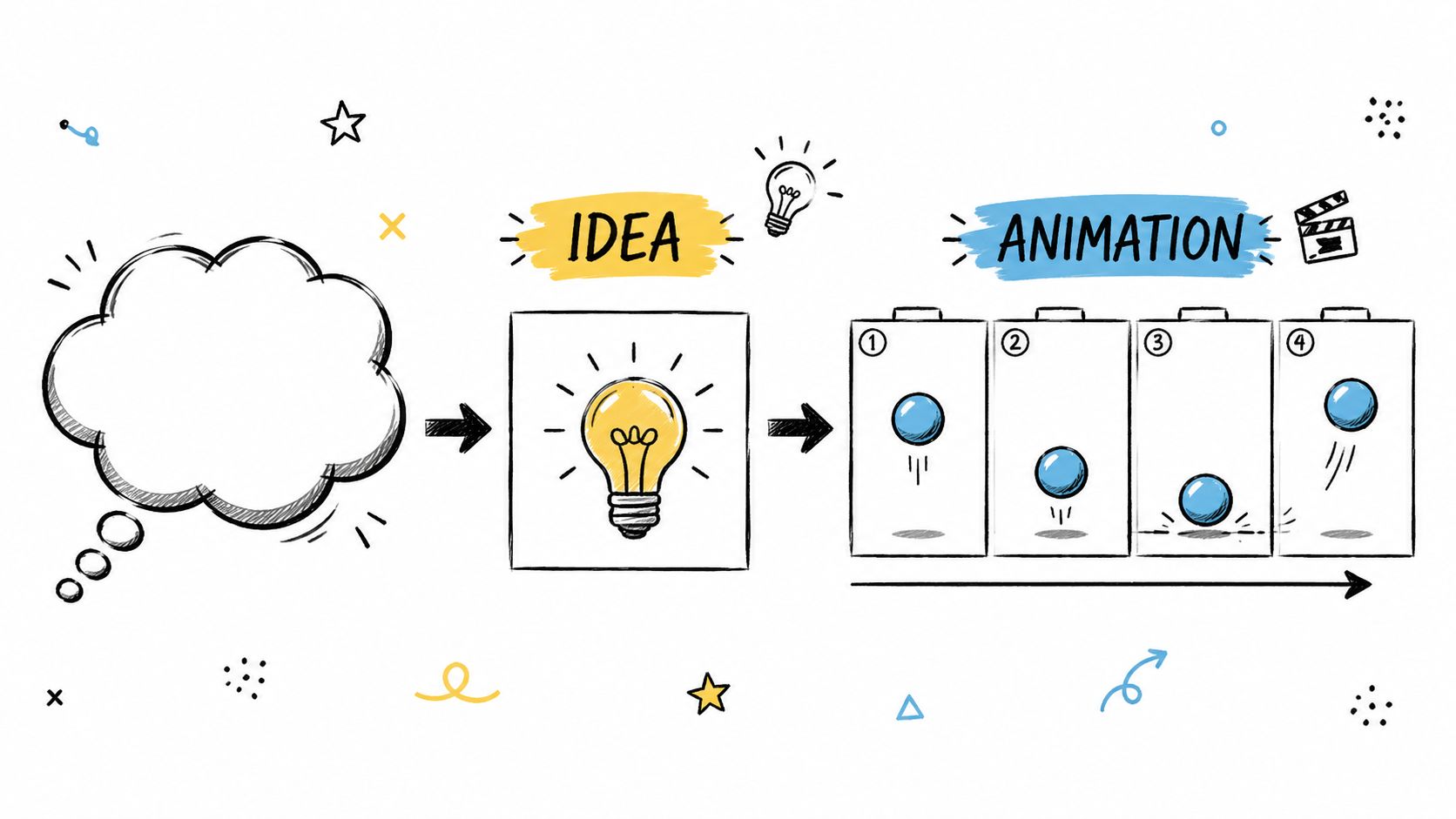
The important constraint is one dominant action. A short loop, moving title card, floating product, or subtle photo animation is easier to direct than a scene containing several characters, dialogue, props, camera moves, and effects. Finishing a small project teaches you more than leaving an ambitious one half-built.
Think of animation as communication before you think of it as technical performance. A social clip succeeds when viewers quickly notice the right element, understand the message, and remember the visual. Clarity and intent matter more than showing every technique at once.
Four Animation Principles That Improve AI Results
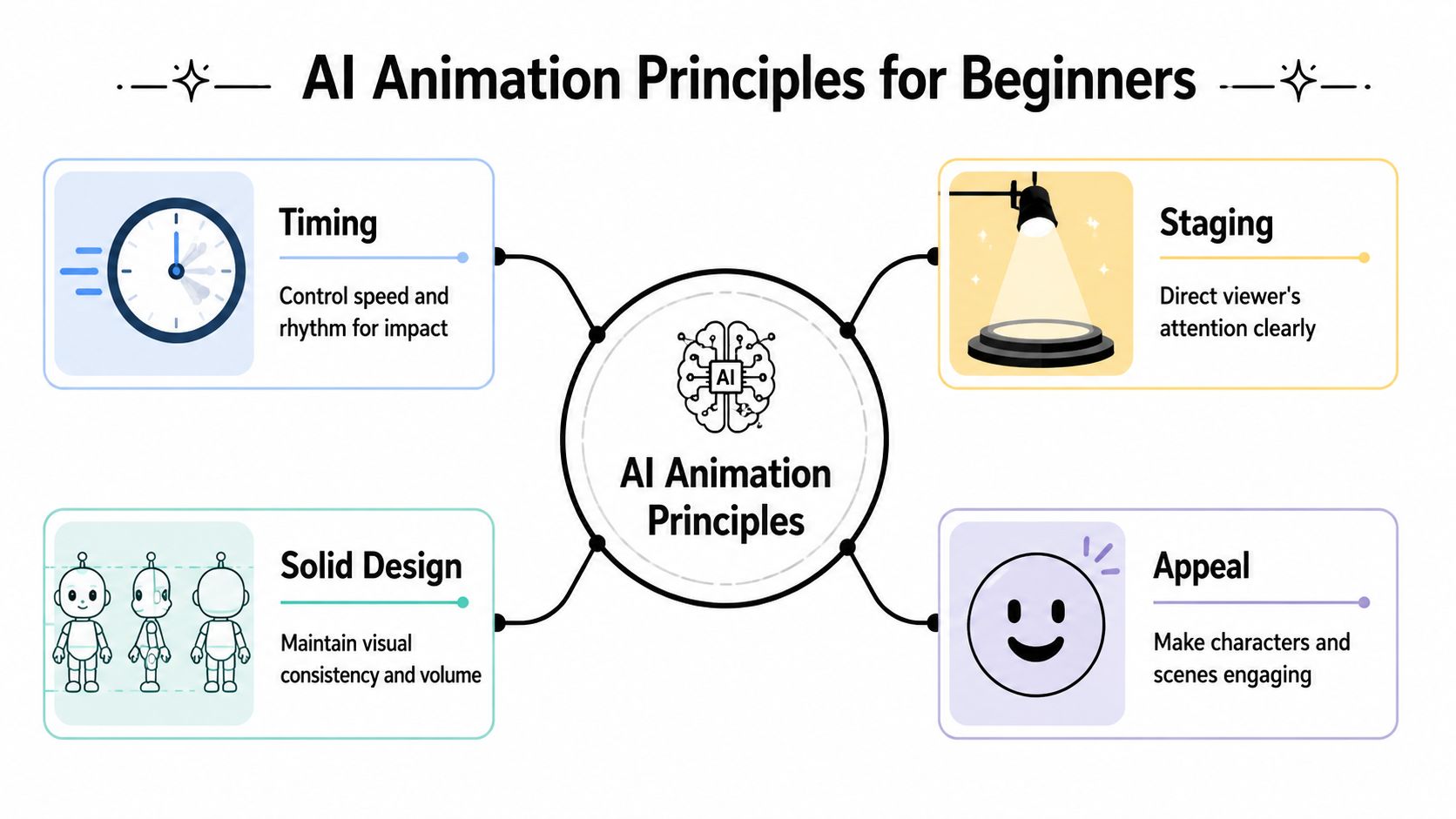
You do not need to memorize every classical animation principle before generating a useful clip. Start with timing, spacing, easing, and staging. These ideas give you better prompt language and a clearer way to diagnose weak motion.
1. Timing changes personality and weight
Timing is the duration of an action. A fast drop and sharp rebound can make an object feel light and springy. A slower fall, a stronger pause near impact, and a small rebound suggest more weight. The same product rotation can feel chaotic when it rushes and premium when it turns deliberately and settles cleanly.
When planning a prompt, do not stop at “what moves?” Ask:
- How quickly does the action begin?
- Does it accelerate, remain steady, or slow down?
- Where should the viewer feel a pause?
- How should the motion end?
Traditional animation often uses 24 frames per second as a production reference, and “animating on twos” holds each drawing for two frames. AI generation may hide that frame-by-frame work, but the lesson remains useful: perceived smoothness comes from how motion changes over time, not simply from adding more frames or activity.
2. Spacing controls perceived speed
Spacing describes how far an object travels between moments. Wide gaps make it appear to move quickly; close gaps make it appear to creep. Changing the gaps creates acceleration and deceleration.
This is why perfectly uniform motion often feels mechanical. Real objects usually build speed, lose speed, change direction, and settle. If a title slides into frame, a quick entrance followed by a gentle stop feels more intentional than constant-speed movement that halts abruptly.
When a result looks artificial, ask whether it needs a clearer start, a softer stop, or less uniform movement in the middle.
3. Easing makes starts and stops believable
Easing is the gradual change of speed around an action. You can request it in plain language:
- “The product rotates slowly and settles with a soft, natural stop.”
- “The ball accelerates downward, compresses slightly on impact, then loses height with each bounce.”
- “The headline enters quickly, eases into position, and remains still long enough to read.”
These directions are more useful than asking for “smooth animation” because they identify where the smoothness should appear.
4. Staging decides where viewers look
Staging means controlling attention. AI can produce a visually busy scene quickly, but extra motion can bury the message. For a short social clip, good staging usually includes one focal point, readable text, sufficient contrast, and a background that supports rather than competes.
If everything moves at once, nothing feels important. Decide what the viewer should notice first, what can move later, and what should remain still.
Build Your First AI Animation in Passes
A bouncing ball remains an excellent beginner project because it exposes timing, spacing, arcs, weight, and looping in a single action. It is not the only option, though. You could also begin with:
- A floating product shot with a gentle camera push-in
- A pulsing text hook designed for a vertical social post
- A portrait with subtle hair, fabric, smoke, or light movement
- A logo or icon that enters, settles, and loops cleanly
Keep the first version around five seconds. A short duration reduces the number of decisions, makes reruns less painful, and forces you to focus on the central motion.
Write prompts about motion, not only appearance
“Red ball on a white background” describes a still image. A motion-oriented version would be: “A simple red ball bounces on a clean white background with believable gravity, a clear arc, slight squash on impact, decreasing bounce height, and a seamless five-second loop.”
The stronger prompt defines:
- The subject
- The action
- The physical or emotional quality of the motion
- The visual constraints
- The desired ending or loop
For an image-led animation, add directions such as “subtle cloth movement,” “slow camera push-in,” “soft blinking lights,” or “gentle rotation with clean easing.” Avoid combining too many of these in the first attempt.
Use one diagnostic question per pass
Do not expect the first render to be final. Treat it as evidence. In the first pass, ask only whether the main action works. For a bouncing ball, check that it follows a plausible arc, stays in position, and does not cut abruptly at the loop point.
Then adjust one variable at a time:
- Motion is too light: request a heavier drop and smaller rebound.
- The path wanders: request a fixed camera and centered vertical arc.
- The loop jumps: describe matching start and end positions.
- The scene jitters: simplify the background and reduce secondary motion.
Changing one variable lets you understand which instruction improved the result. Rewriting subject, camera, pacing, and style together makes the comparison much less useful.
Refine appearance after motion works
Once the action is stable, improve lighting, palette, contrast, and composition. Check the result on a phone-sized screen. Fine detail disappears on mobile, while a readable silhouette and bold contrast survive.
If you cannot tell what moved or why it mattered in the first second, simplify again. A shareable first project is more valuable than an unfinished attempt at perfection.
Use real-world reference when motion feels wrong
Record a quick phone clip or act out the movement. Drop a pen, toss a ball, move a box by hand, or watch fabric settle. Reference reveals where speed changes, where an object pauses, and how secondary motion follows the main action. Even a rough observation can produce more precise prompt language.
Think Like a Motion Designer for Marketing
Decoration asks, “How can I make this move?” Motion design asks, “How can movement guide the message?” That distinction is especially important in short-form marketing, where viewers decide quickly whether to keep watching.
Before generating a promotional animation, answer four questions:
- What is the single takeaway?
- What must viewers notice first?
- Which element should move, and which should remain still?
- What emotional quality fits the offer?
A skincare brand might choose slow motion, soft light, and calm transitions. A gaming accessory could use sharper entrances and more energetic pacing. A course creator may benefit from animated text beats and simple diagrams rather than a cinematic character scene.
Professional-looking motion is often restrained. Text should remain on screen long enough to read. A product should move to reveal shape or detail, not spin without purpose. Background activity should establish atmosphere without stealing attention. Repeating a consistent motion language across posts also helps the brand feel coherent.
Common Beginner Mistakes and How to Fix Them
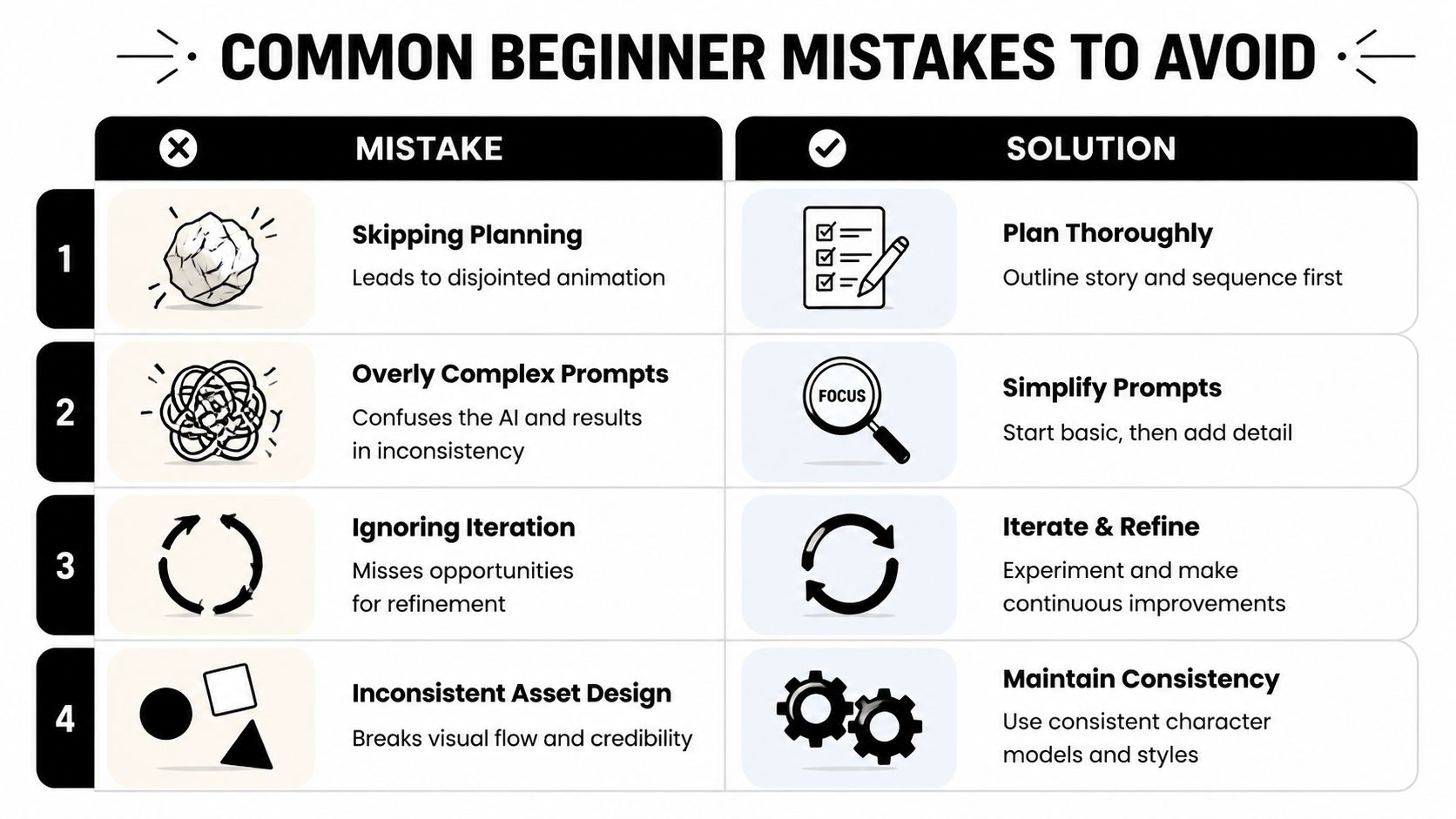
AI removes manual steps, but it does not remove the need for planning. Most unstable results begin with an overloaded or vague direction.
Skipping a simple storyboard
Your storyboard can be three boxes on paper:
- Start: What appears first?
- Middle: What changes?
- End: Where does the motion land?
This small plan gives the prompt a spine and exposes whether you are trying to fit too much into one clip.
Asking for too much at once
Multiple characters, dramatic camera motion, text overlays, complex effects, and several actions create too many opportunities for inconsistency. Begin with one subject, one action, one camera instruction, and one style. Add complexity only after the base clip works.
Treating the first output as a verdict
The first generation is a draft, not a measure of talent. Diagnose it with concrete language: too fast, too noisy, weak focal point, abrupt ending, inconsistent object shape, or camera drift. Then make a focused correction.
Letting visual assets fight each other
Text, product imagery, background, and effects should share a compatible palette, lighting direction, and level of detail. If each element suggests a different style, the viewer feels the mismatch even when each asset looks good on its own.
Waiting until you know everything
Research has diminishing returns when it prevents publishing. Finish a small clip, watch it in context, note what feels unclear, and use that observation in the next project. A sequence of completed exercises builds judgment faster than an endless search for the perfect setup.
Export Settings for Social Media
Export should protect the composition you already created. Use a vertical 9:16 layout for TikTok, Instagram Reels, and YouTube Shorts unless the content specifically benefits from another format. Keep the main subject and important text away from interface-covered edges.
Before publishing, run this checklist:
- Text is readable on a phone without pausing.
- The subject remains inside the safe viewing area.
- The opening second establishes the idea.
- The animation ends cleanly or loops intentionally.
- The duration matches the amount of information.
- A final phone preview shows no unexpected crop or compression problem.
Do not let codec comparisons become the new form of procrastination. Framing, pacing, readability, and a clear first moment usually matter more to a beginner than marginal export optimizations.
A Repeatable Beginner Workflow
Use this compact process for your next VideoAny project:
- Define one message and one primary action.
- Sketch the start, middle, and end states.
- Write a prompt that describes timing, motion quality, camera behavior, and visual constraints.
- Generate a short first pass and judge only the core movement.
- Change one variable per revision.
- Refine style after the motion works.
- Preview on a phone, export, and publish.
You can begin a text- or image-led video workflow at VideoAny. The goal of the first project is not mastery. It is a clean, finished result that teaches you what to direct more clearly next time.
When you are ready to plan narration and visuals together, continue with the video script template workflow.
FAQs
Do I need drawing or editing experience to start?
No. Visual judgment helps, but a beginner can start by describing a simple subject and action, then learning to evaluate timing, spacing, staging, and consistency through short iterations.
What is the best first animation exercise?
A five-second bouncing ball loop is useful because it makes weight, arcs, timing, spacing, impact, and looping easy to observe. A floating product or subtle photo animation can teach the same habits in a more brand-specific context.
Why does AI-generated motion look unnatural?
Common causes include uniform speed, unclear starts and stops, too many competing actions, camera drift, and vague prompt language. Simplify the scene and correct one issue at a time.
How many versions should I generate?
There is no fixed number. Stop when the core action is clear, the subject remains consistent, and the clip communicates its purpose. Focused revisions are more useful than generating many nearly identical versions.
Should I add more motion to make a clip engaging?
Not automatically. One well-staged movement often holds attention better than several unrelated effects. Add secondary motion only when it supports the focal point or message.