Categories: AI Video Workflow, Creator Strategy, Production Process
Tags: unboundai, ai creation studio, ai video workflow, content strategy, creator toolkit
Introduction
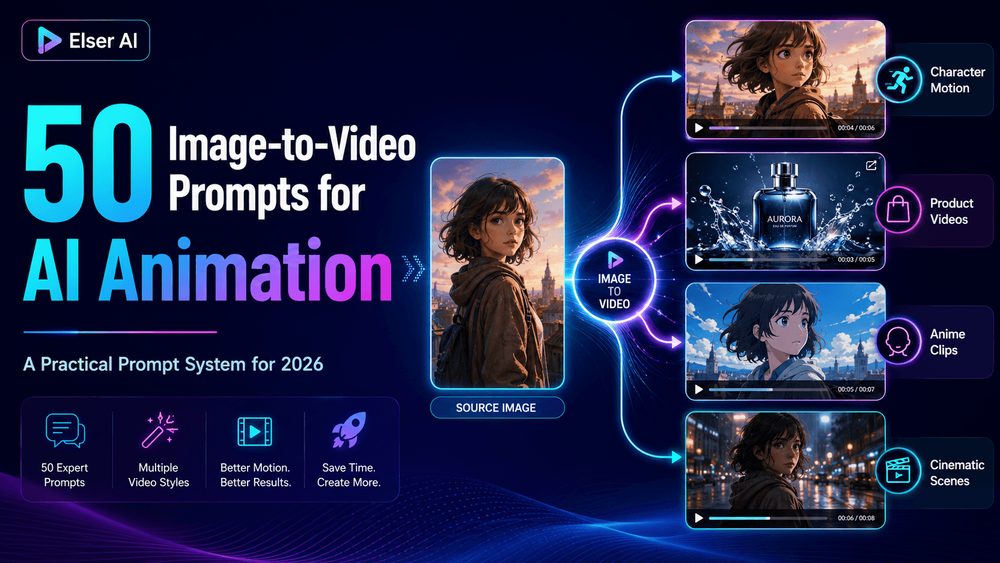
Image-to-video works best when the source image remains the anchor. The prompt should animate the image, not reinvent it. That means preserving identity, product shape, outfit, style, colors, and composition while adding only the motion the scene needs.
Use the prompts below as a system: define what must stay unchanged, choose one motion direction, then add camera and lighting constraints.
Image-to-Video Prompt System
1) Image-to-Video Prompts for AI Animation
Image-to-video has quietly become one of the most useful workflows in AI content creation. Text-to-video is exciting, of course, but image-to-video gives creators something text alone often cannot: a stable visual starting point.
2) How to Use These Image-to-Video Prompts
“Animate the source image with [specific motion]. Preserve [identity/product/style details]. Camera: [movement]. Lighting: [mood]. Keep the output stable. Do not change [critical elements].”
3) Character Animation Prompts
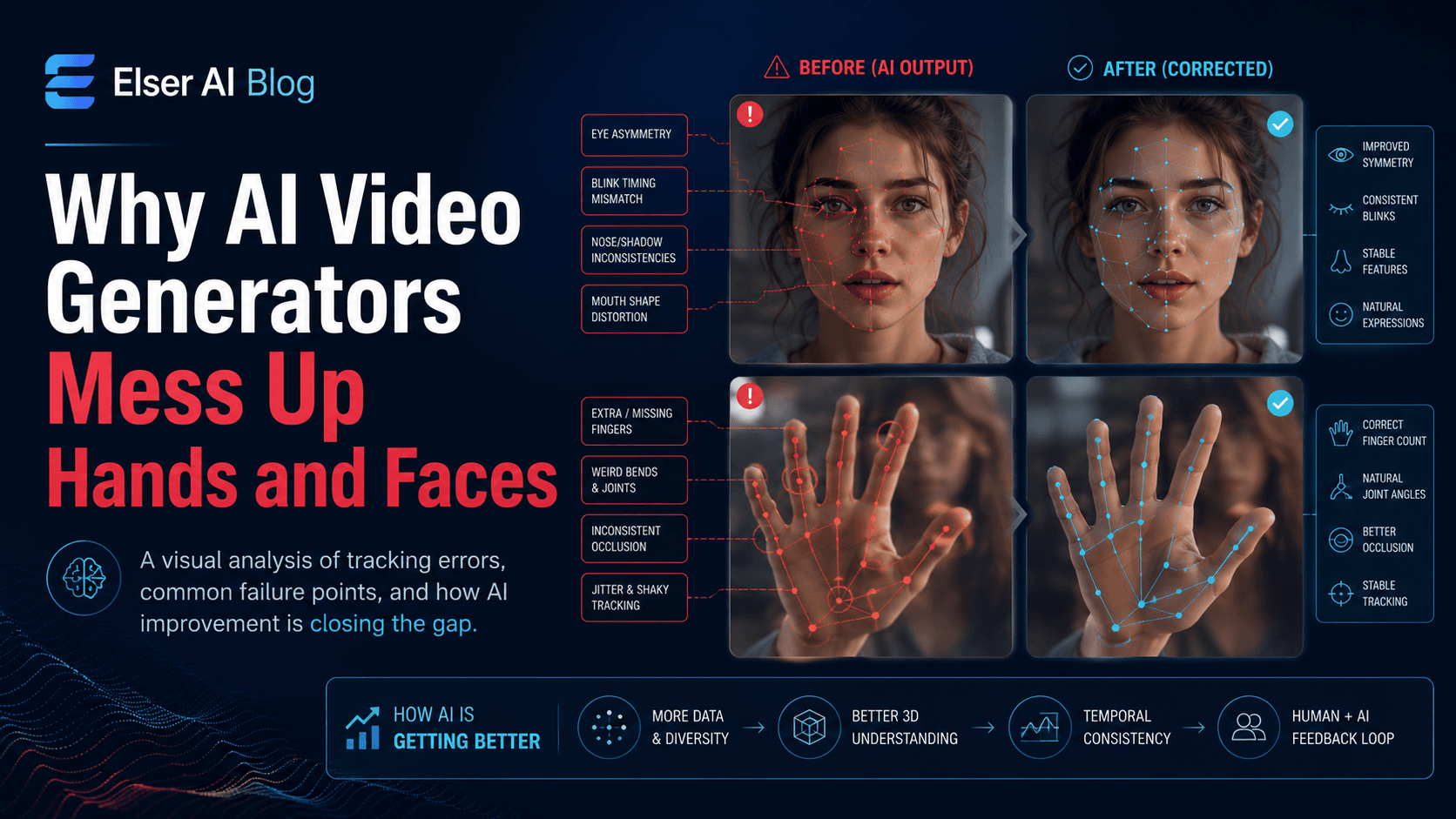
“Animate the source image with subtle breathing, soft blinking, and a gentle head movement. Preserve the exact face, hairstyle, outfit, body proportions, and original art style. Keep the camera stable and the lighting unchanged.”
4) Cinematic Image-to-Video Prompts
“Animate the image with a slow cinematic camera push-in toward the subject. Keep the subject stable and preserve all identity or product details. Use shallow depth of field and soft background motion.”
5) Product Photo to Video Prompts
“Turn the product photo into a clean ecommerce product video. Keep the product shape, logo, label, color, packaging, and material exactly the same. Use a slow camera push-in, soft studio lighting, and realistic shadows.”
6) Anime and Illustration Animation Prompts
“Animate the anime illustration with a slow push-in toward the character’s face. Preserve the exact anime art style, eye design, hairstyle, outfit, and color palette.”
7) Social Media and Short-Form Prompts
“Create a vertical 9:16 short-form video from the image. Use a fast but smooth camera push-in during the first second. Preserve the subject identity and leave space for captions.”
8) How to Turn These Prompts into a Real Workflow
The best way to use these prompts is not to copy all 50 randomly. Pick one source image and test three controlled motion directions: one subtle, one cinematic, and one social-first.
9) Final Thoughts
Image-to-video AI is powerful because it starts from something concrete. A source image gives the model a visual anchor, but the prompt determines whether that anchor stays stable or gets lost.
How to Build a Practical Prompt Workflow
For each source image, make three controlled variants: subtle motion, cinematic motion, and social-first motion. Keep the preservation block identical across all three. Only change the motion, camera, and output format.
UnboundAI works well for this repeatable approach because you can keep image assets and prompt variants organized around the same creative idea. That makes it easier to compare results instead of guessing which prompt caused the improvement.
Next Step
Use UnboundAI to turn this workflow into a repeatable video production process: https://unboundai.net
FAQs
What should every image-to-video prompt include?
Include the source image role, preserved details, motion direction, camera movement, lighting, and a list of things the model should not change.
Why does my image-to-video output change the subject?
The prompt may be too vague, the motion may be too complex, or the source image may not show the subject clearly enough.
How many prompt variants should I test first?
Start with three. One subtle version, one cinematic version, and one platform-specific version for vertical or short-form publishing.