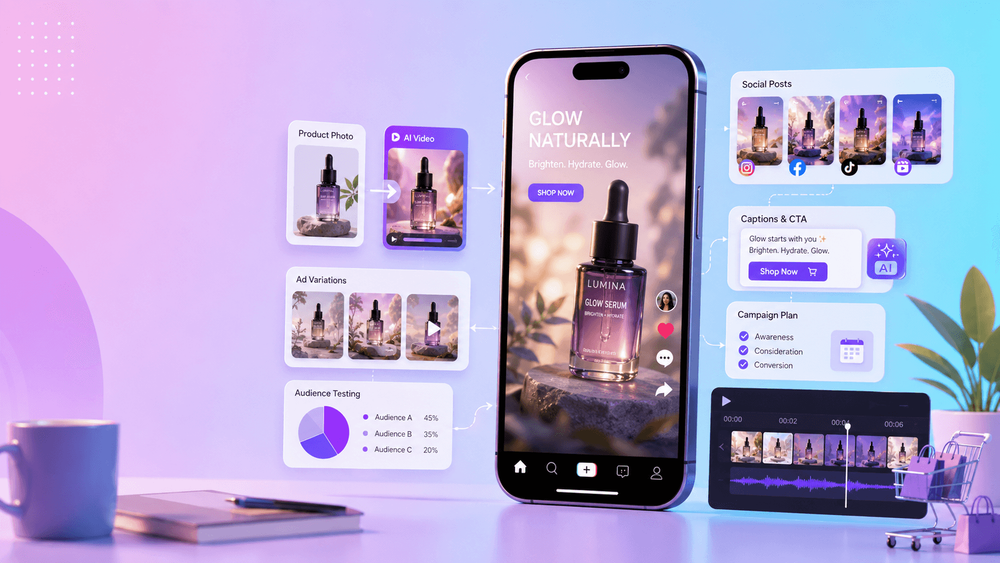
Marketing teams need more video than a traditional production calendar can comfortably supply. A single campaign may require a product reveal, TikTok and Reels cuts, YouTube Shorts, ecommerce assets, landing-page motion, localized variants, email loops, and fresh social content every week. Producing every version as a separate shoot is slow and expensive.
AI video tools can reduce that production pressure, but they do not replace campaign strategy. Their real value is helping teams animate existing assets, explore concepts earlier, build platform-specific variations, and test creative directions before spending heavily on final production.
The best tool is therefore not the one that makes the most spectacular demo. It is the one that moves a team from a clear brief to an editable, accurate, on-brand asset without weakening trust.
What Marketers Should Demand from AI Video Tools
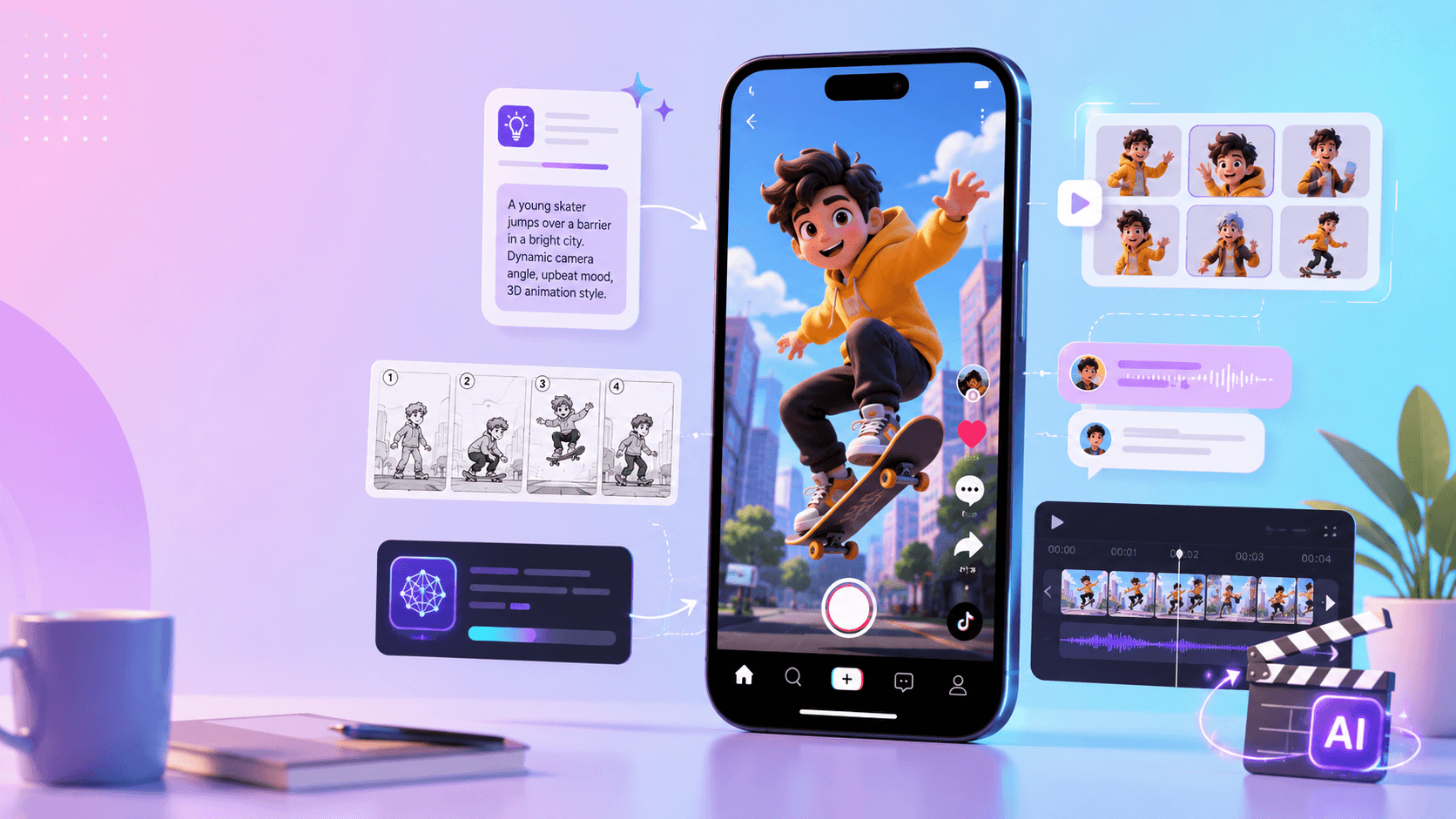
Commercial video has stricter requirements than a casual visual experiment. Evaluate every tool against the work it must survive after generation:
- Product fidelity: logos, labels, colors, materials, packaging, proportions, and important details must stay accurate.
- Brand control: palette, tone, pacing, typography, and visual references should remain consistent across outputs.
- Truthful communication: the video must not introduce unsupported product claims, results, or demonstrations.
- Platform fit: aspect ratio, duration, resolution, safe zones, and pacing must suit the intended channel.
- Editing flexibility: the team should be able to add captions, music, voiceover, brand elements, and a CTA without rebuilding the asset.
- Variation speed: generating another creative angle should be faster than restarting a full production.
- Commercial usability: rights, approved source assets, brand safety, privacy, and internal review requirements must be clear enough for the campaign.
- Human review: product experts, legal reviewers, and local-market teams still need a reliable approval point.
For short-form platforms, “vertical” is only the beginning. Keep essential text and product details away from interface overlays, make the opening readable without context, and design for sound-on and captioned viewing. Always confirm the current specifications and advertising policies of the channel before export.
Use Image-to-Video for Product Ads
Product ads are one of the clearest AI video use cases because marketers already own useful inputs: packshots, packaging photos, lifestyle photography, campaign copy, and brand guidelines. Image-to-video can turn a static reference into a studio reveal, slow push-in, seasonal scene, lifestyle moment, or short landing-page loop.
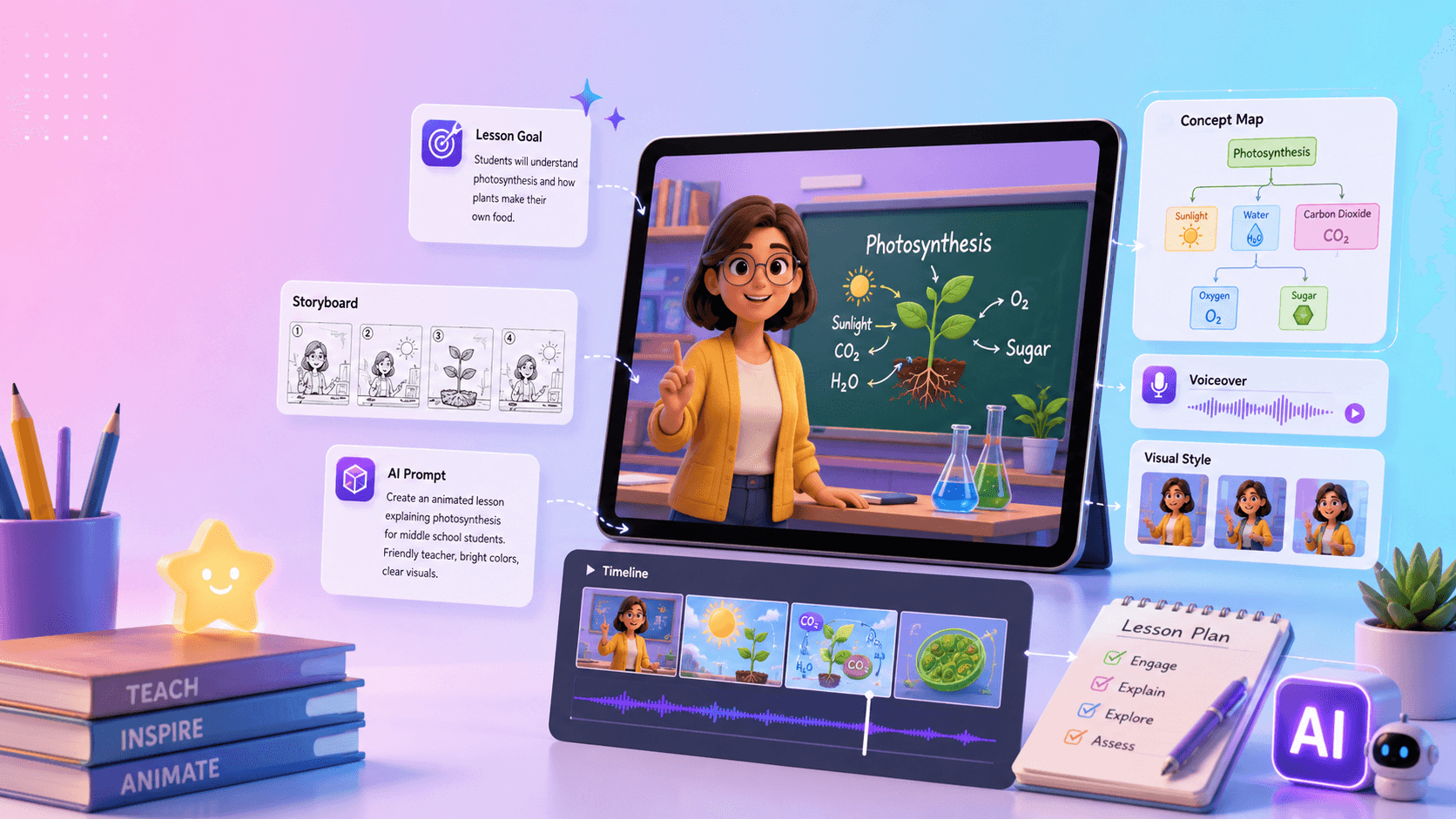
Preservation matters more than decorative motion. If the label changes, a button moves, a logo melts, or the material looks different, the asset is not ready for a product campaign. Build review checkpoints around the details customers use to identify the item.
A practical prompt structure is:
Create a vertical product video from the supplied reference. Preserve the exact product shape, logo, label, packaging, color, material, and proportions. Lighting: [style]. Camera: [movement]. Background: [environment]. Leave clear space for captions and the CTA. Do not distort the product or add claims, text, accessories, or results that are not in the brief.
Generate a small set of controlled directions through VideoAny rather than one vague “best” version. For example, keep the packshot fixed while testing a clean studio setup, a soft lifestyle environment, and a premium close-up. Compare product accuracy first, then judge emotional fit and stopping power.
Build Campaign Variants from the Start
Modern campaigns are systems of related assets. A skincare launch might need a polished hero video, a fast TikTok hook, a morning-routine scene, a premium water-reflection close-up, a visual metaphor for the benefit, and a concise CTA loop for the product page.
These should not be treated as crops of one master file. A vertical social hook, a quiet landing-page loop, and a paid-ad variation have different jobs. Begin with the same approved product and brand system, then create each version for its channel, audience, and message.
Use a variation matrix to avoid random generation:
| Variable | Controlled options |
|---|---|
| Audience | first-time buyer, returning customer, professional user |
| Message | problem, benefit, proof, routine, offer |
| Tone | practical, playful, premium, educational, seasonal |
| Format | paid social, organic short, landing loop, email header |
| Opening | product first, problem first, outcome first, story first |
| CTA | learn more, compare, start, shop, sign up |
Change one or two variables per version. That makes performance results interpretable and helps the team learn which message works, rather than merely discovering which edit happened to receive more impressions.
Turn Social Output into Repeatable Formats
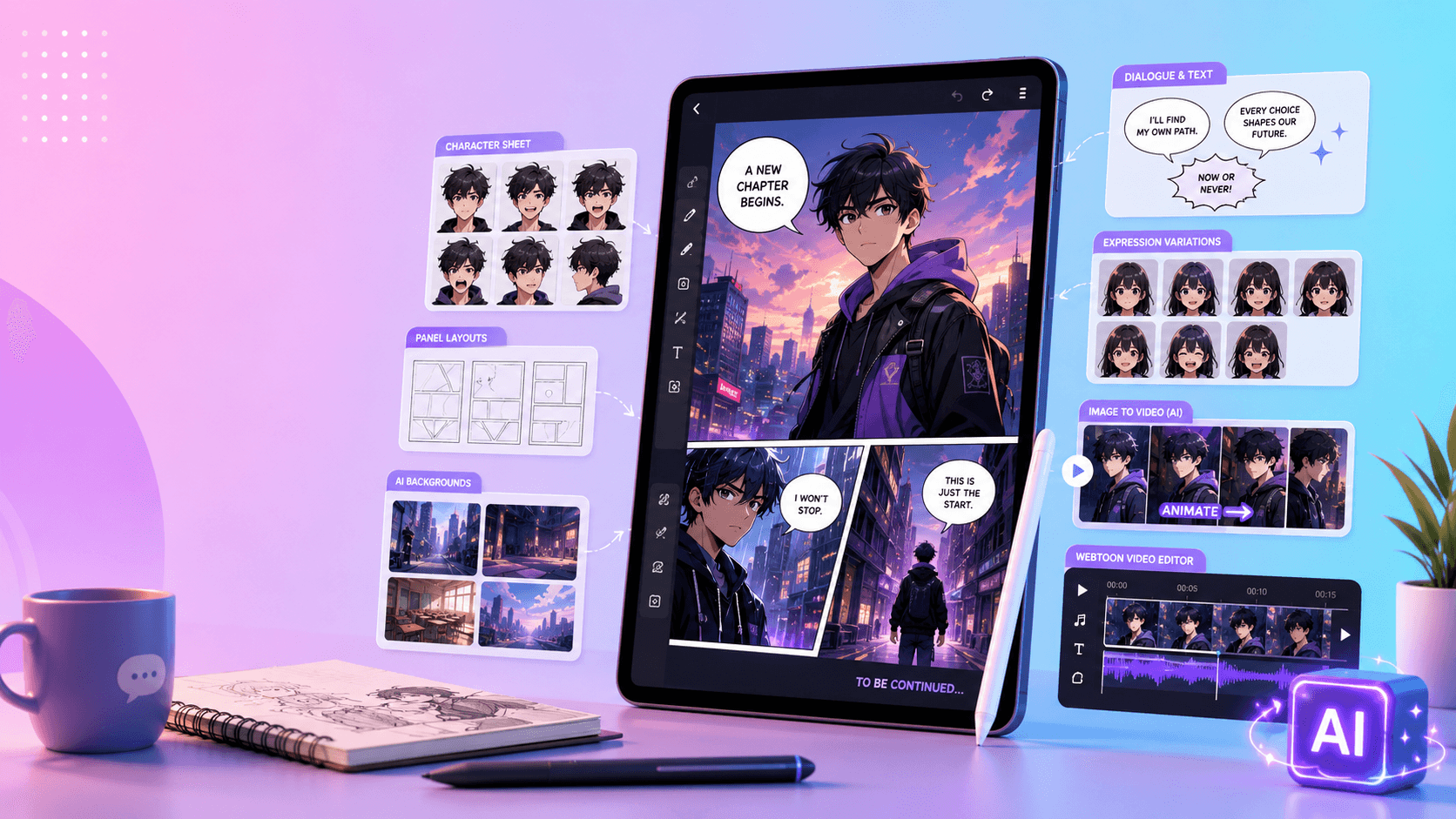
Social teams usually need consistency as much as novelty. Instead of commissioning isolated experiments, design recurring formats such as a weekly product tip, feature reveal, customer-problem scenario, seasonal product scene, mascot short, educational explainer, or animated announcement.
A simple reusable structure is:
- Hook: name the situation or show the product immediately.
- Reveal: establish what the viewer is looking at.
- Benefit: communicate one useful outcome.
- Proof: show the real product, interface, process, or evidence.
- CTA: make the next action obvious.
AI-generated visuals can vary the setting or storytelling angle while the editorial framework remains stable. Store approved prompts, reference images, text-safe layouts, end cards, caption rules, and music guidance with the format. The next post then begins from a tested system instead of a blank page.
Use AI Video for Brand Storytelling
Not every video needs to be a direct-response ad. Brands also use motion to express a mission, founder story, emotional promise, or metaphor. A travel company may build a destination mood sequence; a wellness brand may visualize calm routines; a software company may turn a chaotic workflow into an organized one; a food brand may focus on ingredients and preparation.
This work needs tighter art direction than a generic AI clip. Define what must remain constant: palette, contrast, camera energy, edit rhythm, type treatment, sonic identity, and the emotional role of the product. AI video should operate inside that system, not invent a different brand for every scene.
Ask whether the visual metaphor clarifies the message or merely looks cinematic. Strong brand storytelling has a recognizable point of view and a connection to the customer's world. If the story could belong to any company, the brief is not specific enough.
Localize the Context, Not the Core Product
AI-assisted variation can help adapt a campaign for languages, seasons, and regional contexts. The safest approach is to lock the central brand and product assets while allowing controlled changes to background, caption language, voiceover, examples, and scene context.
Localization is not a translation-only task. Review cultural references, gestures, casting, product use, units, claims, offers, dates, and visual symbols with people who understand the target market. A fast generated variant still needs local human approval.
Maintain one source-of-truth table for each market: approved copy, pronunciations, required disclaimers, forbidden claims, CTA wording, offer terms, and asset versions. This prevents “small” changes from drifting across a global campaign.
Test Creative Directions Before a Traditional Shoot
AI video can be valuable even when the final advertisement will be filmed conventionally. Rough motion drafts make abstract discussions visible before the team commits a production budget. Generate three to five concepts, compare them internally, validate the storyboard, and run limited tests where appropriate.
Pre-production drafts are useful for:
- ad concept and hook testing;
- product-launch direction;
- storyboard and pacing reviews;
- landing-page video planning;
- influencer brief visualization;
- creative pitch decks and campaign mood boards.
Treat these drafts as prototypes. They help answer whether the idea is understandable, the product enters soon enough, the tone matches the audience, and the CTA has room to land. The selected direction can then inform the real shot list, set design, edit, and media plan.
The Best AI Video Tool Categories for Marketing Teams
No single tool needs to own every stage. Choose a stack by task:
Image-to-video tools
Best for product photos, ecommerce assets, app screenshots, key art, and approved brand images. Prioritize reference fidelity, camera control, and repeatable outputs.
Text-to-video tools
Best for early concept exploration, campaign metaphors, abstract brand stories, and scenes for which no reference asset exists. Use the output as a direction or background unless it passes the same accuracy review as any other commercial asset.
Reference-based generation tools
Best when a mascot, character, product, or visual identity must remain recognizable across scenes. Evaluate consistency across lighting, location, pose, framing, and treatment—not just within one attractive sample. Tools such as Runway's reference-oriented workflows are commonly considered for this stage.
Commercially oriented generation platforms
Best when rights posture, enterprise controls, and brand-safety review are central to procurement. Adobe positions Firefly for commercially oriented workflows; teams should still verify the current terms, model documentation, and suitability for their own inputs and markets.
Design and finishing tools
Best for layout, captions, typography, resizing, audio, and campaign packaging. Design platforms such as Canva can be useful after generation, while professional editing tools may be preferable when the team needs deeper control or an established approval pipeline.
Fast creative-generation workspaces
Best for turning ideas and reference images into short visual directions, product tests, and social experiments. VideoAny can serve this exploratory and asset-generation stage before the team completes captions, CTA, brand overlays, and exports in its finishing workflow.
The selection question is not “Which model wins?” Ask instead: Which tool preserves the critical asset, fits the approval process, exports something editable, and helps this team test the next meaningful hypothesis?
A Complete AI Video Marketing Workflow
- Set the campaign goal. Define the business outcome and one primary message.
- Name the audience and platform. Include placement, aspect ratio, duration, safe zones, and viewing context.
- Choose the core asset. Lock the approved product image, screenshot, character, or brand reference.
- Write a short creative brief. Specify the hook, promise, proof, tone, CTA, mandatory details, and prohibited claims.
- Generate several controlled directions. Vary an intentional creative dimension instead of requesting random alternatives.
- Review accuracy and brand fit. Reject product distortion and message drift before polishing.
- Refine the strongest version. Improve motion, composition, pacing, and continuity.
- Add the finishing layer. Apply approved captions, typography, audio, CTA, logo, legal copy, and end cards.
- Create platform-native exports. Recompose where necessary instead of blindly cropping.
- Test, measure, and iterate. Connect results to the variables in the brief and feed the learning into the next batch.
This workflow turns AI video into production infrastructure. Strategy enters at the beginning, quality control sits in the middle, and performance learning returns to the next brief.
Final Thoughts
AI video can help marketers produce more relevant variations, animate product assets, prototype campaign ideas, support localization, and maintain recurring social formats. It is most useful when a disciplined process surrounds it.
Keep the product truthful, the brand recognizable, and the CTA clear. Generate with a hypothesis, finish with the platform in mind, and test against a real objective. The right AI video tool is the one that increases creative capacity without costing the campaign its accuracy or audience trust.
For a practical example built around existing campaign assets, follow this product-photo-to-AI-video workflow.
FAQs
What is the best AI video tool for product advertising?
Choose an image-to-video or reference-based tool that preserves the exact product details your campaign depends on. Test it with your real packaging, labels, materials, and approval process before selecting it based on a demo reel.
How many creative variants should a campaign generate?
Enough to test a defined hypothesis without overwhelming review. Three to five controlled directions are often more useful than dozens of unrelated clips because the team can compare product accuracy, message clarity, brand fit, and one intentional creative variable.
Can AI video replace a commercial shoot?
Sometimes it can supply finished background, motion, or social assets; in other cases its best role is pre-production. Use rough concepts to validate the idea, then choose the production method that can deliver the required realism, control, rights, and quality.
How should marketers review localized AI videos?
Keep the product and core brand assets fixed, then have local reviewers check language, claims, gestures, examples, offers, voiceover, and cultural context. Speed does not remove the need for market-specific judgment.
Where should captions and CTAs be added?
Usually during the finishing stage, where designers can preserve typography and safe zones across formats. Leave deliberate negative space during generation so the final text remains readable instead of covering the product.