Categories: AI Video Workflow, Creator Strategy, Production Process
Tags: unboundai, ai creation studio, ai video workflow, content strategy, creator toolkit
Introduction
AI video workflows are useful only when they make production clearer, not just faster. This guide explains the core ideas behind What Is Text-to-Video AI? A Complete Guide for Creators | UnboundAI and turns them into a practical creator workflow for planning, generating, editing, and publishing video with UnboundAI.
The goal is to keep the source article's structure intact while translating it into decisions a creator can actually use: what the concept means, where it fits in a production pipeline, when it helps, and what to check before calling a clip finished.
Core Content Blocks
1) What Is Text-to-Video AI?
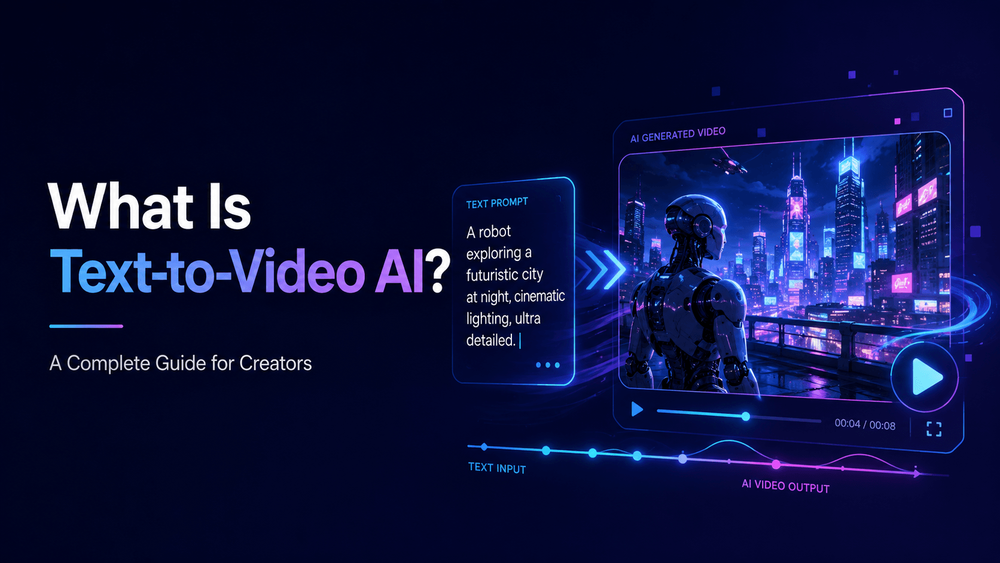
Text-to-video AI is a type of artificial intelligence that creates video from written prompts.
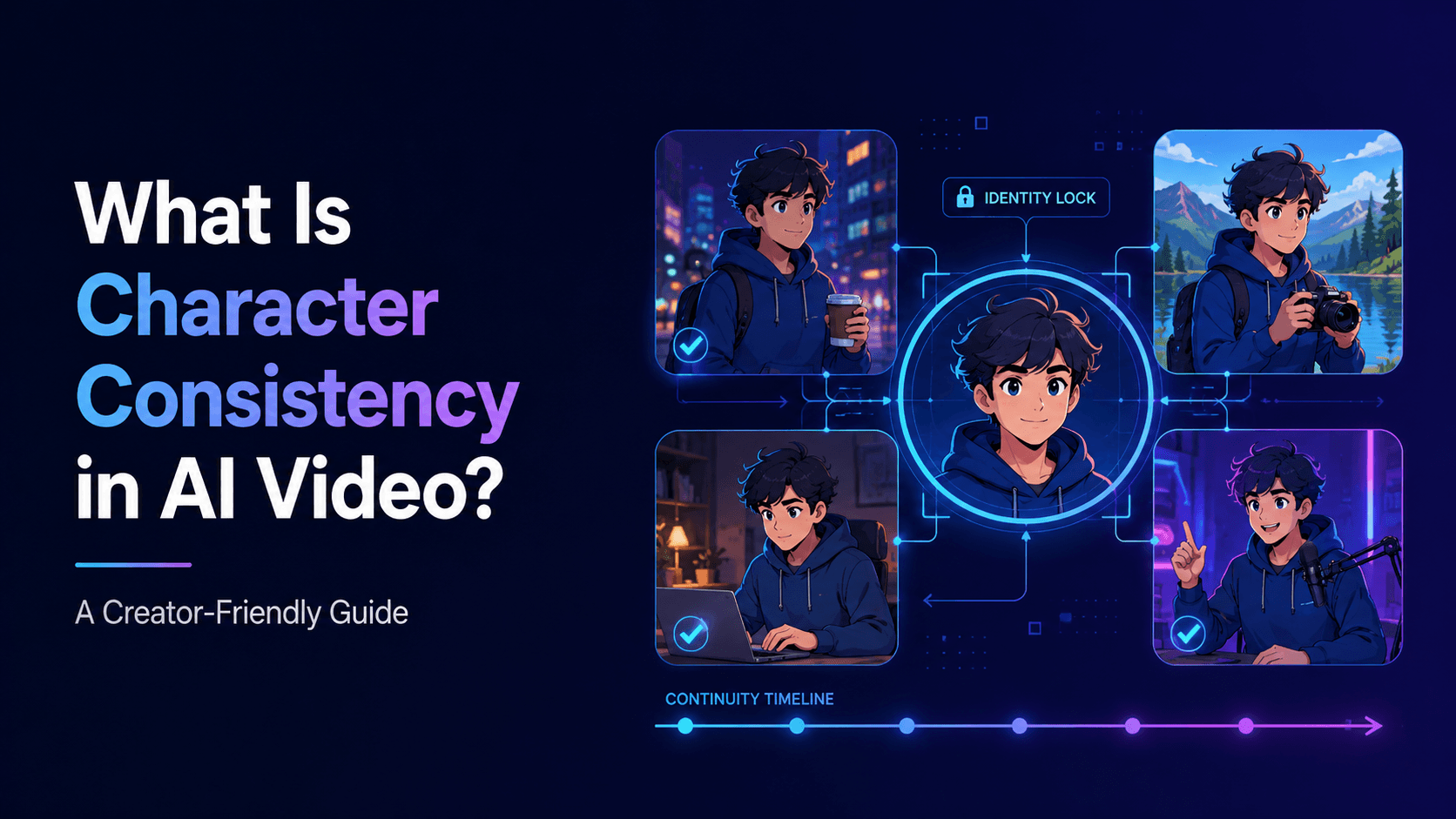
Instead of starting with a camera, animation timeline, or uploaded image, the creator writes a description of the video they want. The AI system interprets that description and generates a moving video clip based on the prompt.
2) How Text-to-Video AI Works
Text-to-video AI works by interpreting a written prompt and generating a sequence of video frames that match the description. The model has learned patterns from large amounts of visual and video data, so it can associate words with objects, styles, motion, camera behavior, lighting, and composition.
“Create a cinematic video of a small robot walking through a rainy neon city at night. Camera slowly follows from behind. Wet pavement, blue reflections, soft fog, emotional sci-fi mood.”
3) Text-to-Video AI vs Image-to-Video AI
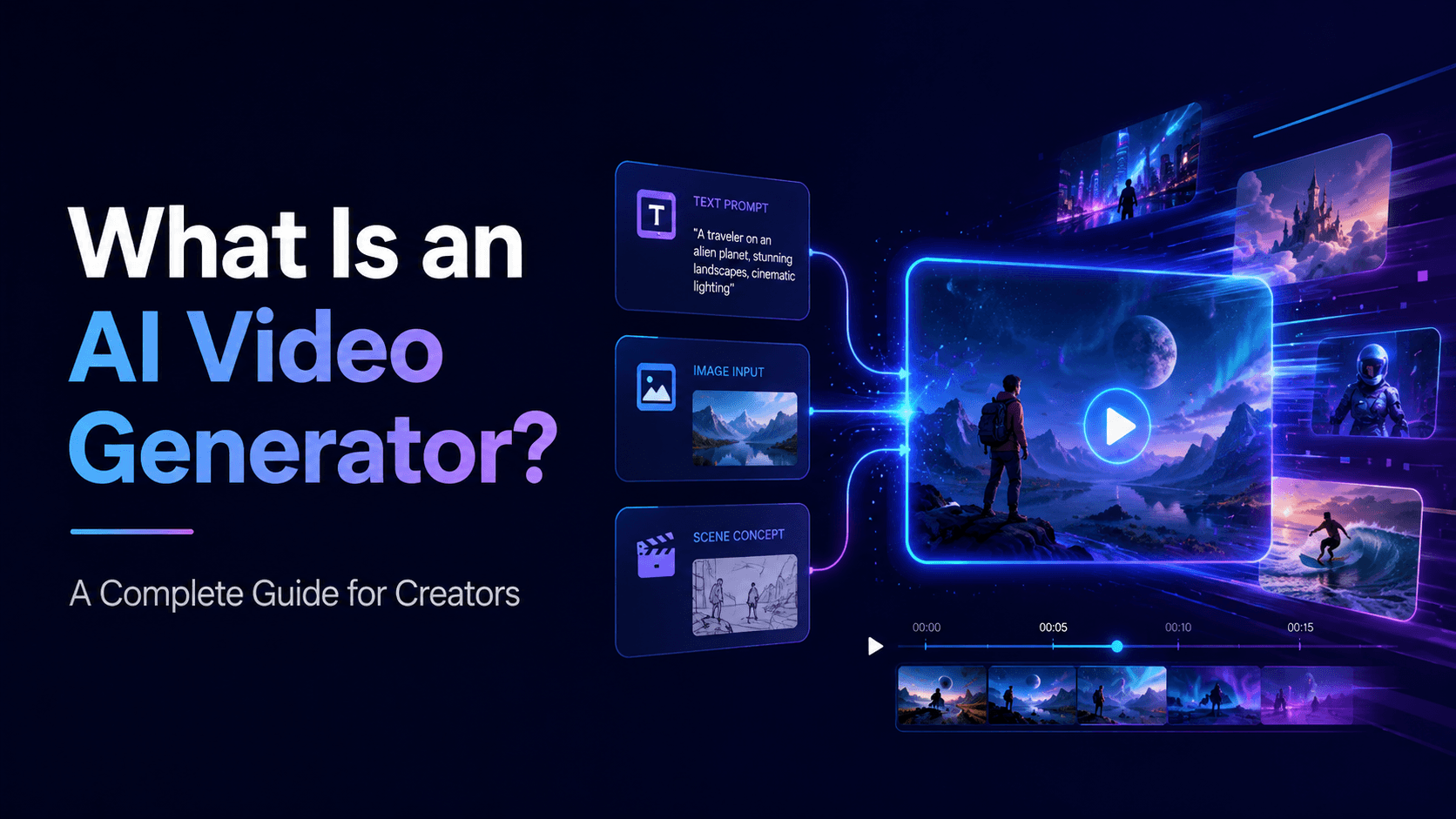
Text-to-video AI starts from written language. Image-to-video AI starts from an existing image.
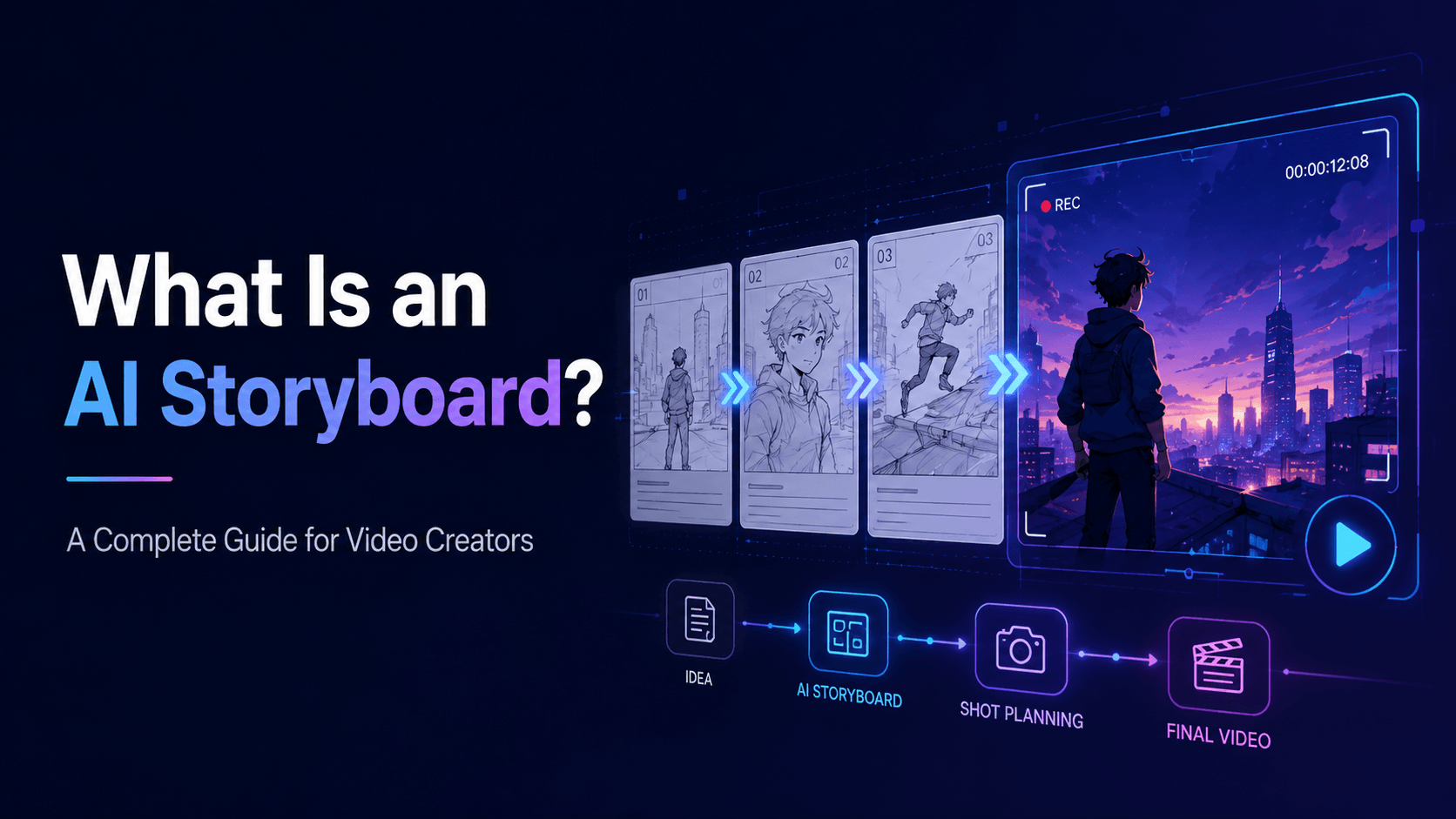
The AI then attempts to generate a video that matches that description: the robot, the city, the rain, the lighting, the camera movement, and the mood.
4) What Can You Make with Text-to-Video AI?
For example, a game developer might use text-to-video AI to create a teaser shot of a fantasy world. A musician might generate visual scenes that match a song’s mood. A marketer might generate several ad concepts before deciding which visual direction to produce. A teacher might create a short animated clip to explain a scientific process.
That is the basic idea behind text-to-video AI. It turns language into motion.
5) Why Prompt Quality Matters
The prompt is the director. If the prompt is vague, the output may be visually interesting but hard to use.
For creators, this is a major shift. In the past, making a video usually required footage, animation skills, design software, filming equipment, or stock assets. With text-to-video AI, a creator can begin from an idea and produce a visual draft much faster. It is useful for brainstorming, concept videos, social content, product ads, music visuals, anime scenes, educational explainers, storyboards, and promotional clips.
6) Common Problems with Text-to-Video AI
Text-to-video AI can produce impressive results, but it can also create problems.
Text-to-video AI does not remove the need for direction. In fact, the better the direction, the better the result. The prompt becomes the creative brief.
7) How to Use Text-to-Video AI in a Real Workflow
Text-to-video AI works best when used as part of a workflow.
“Create a vertical 9:16 video of a golden retriever running through a green field at sunset. Camera tracks beside the dog at low angle. Warm golden light, soft grass movement, joyful mood, realistic motion, no distortion.”
8) Text-to-Video Prompt Template
“Create a [format] video of [subject] doing [specific action]. The scene takes place in [environment]. Camera: [movement and framing]. Lighting: [source and mood]. Visual style: [style]. The video should feel [emotion/purpose]. Preserve [important details if any]. Avoid [unwanted problems].”
The second prompt gives the AI more production information. It tells the model the aspect ratio, subject, action, environment, camera movement, lighting, mood, and restrictions.
9) How UnboundAI Helps with Text-to-Video Creation
UnboundAI helps creators turn written video ideas into generated video content. You can use it to create short clips for YouTube Shorts, TikTok, Instagram Reels, product ads, anime stories, music visuals, educational explainers, and more.
For production, connect this concept to a concrete input, a clear creative decision, and a review signal that tells you whether the result is ready to publish or needs another pass.
10) Final Thoughts
Text-to-video AI allows creators to generate video from written prompts. It is useful for exploring ideas, creating short-form content, testing visual concepts, and building scenes without filming or manual animation.
The main takeaway is to treat AI output as raw creative material. Strong videos still need choices about pacing, context, sound, text, and where the viewer should focus.
Practical Weekly Workflow
- Define the content outcome first: short ad, story scene, tutorial clip, music visual, product demo, or social post.
- List the required inputs: prompt, reference image, product shot, character design, storyboard frame, script, or audio.
- Generate or edit in small passes instead of trying to finish the whole video in one attempt.
- Review the clip for continuity, pacing, visual clarity, caption space, sound needs, and platform format.
- Save the prompt, source assets, and export settings so the next variation is easier to reproduce.
Conclusion
AI-assisted video work is strongest when it is treated as a repeatable production system. The creative idea still matters, but the workflow also needs clear inputs, controlled iteration, and a review step that turns raw generations into finished communication.
Next Step
Explore UnboundAI workflow templates: https://unboundai.net
FAQs
1) Can this workflow work for a solo creator?
Yes. Start with one repeatable format, keep the asset list small, and improve the workflow after each published clip.
2) Should I generate first or write the edit plan first?
Write a short plan first. Even a simple outline helps you judge whether the AI output supports the final video.
3) What should I check before publishing an AI video?
Check continuity, motion quality, captions, sound, aspect ratio, pacing, and whether the video communicates the intended
idea without extra explanation.
4) How does UnboundAI fit into this workflow?
Use UnboundAI where visual generation or variation is needed, then combine the resulting clips with editing, captions,
audio, and platform-specific formatting.