
Categories: AI Video Workflow, Creator Strategy, Production Process
Tags: unboundai, ai creation studio, ai video workflow, content strategy, creator toolkit
Introduction
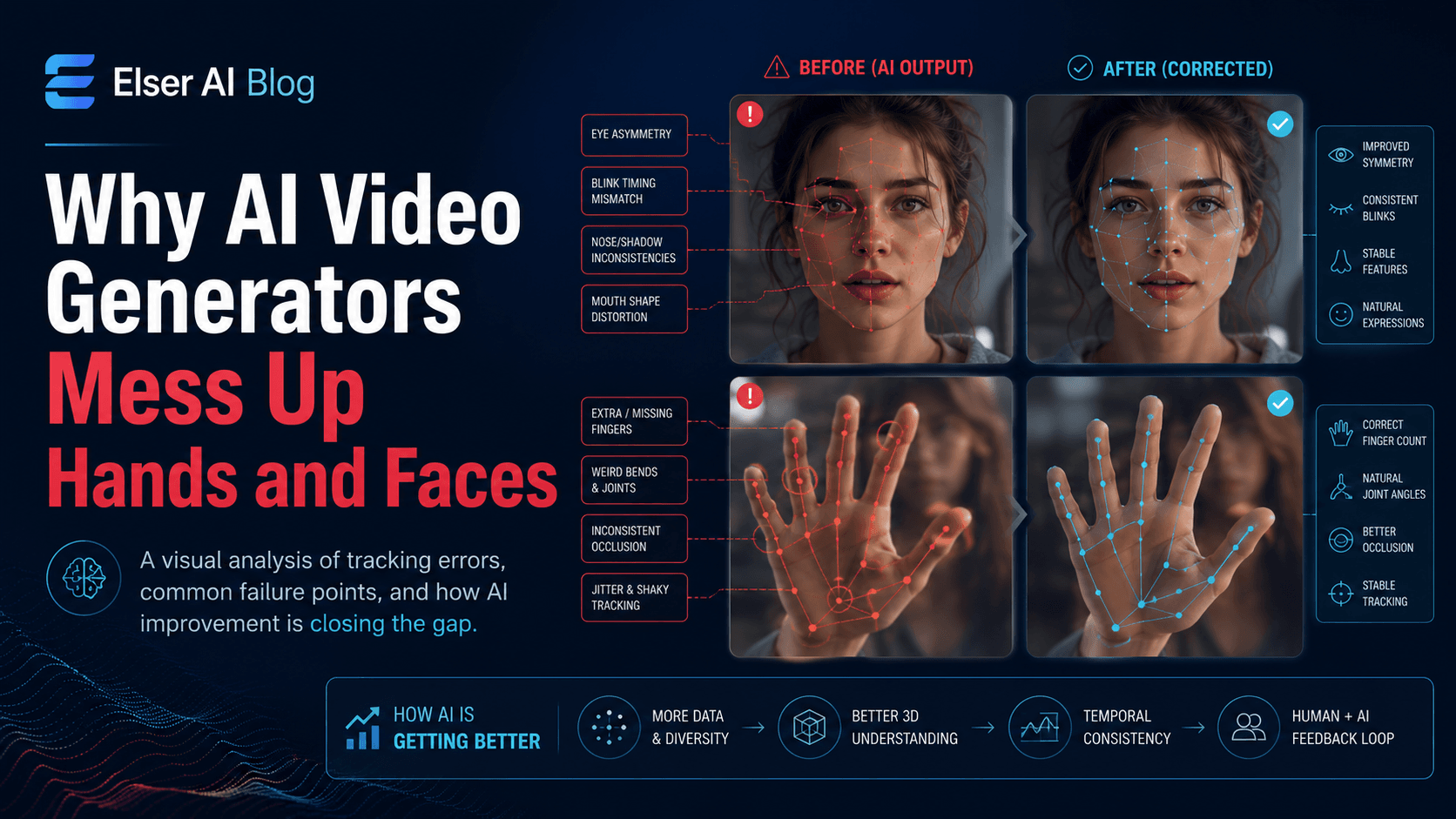
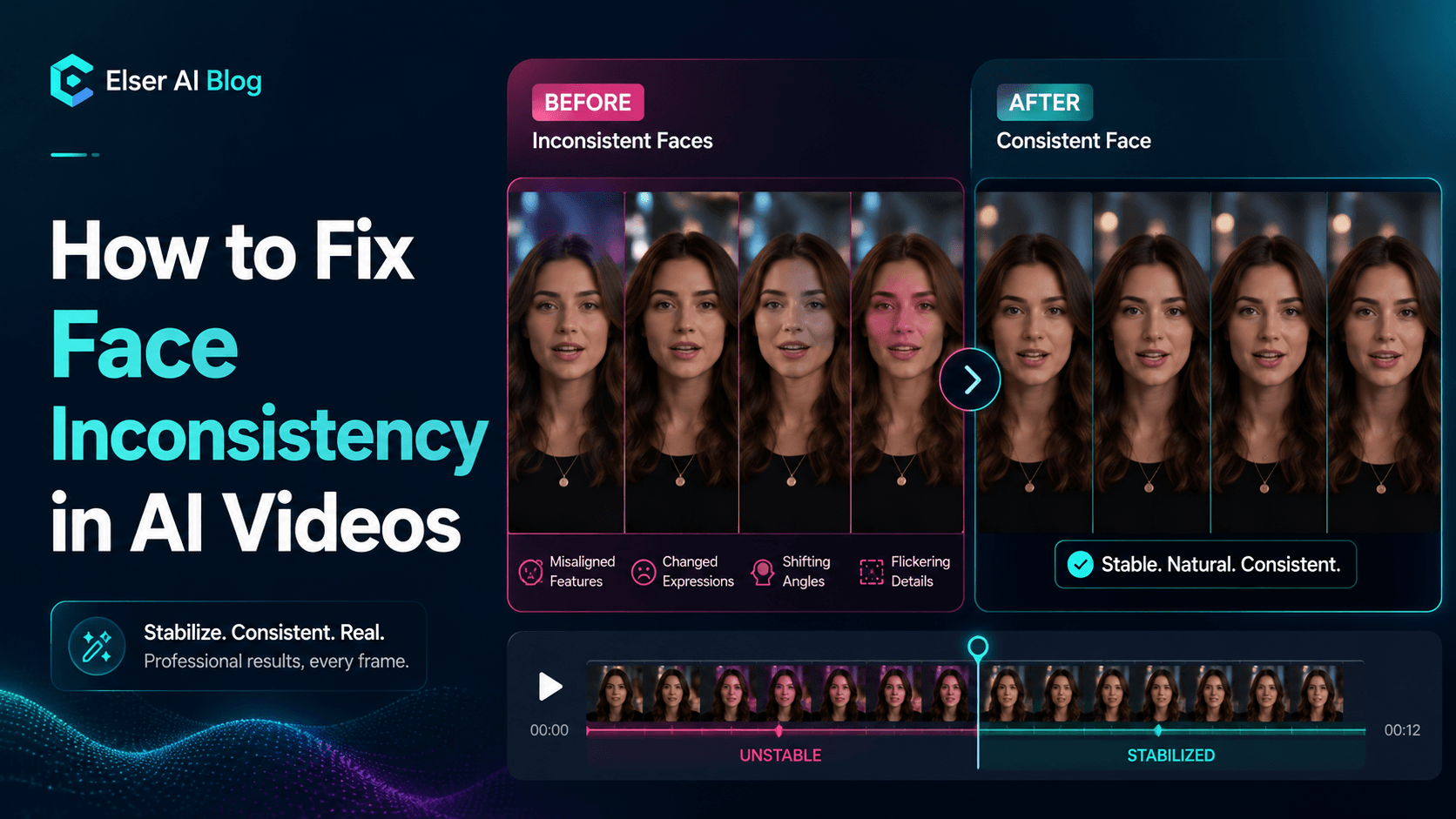
Character consistency is the foundation of believable AI video. If the same person, mascot, or anime character changes face, outfit, proportions, or style between shots, the viewer stops following the story and starts noticing the tool.
The prompts below work by separating identity from action. First define what must never change, then describe the scene, camera, lighting, and motion.
Character Consistency Prompt Templates
1) The Core Structure of a Character Consistency Prompt
A strong character consistency prompt has five parts: identity lock, scene action, camera direction, lighting/style control, and negative restrictions.
2) Template 1: Universal Character Identity Lock
“Use the same character from the reference image. Preserve the exact face shape, eye shape, eye color, nose, mouth, jawline, hairstyle, hair length, outfit, accessories, body proportions, silhouette, color palette, and overall art style.”

3) Template 2: Anime Character Consistency
“Use the same anime character from the reference image. Preserve the exact anime face design, eye shape, eye color, hairstyle silhouette, hair length, outfit, accessories, body proportions, color palette, line-art quality, and cel-shaded anime style.”
4) Template 3: Realistic Human Character Consistency
“Use the same realistic person from the reference image. Preserve the exact facial identity, including face shape, eye spacing, eye color, nose shape, mouth shape, jawline, skin tone, hairstyle, hairline, age, body proportions, clothing, and natural expression style.”
5) Template 4: Brand Mascot Consistency
“Use the same mascot from the reference image. Preserve the exact head shape, eyes, mouth, body shape, costume, logo placement, brand colors, proportions, and overall character design. In this scene, the mascot [action]. Camera: [movement].”
6) Template 5: Outfit Preservation
“Keep the exact same outfit from the reference image: [describe clothing clearly]. Do not add hats, coats, armor, jewelry, bags, logos, belts, or new accessories unless specified. Preserve the outfit color, material, shape, and placement throughout the entire clip.”
7) Template 6: Face Preservation Close-Up
“Create a close-up shot of the same character from the reference image. Preserve the exact facial identity, including face shape, eyes, nose, mouth, jawline, hairstyle, skin tone, and expression style. The character [small expression/action]. Camera: slow push-in.”
8) Template 7: Multi-Scene Continuity
“Continue from the previous scene with the same character, same outfit, same hairstyle, same face, same body proportions, same color palette, same art style, and same lighting direction. The character now [new action]. Camera movement should feel compatible with the previous shot.”
9) Template 8: Image-to-Video Character Animation
“Animate the source image with subtle controlled motion. Preserve the exact character identity, face, hairstyle, outfit, body proportions, color palette, and art style. The character [small motion]. Camera: [movement]. Lighting stays consistent with the source image.”
10) Template 9: Talking Character Consistency
“Use the same talking character from the reference image. Preserve the exact face, hairstyle, outfit, body proportions, and style while the character speaks. Mouth movement should be natural and subtle. Keep facial identity stable during speech. Camera: [shot].”
How to Use These Templates in UnboundAI
Save one identity block for each character and reuse it in every scene. Then change only the action, camera, and environment. This makes prompt testing cleaner because you can tell whether a failed clip came from the identity block or the scene direction.
For multi-scene videos, approve one “hero” reference frame first. Use that frame as the visual standard for every later shot, especially close-ups, dialogue clips, outfit changes, and transitions between locations.
Next Step
Use UnboundAI to turn this workflow into a repeatable video production process: https://unboundai.net
FAQs
What is the most important part of a consistency prompt?
The identity lock. It should describe face, hair, outfit, body proportions, color palette, and style details that must remain stable.
Should I repeat the same identity details in every prompt?
Yes. Repetition helps prevent drift because each scene restates the same character rules.
How do I handle outfit changes without losing identity?
Keep face, hairstyle, body proportions, and style constant, then explicitly describe the new outfit as the only intentional change.