Categories: AI Video Workflow, Creator Strategy, Production Process
Tags: unboundai, ai creation studio, ai video workflow, content strategy, creator toolkit
Introduction
AI video creation has evolved beyond simply generating a clip; it now encompasses a full production workflow. This comprehensive guide outlines a complete GPT-5.6 workflow for AI video creation, from idea development to final production, using UnboundAI. By following this structured approach, creators can ensure clearer planning, faster execution, and stronger publishing consistency.
Complete GPT-5.6 Workflow for AI Video Creation
The workflow consists of ten key steps:
- Turn a Rough Idea into a Clear Video Concept: Define the audience, subject, emotion, format, and outcome to create a clear video concept.
- Write the Script: Match the script to the format, whether it's a YouTube Short, product ad, music video, educational video, or anime scene.
- Create a Shot List: Break down the video into individual shots to avoid asking AI to create an entire video in one generation.
- Build Character, Product, or Style Anchors: Establish consistent character, product, or style elements, such as "same anime inventor: short silver hair, green eyes, round glasses, oversized orange hoodie, black shorts, small tool bag, compact body proportions, expressive cel-shaded anime style."
- Write Production-Ready Prompts: Craft prompts that preserve character identity, simplify motion, and add restrictions against hairstyle and outfit changes, such as "Create a vertical 9:16 AI video shot for a YouTube Short. Use the same anime inventor from the reference image. Preserve her short silver hair, green eyes, round glasses, orange hoodie, black shorts, tool bag, compact body proportions, and clean cel-shaded anime style."
- Generate in UnboundAI: Use UnboundAI to generate the actual video scenes, where planning becomes visual.
- Review and Fix Prompt Failures: Revise prompts to reduce face drift, keep character identity, simplify motion, and add restrictions against hairstyle and outfit changes.
- Add Voice, Captions, and Sound: Enhance the video with voice, captions, music, and sound design to shape the final result.
- Edit for Platform: Tailor the video for the intended platform, whether it's YouTube Shorts, TikTok, or a website hero video.
- Repurpose the Final Video: Use GPT-5.6 to repurpose scripts and captions, and UnboundAI to generate additional visual variations.
Practical Applications
This workflow can be applied to various use cases, such as:
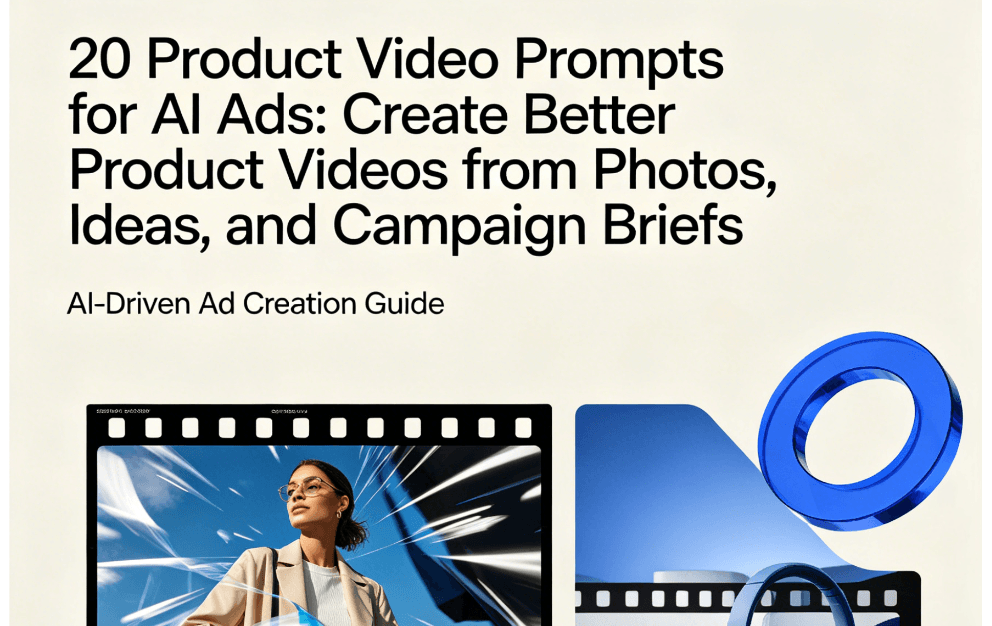
- Creating ecommerce videos, TikTok product ads, Shopify visuals, YouTube Shorts ads, product demos, and image-to-video campaigns with UnboundAI.
- Making AI videos look more cinematic and less AI-generated using better lighting, camera language, composition, pacing, reference control, and a practical creative workflow with UnboundAI.
- Preserving character consistency across multiple scenes using character consistency prompt templates for AI video with UnboundAI.
Media References
- https://cdn.unboundai.net/blog/complete-gpt-5-6-workflow-for-ai-video-creation-idea-script-prompt-storyboard-and-edit/20260703111534-4tj57jx9.jpg
- https://cdn.unboundai.net/blog/complete-gpt-5-6-workflow-for-ai-video-creation-idea-script-prompt-storyboard-and-edit/20260703111535-r9d994ve.jpg
- https://cdn.unboundai.net/blog/complete-gpt-5-6-workflow-for-ai-video-creation-idea-script-prompt-storyboard-and-edit/20260703111536-73vciekp.jpg
- https://cdn.unboundai.net/blog/complete-gpt-5-6-workflow-for-ai-video-creation-idea-script-prompt-storyboard-and-edit/20260703111537-9bu3tqc0.png
Conclusion
By following this complete GPT-5.6 workflow for AI video creation, creators can standardize their production process, reduce random editing loops, and scale their content output. Explore UnboundAI workflow templates to get started: https://unboundai.net
FAQs
1) Can this workflow work for a solo creator?
Yes, solo creators can start with a small weekly scope and reuse the same production blocks.
2) How many variants should I test per post?
2 to 4 focused variants are usually enough to identify clear winners.
3) Should I prioritize trends or consistency?
Use trends for reach, but keep a consistent format system for long-term brand memory.