Categories: AI Video Workflow, Creator Strategy, Production Process
Tags: unboundai, ai creation studio, ai video workflow, content strategy, creator toolkit
Introduction
AI video workflows are useful only when they make production clearer, not just faster. This guide explains the core ideas behind What Is an AI Storyboard? A Complete Guide for Video Creators | UnboundAI and turns them into a practical creator workflow for planning, generating, editing, and publishing video with UnboundAI.
The goal is to keep the source article's structure intact while translating it into decisions a creator can actually use: what the concept means, where it fits in a production pipeline, when it helps, and what to check before calling a clip finished.
Core Content Blocks
1) What Is an AI Storyboard?
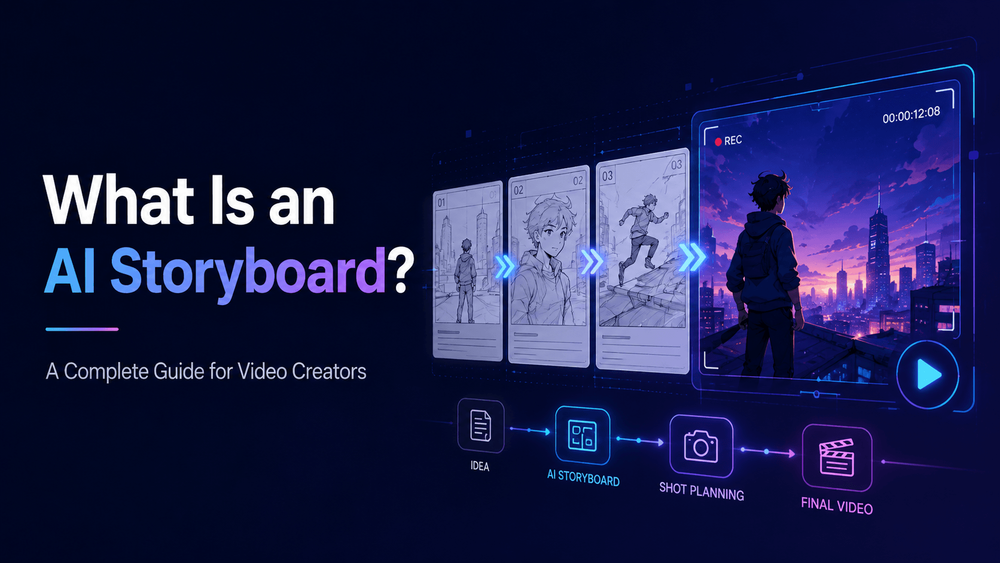
An AI storyboard is a visual or written plan for a video created with the help of artificial intelligence.
A traditional storyboard shows the sequence of shots in a video, animation, film, ad, or scene. It usually includes panels that represent camera angles, character actions, framing, transitions, and important story moments. An AI storyboard works the same way, but AI helps generate the structure, descriptions, images, or shot prompts.
2) Why Storyboards Matter in AI Video
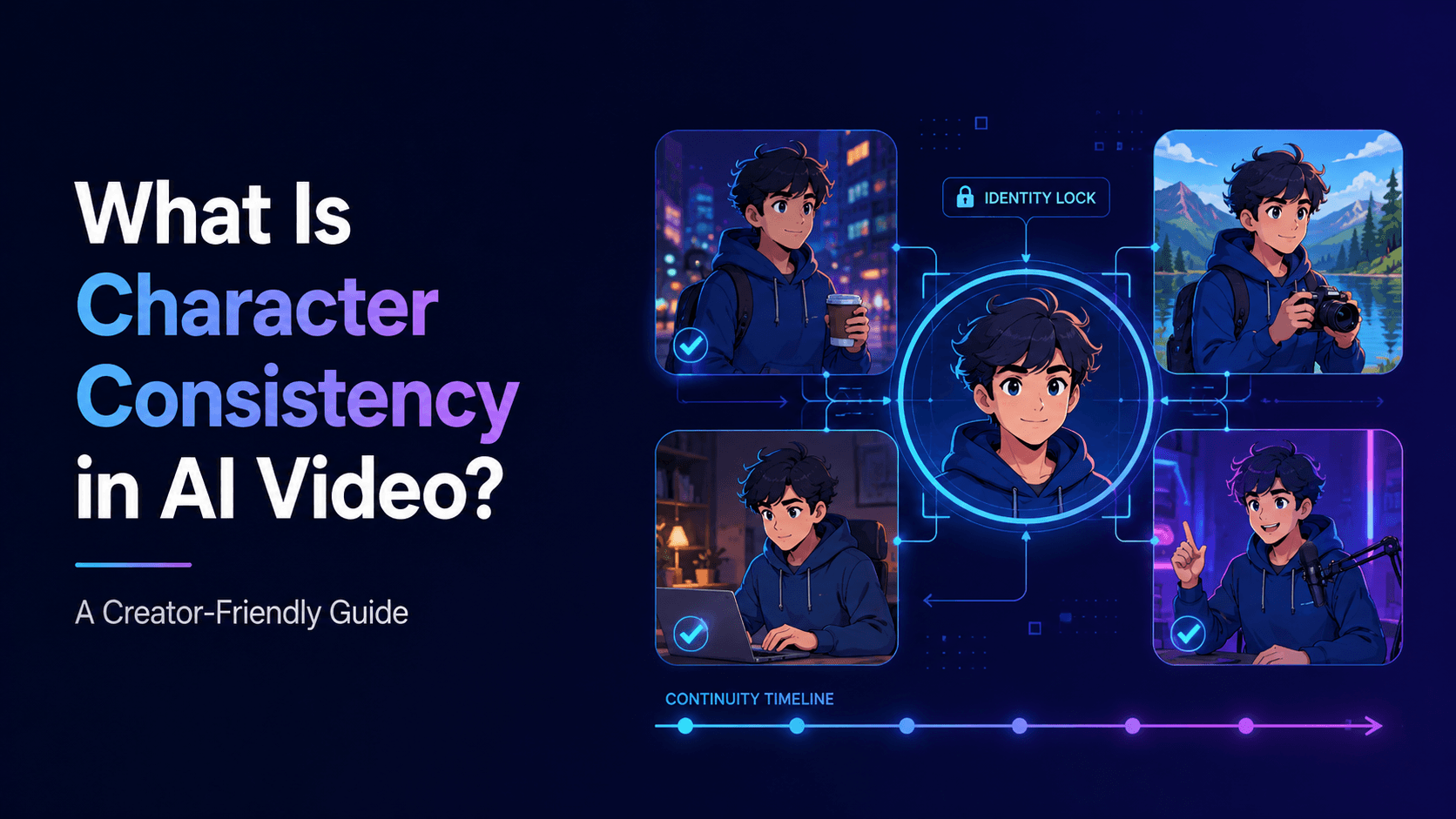
AI video tools can create impressive visuals, but they do not automatically create coherent stories. A video needs structure. It needs a beginning, middle, and end. It needs camera logic, pacing, transitions, character continuity, and visual rhythm.
It shows what each shot should do. One shot establishes the world. Another introduces the character. Another reveals the problem. Another shows the reaction. Another creates the payoff.
3) What Does an AI Storyboard Include?
An AI storyboard can include several elements:
Visual: anime inventor stands in a warm workshop
4) How AI Helps Create Storyboards
AI can help with storyboards in several ways.
First, it can turn a rough idea into a shot list. If you provide a concept, AI can suggest the sequence of shots.
5) AI Storyboard vs Script
A script tells what is said or what happens. A storyboard shows how the viewer sees it.
Shot 1: close-up of her hand reaching toward the package
6) AI Storyboard vs Prompt
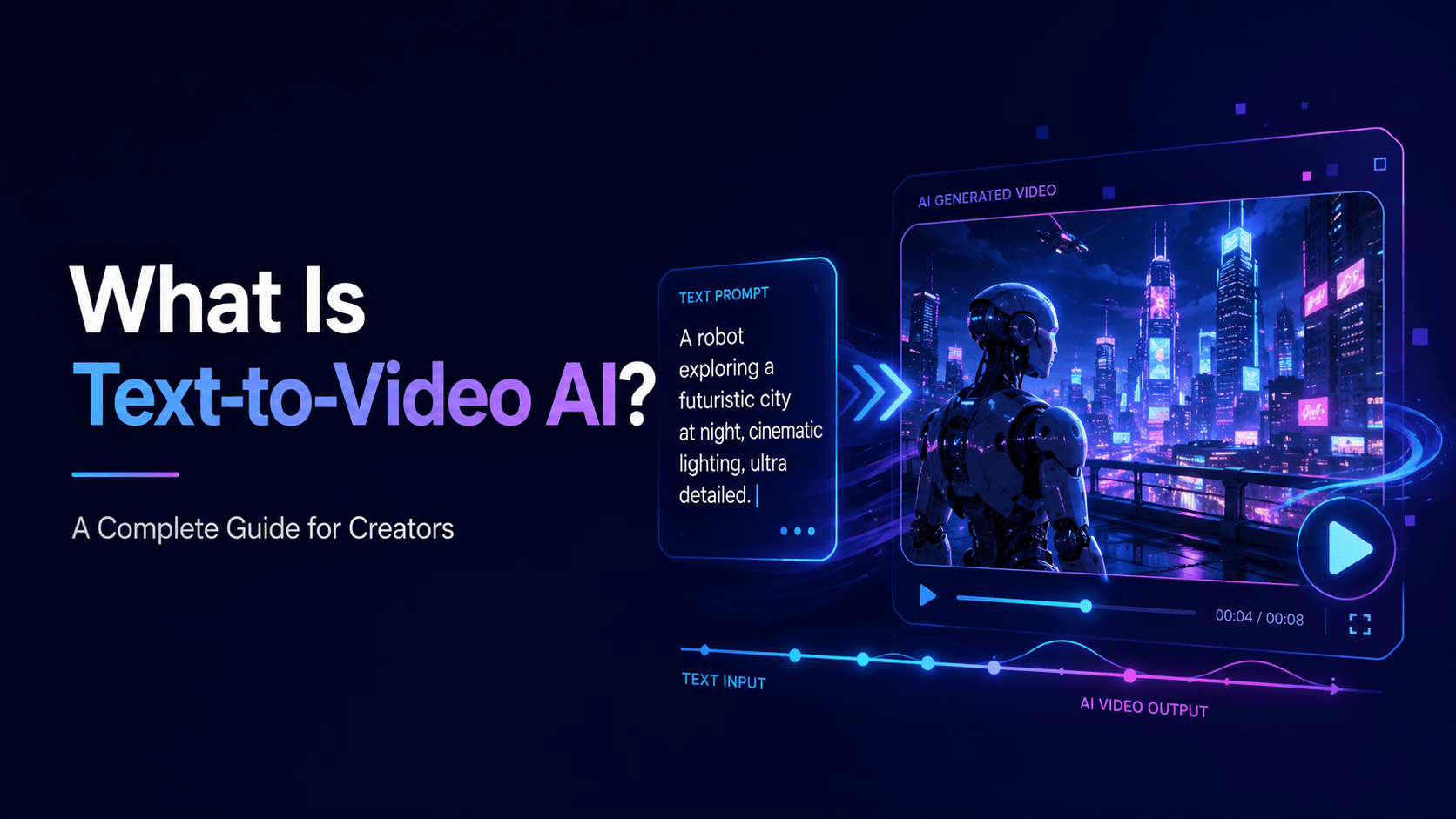
A prompt is the instruction used to generate one clip. A storyboard is the full sequence.
A storyboard might contain ten shots. Each shot can become one prompt.
7) How to Create an AI Storyboard
Start with the video goal. Are you making a product ad, anime episode, music video, educational explainer, app promo, or YouTube Short?
Next, define the format and duration. A 15-second product ad needs fewer shots than a one-minute anime episode.
8) How UnboundAI Helps Move from Storyboard to Video
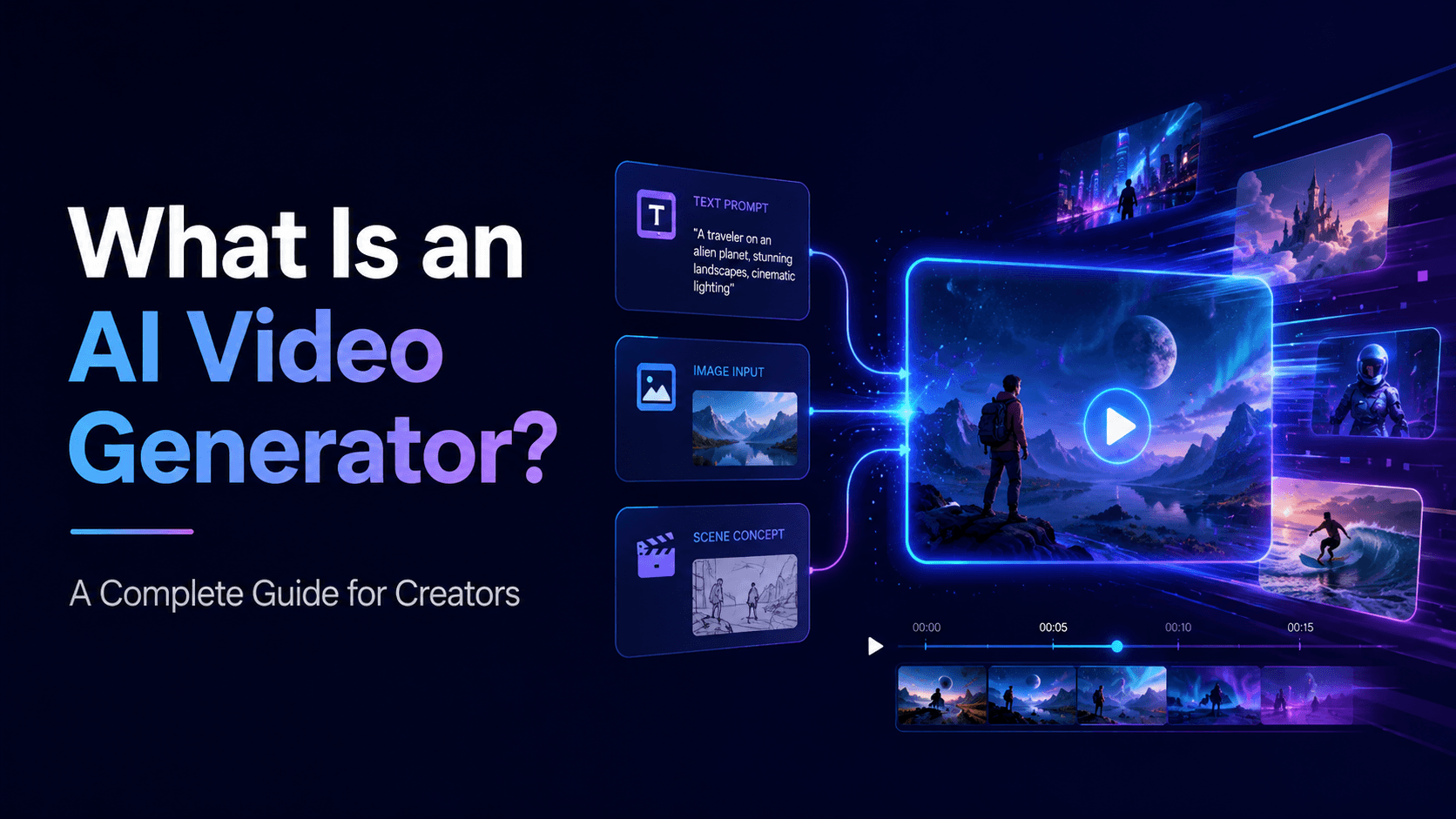
UnboundAI helps creators move from storyboard planning to actual video generation. Once you have a storyboard, you can generate each shot using text prompts, image references, or image-to-video workflows.
For example, if the storyboard includes a product reveal, upload the product image and create a product video shot. If the storyboard includes an anime character close-up, use the character reference and animate the expression. If the storyboard includes a comic panel, upload the panel and turn it into motion.
9) Final Thoughts
An AI storyboard is a plan that helps creators turn ideas into video sequences. It organizes shots, camera movement, action, dialogue, pacing, and prompts before generation begins.
AI storyboards are useful because they reduce randomness. They help creators create videos that feel directed rather than stitched together.
Practical Weekly Workflow
- Define the content outcome first: short ad, story scene, tutorial clip, music visual, product demo, or social post.
- List the required inputs: prompt, reference image, product shot, character design, storyboard frame, script, or audio.
- Generate or edit in small passes instead of trying to finish the whole video in one attempt.
- Review the clip for continuity, pacing, visual clarity, caption space, sound needs, and platform format.
- Save the prompt, source assets, and export settings so the next variation is easier to reproduce.
Conclusion
AI-assisted video work is strongest when it is treated as a repeatable production system. The creative idea still matters, but the workflow also needs clear inputs, controlled iteration, and a review step that turns raw generations into finished communication.
Next Step
Explore UnboundAI workflow templates: https://unboundai.net
FAQs
1) Can this workflow work for a solo creator?
Yes. Start with one repeatable format, keep the asset list small, and improve the workflow after each published clip.
2) Should I generate first or write the edit plan first?
Write a short plan first. Even a simple outline helps you judge whether the AI output supports the final video.
3) What should I check before publishing an AI video?
Check continuity, motion quality, captions, sound, aspect ratio, pacing, and whether the video communicates the intended
idea without extra explanation.
4) How does UnboundAI fit into this workflow?
Use UnboundAI where visual generation or variation is needed, then combine the resulting clips with editing, captions,
audio, and platform-specific formatting.