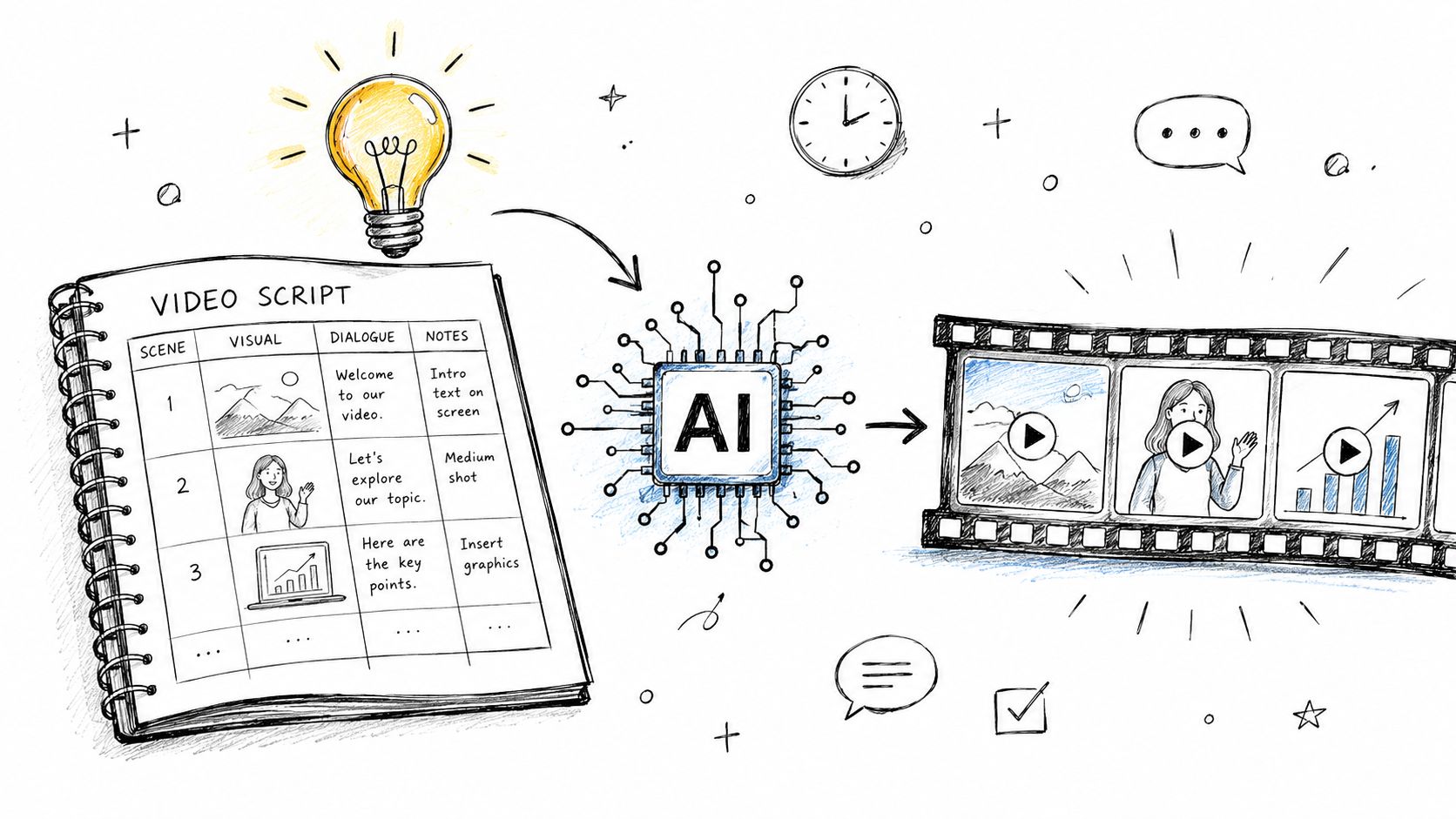
A video project often begins with a working title, a blank document, and several unresolved decisions. What is the first line? Which visuals support it? Is the idea a 30-second social clip, a product promotion, an explainer, or a training video? When those choices remain vague, the team starts solving the message during editing—the slowest and most expensive place to do it.
A good video script template turns an idea into a sequence. It records what the viewer hears, what appears on screen, how long each beat lasts, and what action should follow. The same document can then guide filming, AI scene generation, voiceover, captions, and the final edit.
Why a Strong Video Starts with a Script
When a video feels flat, the camera or editor often gets blamed. The deeper issue is usually upstream: no clear angle, a buried hook, an abstract problem, or an offer introduced before viewers understand why it matters.
Scripting moves the hardest decisions earlier. It reduces reshoots because the speaker knows the essential beats, reduces edit revisions because the narrative is already ordered, and reduces internal debate because marketing, product, and production share the same plan.
Without that plan, common problems appear quickly:
- The best line is buried halfway through a long take.
- B-roll is selected because it looks attractive rather than because it explains the point.
- The speaker repeats ideas while warming up.
- The call to action feels attached after the story is already over.
- Different stakeholders optimize for different messages.
Structure does not eliminate spontaneity. It protects it. A presenter can speak naturally when the non-negotiable beats are known. An editor can experiment when the core message is stable. A designer can create graphics with purpose because each scene has a defined job.
The Five-Part Video Script Framework
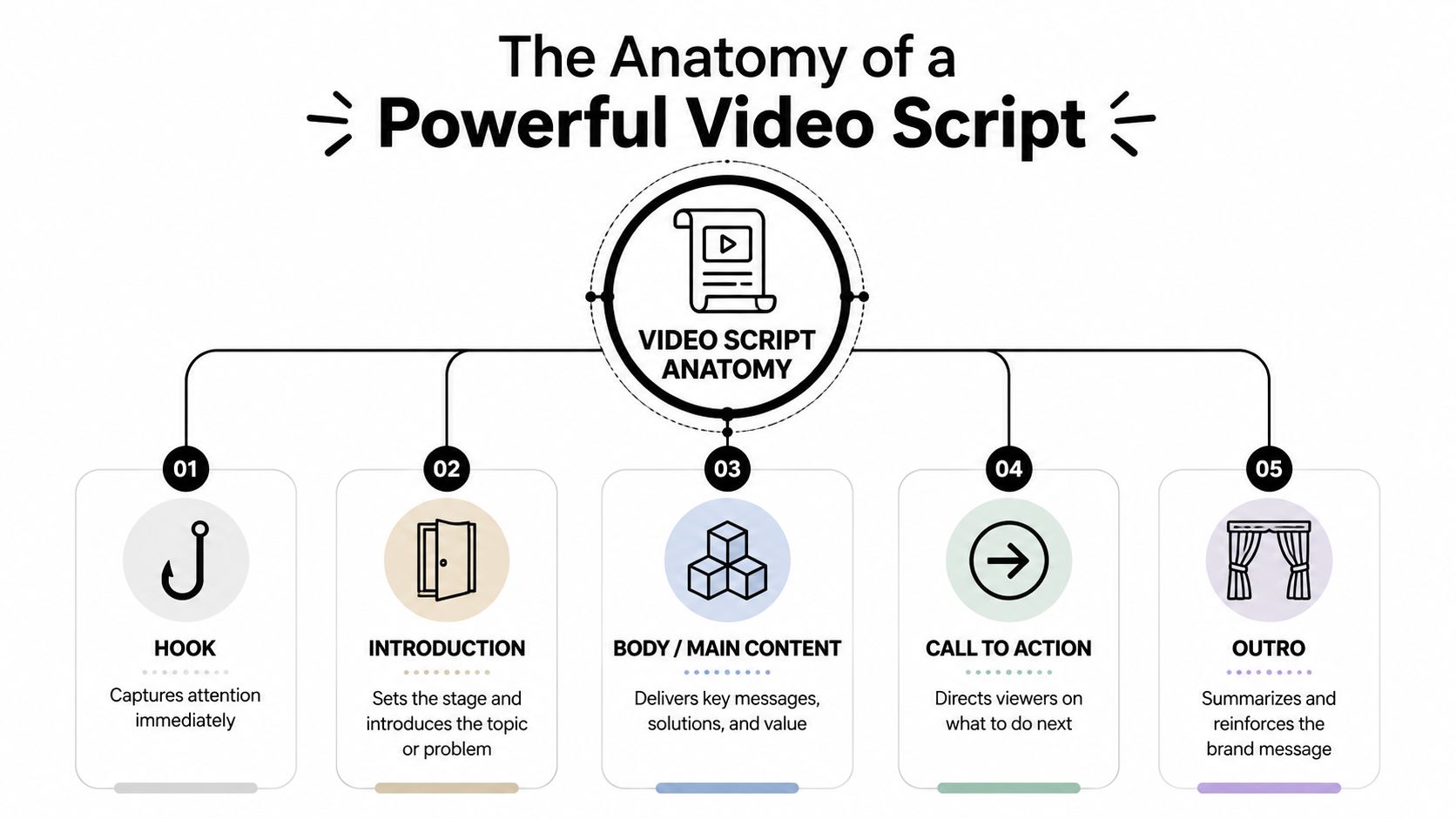
Most effective marketing and educational scripts follow a disciplined attention sequence:
- Hook: Make the tension or promise clear immediately.
- Problem: Show the practical cost of the current situation.
- Solution: Introduce the relevant idea, product, or process.
- Proof in action: Demonstrate the important features or steps visually.
- Call to action: Give the viewer one specific next move.
For a 90- to 120-second video, a useful starting allocation is 5–10 seconds for the hook, 10–30 seconds for the problem, 20 seconds to introduce the solution, 40 seconds or more for demonstration, and the final 10–20 seconds for the CTA. These are planning ranges, not rigid rules. A 30-second social post compresses the same logic into fewer beats.
Give every section one job
| Section | Job | Common mistake |
|---|---|---|
| Hook | Stop the scroll and establish relevance | Opening with company history or a greeting |
| Problem | Make the friction specific and credible | Using broad claims the viewer cannot feel |
| Solution | Connect the offer directly to the problem | Listing every feature before establishing relevance |
| Proof | Show the idea working in a real situation | Explaining benefits without visual evidence |
| CTA | Direct one next step | Ending with a vague “learn more” |
A hook is not an introduction. It is a pattern break or a sharp statement of tension. The problem should name lived consequences—lost time, confusing handoffs, inconsistent output, or missed sales—before the solution appears. The proof section earns trust by showing, not merely naming, the outcome.
Format the script as a production document
The script should help the next person execute it. Use these columns:
- Time: Approximate start, end, or duration.
- Visuals: Framing, subject action, screen recording, B-roll, graphics, and transitions.
- Audio: Voiceover, dialogue, music changes, and sound cues.
- On-screen text: Titles, captions, labels, lower thirds, and CTA copy.
- Purpose: The single communication job of the scene.
| Time | Visuals | Audio | On-screen text | Purpose |
|---|---|---|---|---|
| 0:00–0:05 | Frustrated creator switches between several unfinished drafts | “If your edit keeps changing, your script probably never made the decision.” | Stop rewriting in the edit | Hook |
| 0:05–0:18 | Three-box storyboard appears | “Plan what viewers see, hear, and do before production begins.” | Visual + Audio + CTA | Problem and principle |
| 0:18–0:35 | Script columns fill in, then become separate shots | “A production script turns every beat into an executable scene.” | One scene, one job | Solution |
If a scene needs more explanation than its visual can carry, simplify the line or strengthen the visual. Do not make the audience decode dense narration and a complicated frame at the same time.
Keep scenes tight
Video unfolds in real time, so prose that works in an article may feel slow when spoken. As a planning estimate, conversational narration often lands around 130–160 words per minute. A 30-second script commonly needs roughly 65–80 words; a 60-second script may need 130–160. Read it aloud and time the actual delivery rather than relying only on a word count.
Before locking the draft, ask:
- Can the first line stand alone as a hook?
- Does the problem sound like a real situation rather than a category label?
- Does the solution arrive after the tension is understood?
- Does each claimed feature have a visual expression?
- Can every scene be understood in one moment of attention?
- Does the CTA name a clear action?
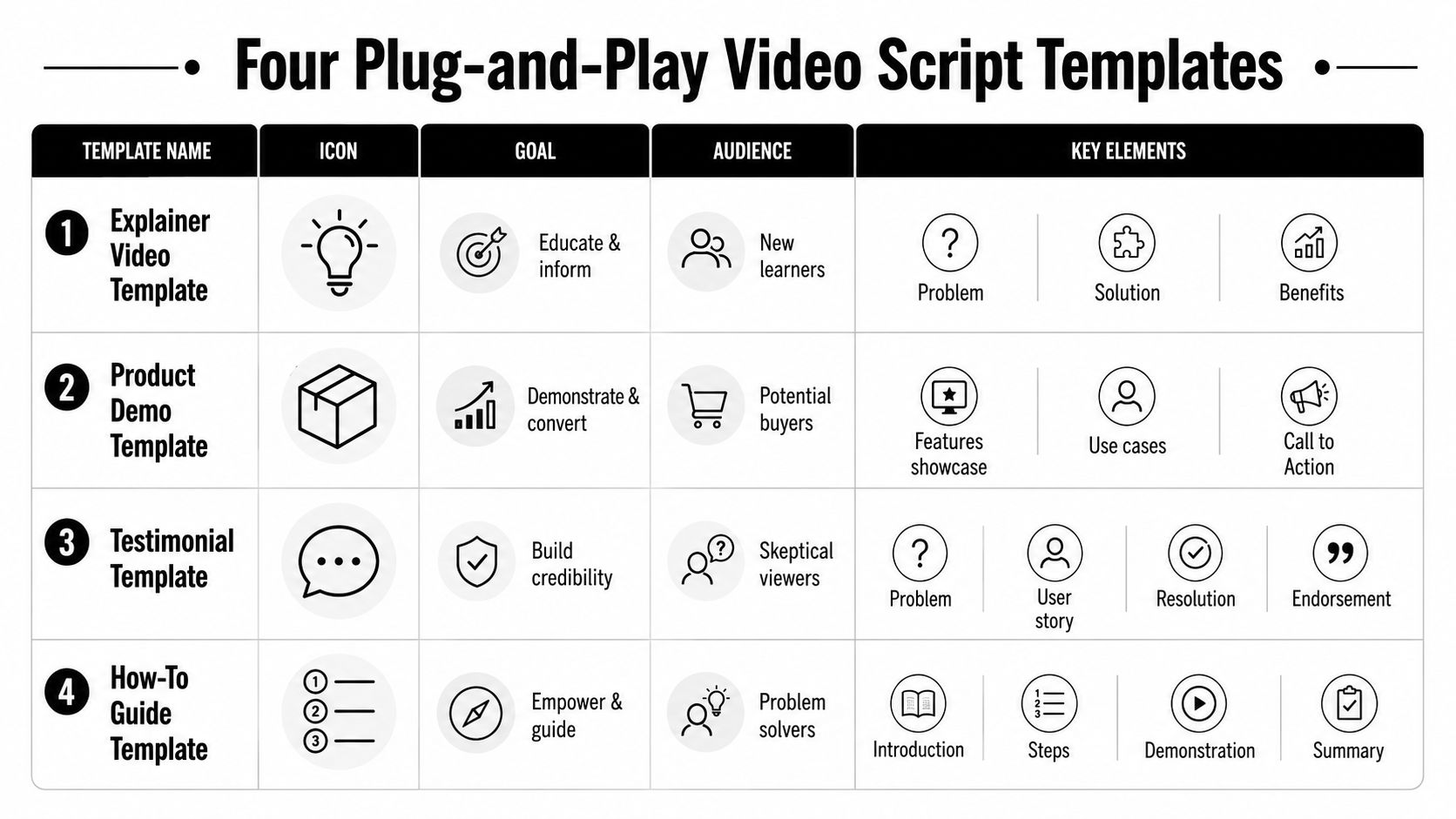
Four Plug-and-Play Video Script Templates
Different formats need different pacing. Copy the appropriate template, then replace the bracketed fields with language your audience already uses.

1. Short-Form Social Template
Use this for one tip, a mistake to avoid, a surprising opinion, or a quick transformation. Aim for one idea and minimal setup.
| Beat | Script pattern | Visual direction |
|---|---|---|
| Hook | “If you [common behavior], that may be why [unwanted outcome].” | Start on the problem; display the key phrase immediately |
| Value | “Instead, [single corrective action].” | Show the change in one clear shot |
| Proof | “Here is the difference: [brief before/after].” | Split-screen or quick comparison |
| CTA | “[Save/try/comment] this when you [specific moment].” | Hold a readable end card |
Example:
“If your videos start with a long introduction, viewers may leave before the useful part. Open with the problem they already feel, then show one fix. Compare these two openings. The second tells you immediately why to keep watching. Save this structure for your next script.”
Cut every word that does not create clarity, tension, or momentum. Captions should be punchy, and each shot should communicate one idea.
2. Product Promo Template
A product promo should not become a feature inventory. It should make the product feel like a credible answer to a recognizable problem.
| Beat | Audio | Visual |
|---|---|---|
| Hook | “Still [wasting time/losing progress] because [specific friction]?” | Show the frustrating current state |
| Cost | “That creates [consequence one] and [consequence two].” | Show the downstream impact |
| Solution | “[Product/category] brings [workflow] into one place.” | Reveal the interface or product cleanly |
| Proof | “Now you can [action], [action], and [action].” | Demonstrate each action rather than listing it |
| CTA | “[Start/try/build] [specific next project].” | End card with one action |
For example, a workflow product might open on a user switching among chat, email, spreadsheets, and a task board. The solution scene should then show the same work completed in a coherent sequence. The contrast is the story.
3. Explainer Video Template
Use this when the viewer needs to understand a process, model, or change. Reduce cognitive load with diagrams, labeled steps, and repeated visual patterns.
- Tension: “[Audience] knows it needs [goal], but [obstacle] keeps getting in the way.”
- Context: “The issue is not [obvious assumption]. It is [underlying mechanism].”
- Explanation: “A better approach uses [two or three connected principles].”
- Application: “When this is in place, [observable result].”
- CTA: “Use this framework to [specific diagnostic or next step].”
An explainer can move more slowly than a social tip, but every scene still needs a visible purpose. When the narration introduces a relationship, show a diagram. When it describes a sequence, label the steps. When it names an outcome, show the before and after.
4. Training and How-To Template
Training scripts should mirror the exact order of the task. Include the starting context and common mistake without over-explaining what the viewer can already see.
- State the task: “Here is how to [complete task] without [risk].”
- Show the starting point: “Open [location] and confirm [prerequisite].”
- Demonstrate each action: “Select [item], change [field], then verify [result].”
- Flag the mistake: “Do not [common error], because [consequence].”
- Confirm the outcome: “You should now see [verification state].”
Every spoken line should correspond to an action or decision visible on screen. If removing a sentence does not reduce comprehension, remove it.
Adapt the Template to Your Brand Voice
A template supplies structure, not identity. If a completed script still sounds generic, adjust formality, sentence rhythm, vocabulary, and point of view.
Start with how the team actually speaks
Read the draft aloud. Stiff openings, overlong sentences, and unnatural transitions become obvious when spoken. Compare the language with sales calls, onboarding sessions, customer-support replies, and founder videos. A conversational brand should not suddenly sound like a brochure.
Control four voice variables:
- Formality: Polished, relaxed, playful, or instructional.
- Rhythm: Short sentences create speed; longer sentences add context or authority.
- Vocabulary: Replace abstract marketing terms with phrases customers use.
- Point of view: Speak as a guide, expert, peer, or coach.
“Improve cross-functional collaboration” is abstract. “Stop chasing approvals across three tools” creates a visible situation. The more closely the wording matches real customer language, the more distinctive the script becomes.
Run a cut-first editing pass
Do one revision where you are allowed only to remove or tighten:
- Delete greetings and context that delay the main point.
- Mark sentences that repeat the previous idea.
- Replace vague benefits with concrete outcomes.
- Remove narration that merely describes what the screen already shows.
- Shorten the CTA until it contains one action.
Lock the meaning rather than every breath. A real presenter needs room for natural delivery, but the hook, proof, terminology, and CTA should remain stable.
Turn the Script into AI Video Scenes
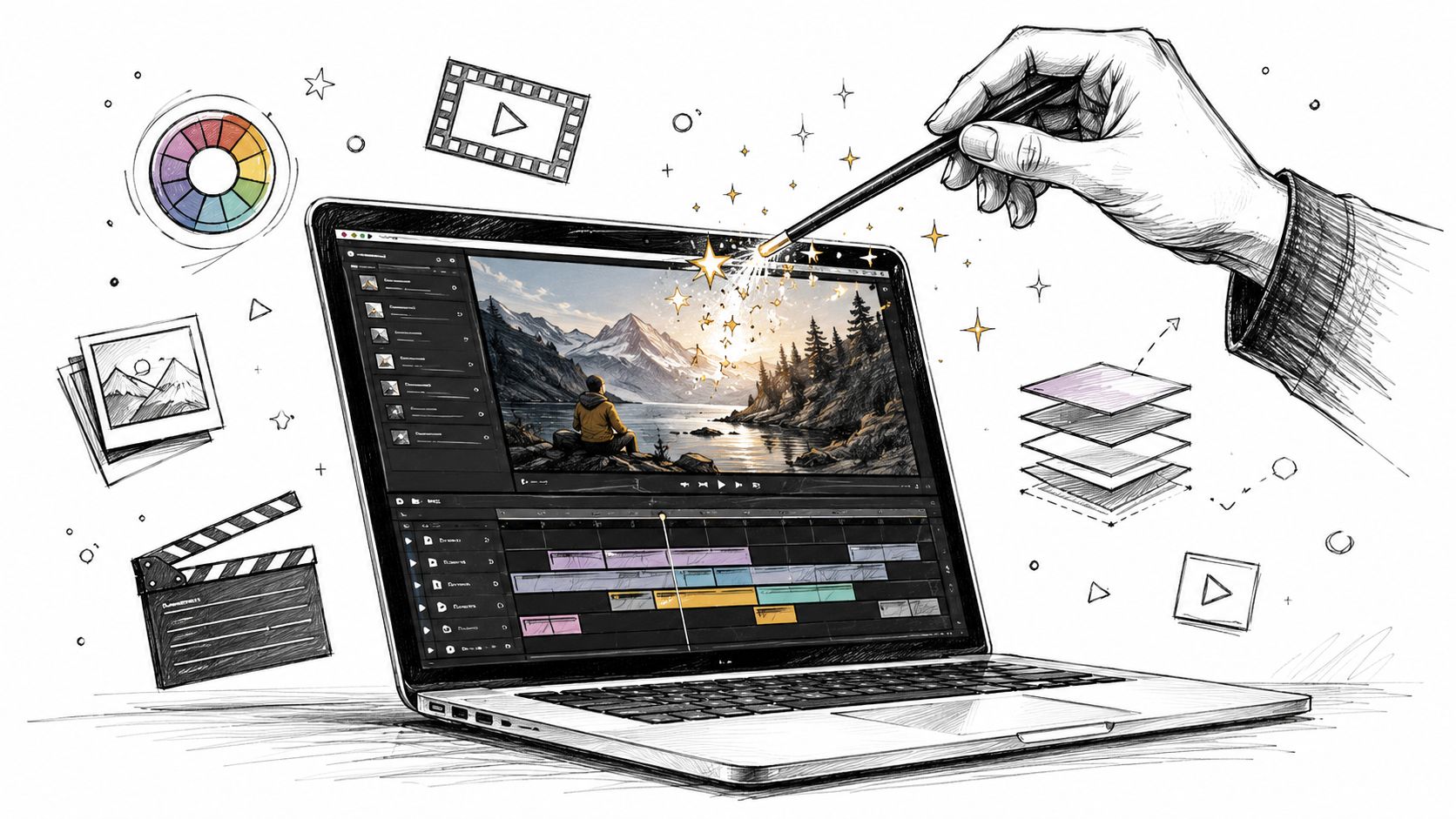
Once the script is approved, the visuals column becomes a prompt source. Do not send the entire script as one prompt and ask the model to invent the story. Translate each beat into a standalone scene.
Convert one visual cue at a time
Suppose the narration says: “Teams lose momentum when approvals happen across too many tools.” The visuals column might say: “Project manager switches between chat, email, spreadsheet, and task board; frustrated but professional; clean modern office.”
Turn that into a scene prompt in layers:
- Subject and action: “A project manager at a desk switches rapidly among chat, email, spreadsheet, and task-board windows on a desktop display.”
- Environment: “Modern office, uncluttered desk, realistic workspace.”
- Style: “Cinematic natural light, shallow depth of field, consistent neutral palette.”
- Motion: “Subtle camera push-in, screen glow changes, quick eye movements among windows.”
- Constraint: “No distorted screen layout, fixed wardrobe and face.”
The description is specific enough to render while leaving the model no responsibility for the larger narrative.
Use a repeatable scene workflow
- Finalize narration and scene beats.
- Copy the visuals column into a prompt-ready scene list.
- Clarify the subject and action before adding style terms.
- Match clip duration to the spoken line.
- Generate a few focused variations while the scene intent is fresh.
- Select clips according to message clarity, not spectacle.
- Assemble scenes in script order.
- Add the approved voiceover, captions, music, and CTA.
- Trim for continuity and pacing.
Use on-screen text to reinforce key ideas, not to repeat every spoken sentence. Check continuity across lighting, color, lens feel, wardrobe, location logic, and character identity. One visually impressive clip should not disrupt the rest of the sequence.
Copyable Master Template
VIDEO TITLE:
AUDIENCE:
ONE-SENTENCE GOAL:
TARGET DURATION:
FORMAT / ASPECT RATIO:
BRAND VOICE:
PRIMARY CTA:

SCENE 1 — HOOK
Time:
Purpose:
Audio:
Visuals:
On-screen text:

SCENE 2 — PROBLEM
Time:
Purpose:
Audio:
Visuals:
On-screen text:

SCENE 3 — SOLUTION
Time:
Purpose:
Audio:
Visuals:
On-screen text:

SCENE 4 — PROOF / DEMONSTRATION
Time:
Purpose:
Audio:
Visuals:
On-screen text:

SCENE 5 — CTA
Time:
Purpose:
Audio:
Visuals:
On-screen text:
The script is not pre-production paperwork; it is the operating plan for the entire build. It connects the message, visuals, voiceover, text, and CTA so each handoff preserves the same idea.
When your scene list is ready, begin a script-to-screen workflow at VideoAny. Start with one short format, keep each scene focused, and use the final script as the standard against which every generated clip is judged.
If a generated scene develops identity drift, flicker, or unstable geometry, use the AI video artifact troubleshooting guide before rebuilding the whole sequence.
FAQs
How long should a video script be?
Match it to actual delivery speed. Around 65–80 spoken words is a reasonable starting range for 30 seconds, while 130–160 words may fit one minute. Read aloud with pauses and visual beats to get the real duration.
Should I write the visuals or voiceover first?
Start with the message structure, then develop audio and visuals together. A line that has no useful visual expression may need to be simplified, and a beautiful shot that does not advance the message may not belong.
How many ideas should a short video include?
Usually one main takeaway. Supporting details should prove or explain that idea rather than introduce separate topics.
Can the script change during editing?
Yes, but change it intentionally. Small timing and delivery adjustments are normal. If the core message changes, update the script so the team still has one source of truth.
What makes a good AI video scene prompt?
Define the subject, action, environment, style, motion, duration, and important constraints. Prompt one scene at a time and keep visual identity consistent across the sequence.