Categories: AI Video Workflow, Creator Strategy, Production Process
Tags: unboundai, ai creation studio, ai video workflow, content strategy, creator toolkit
Introduction
In 2026, the process of turning still images into videos is no longer a novelty but a practical workflow that creators can leverage to bring their static images to life. With the power of AI, creators can take a single character image, product render, or piece of still art and transform it into a short motion sequence with controlled camera movement, expression, and pacing. This capability has revolutionized the way creators approach content production, enabling them to produce high-quality, engaging videos without extensive video production experience.
First, What Does Image-to-Video AI Actually Do?
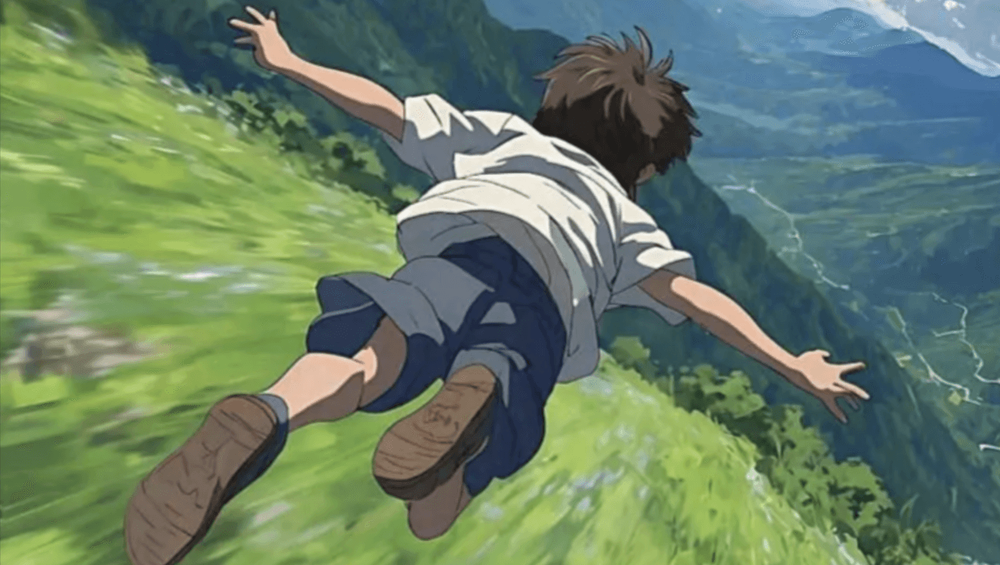
Image-to-video AI is a technology that transforms static images into dynamic video clips. It goes beyond simple motion effects by allowing creators to describe actions, camera movement, atmosphere, and narrative beats in text. This level of control enables creators to produce videos that are not only visually appealing but also convey a specific message or tell a story. By leveraging image-to-video AI, creators can unlock new possibilities for their content, making it more engaging, interactive, and memorable for their audience.
Step-by-Step: How to Turn an Image into Video
To turn an image into a video using AI, follow these steps:
- Prepare the Image: Start by selecting a high-quality image that you want to animate. Ensure the image is clear, well-lit, and has a good composition.
- Write the Movement: Describe the movement, actions, and camera behavior you want to see in your video. This text prompt will guide the AI in generating the video.
- Review the Clip: Once the AI generates the first result, review it against your original image and text prompt. Check if the identity, anatomy, motion direction, and camera framing align with your intent.
- Refine and Export: If necessary, refine your prompt and regenerate the video. Once satisfied, export your video. Paid plans on UnboundAI allow you to download high-resolution videos without watermarks.
Real Example: Bringing My OC to Life
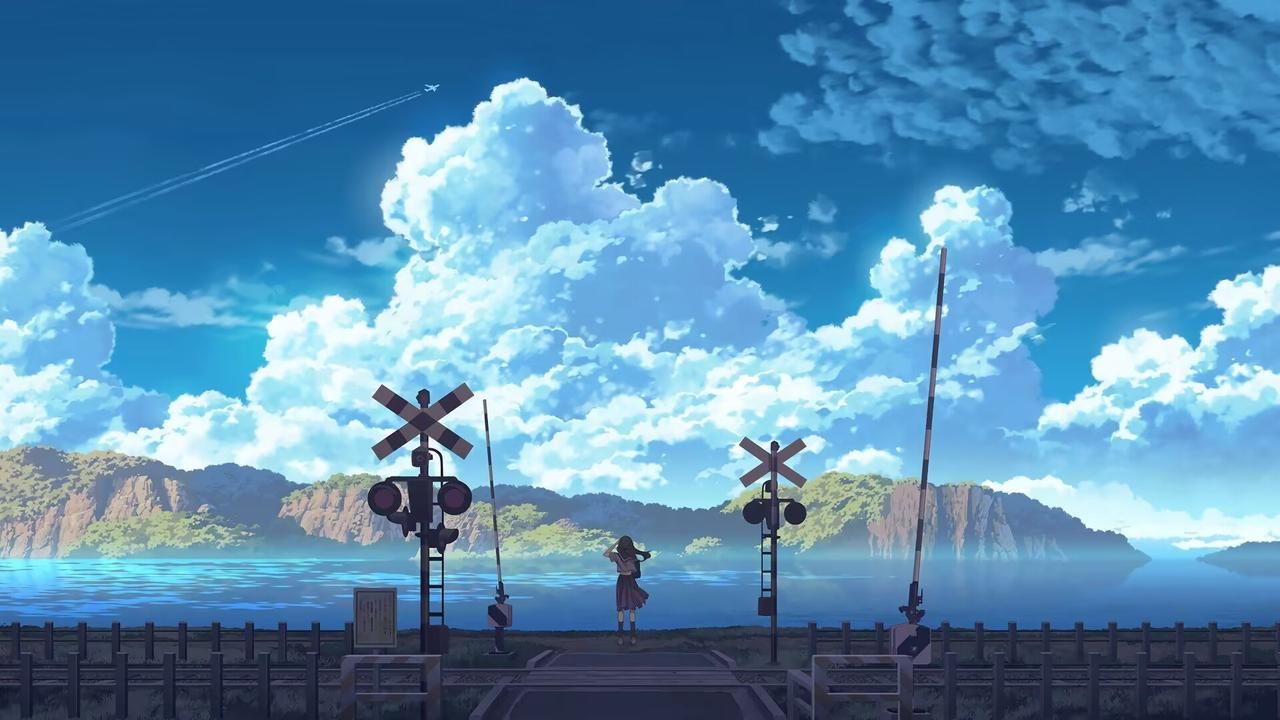
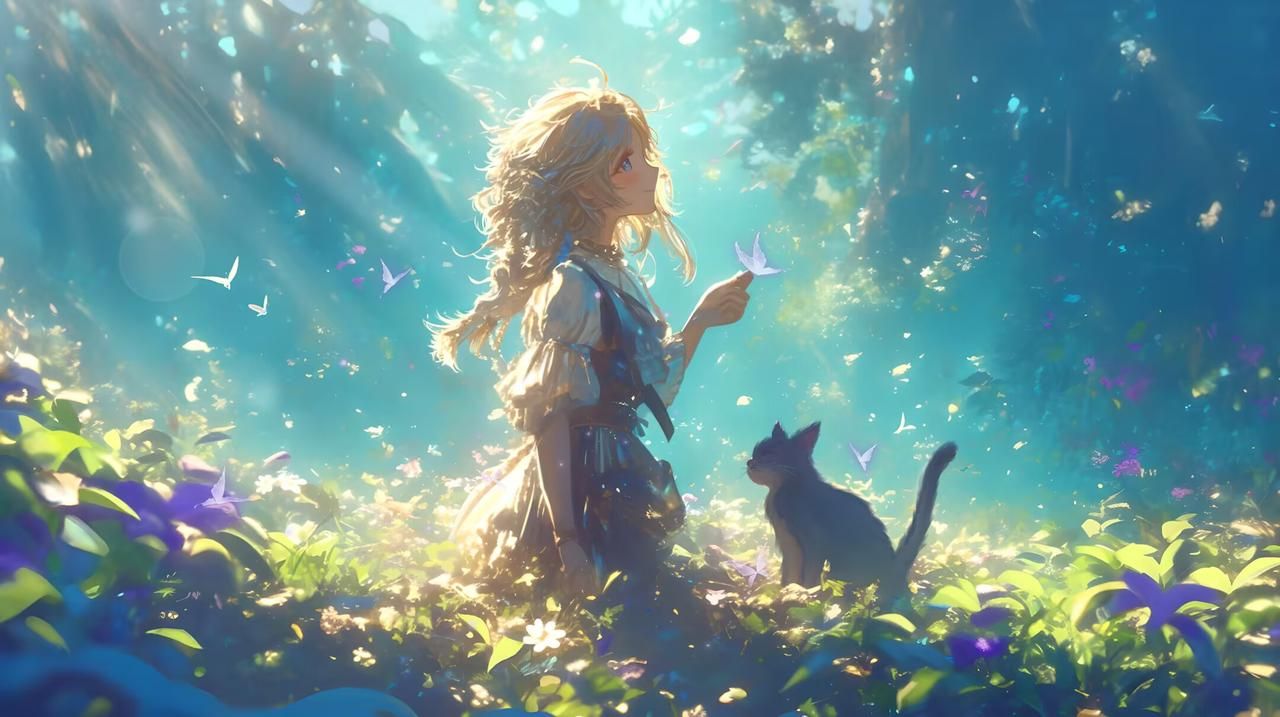
A recent project involved animating an original character (OC) using the image-to-video AI workflow. By following the steps outlined above, it was possible to quickly turn a static illustration into a dynamic scene. This process demonstrated the capability of the animator to imbue still art with motion and narrative, showcasing the potential of AI in content creation.
Advanced Tips for Pro-Level Results
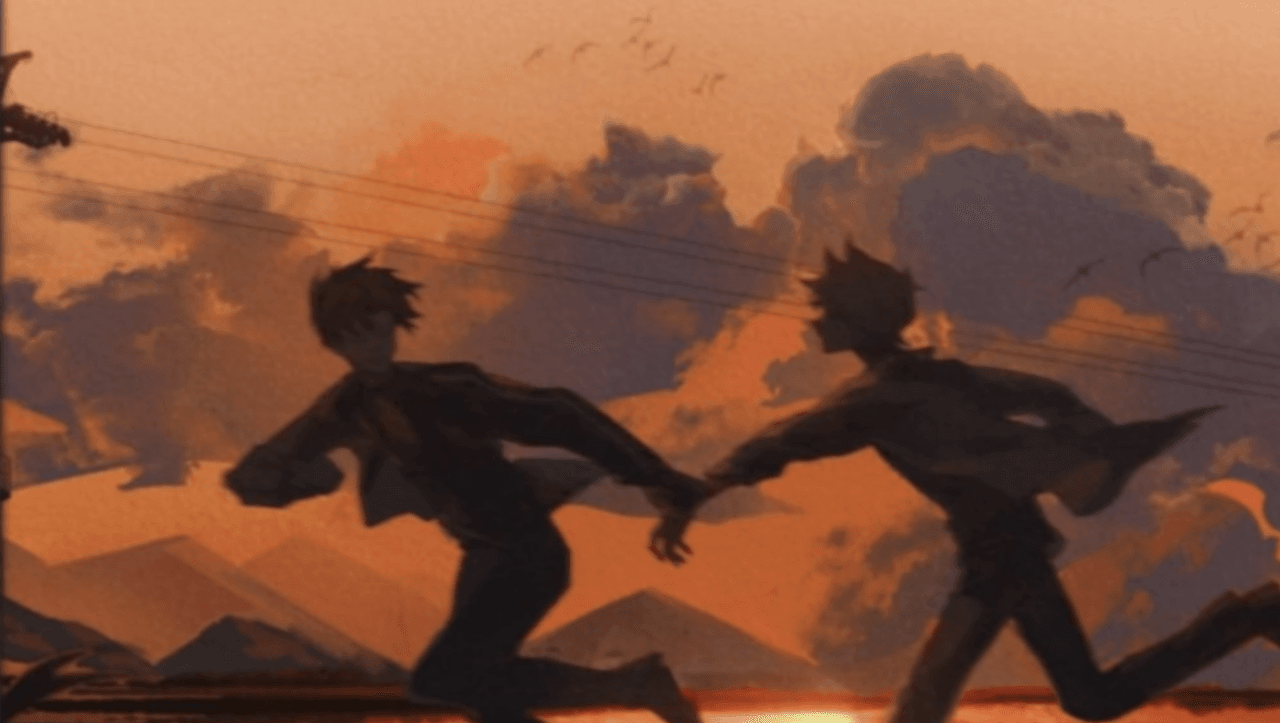
Having generated numerous animations, several advanced tricks have been discovered that significantly enhance the final output:
- Clean Source Image: Pairing a clean, high-quality source image with a specific prompt yields the best results.
- Disciplined Review Loop: Implementing a disciplined review loop ensures that the final video meets the creator's intentions and quality standards.
- Consistent Workflow: Maintaining a consistent workflow from preparation to export is crucial for producing high-quality videos efficiently.
Why You Should Start Turning Images into Videos Today
The landscape of AI animation has evolved dramatically in 2026. With the advancements in image-to-video AI, creators can now produce professional-looking videos from still images. This technology offers a unique opportunity for creators to breathe new life into their static content, making it more engaging and interactive for their audience.
Ready to Animate Your OCs?
You've poured your creativity into your art and storyboards. Now, give those images motion with a repeatable workflow:
- Prepare the Image: Ensure your image is ready for animation.
- Write the Movement: Describe the actions and movements you want to see.
- Review the Clip: Check if the generated video meets your expectations.
- Scale Variants: Only scale the variants that preserve character and style.
Conclusion
The most reliable way to scale content output is to standardize how each piece is produced. Keep the structure stable, iterate by section, and scale only what proves performance. By adopting this approach and leveraging image-to-video AI, creators can efficiently produce high-quality videos that engage their audience and set them apart in the competitive content landscape.
FAQs
1) Can this workflow work for a solo creator?
Yes, it can. Start with a small weekly scope and reuse the same production blocks so every test teaches you something measurable.
2) How many variants should I test per post?
2 to 4 focused variants are usually enough to identify clear winners. Experiment with different animation prompts to see what yields the best results.
3) Should I prioritize trends or consistency?
Use trends for reach, but keep a consistent format system for long-term brand memory.
Media References
- https://cdn.unboundai.net/blog/turn-images-into-videos-with-ai-2026/20260703113641-hwauth5b.png
- https://cdn.unboundai.net/blog/turn-images-into-videos-with-ai-2026/20260703113642-3ex1erou.png
- https://cdn.unboundai.net/blog/turn-images-into-videos-with-ai-2026/20260703113644-yae7nl99.jpeg
- https://cdn.unboundai.net/blog/turn-images-into-videos-with-ai-2026/20260703113645-s3qs9fx6.jpeg
- https://cdn.unboundai.net/blog/turn-images-into-videos-with-ai-2026/20260703113646-czm7abhi.png
Explore UnboundAI workflow templates and start creating your own animated videos today: https://unboundai.net