Categories: AI Video Workflow, Creator Strategy, Production Process
Tags: unboundai, ai creation studio, ai video workflow, content strategy, creator toolkit
Introduction
AI can help indie teams make trailer material faster, but it should not replace honest representation of the game. The strongest AI-assisted trailer sells mood, genre, world, and player fantasy without inventing fake gameplay.
Use AI for concept shots, atmosphere, title-card backgrounds, character moments, and social cutdowns. Keep actual gameplay claims grounded in what the game can really deliver.
AI Game Trailer Workflow
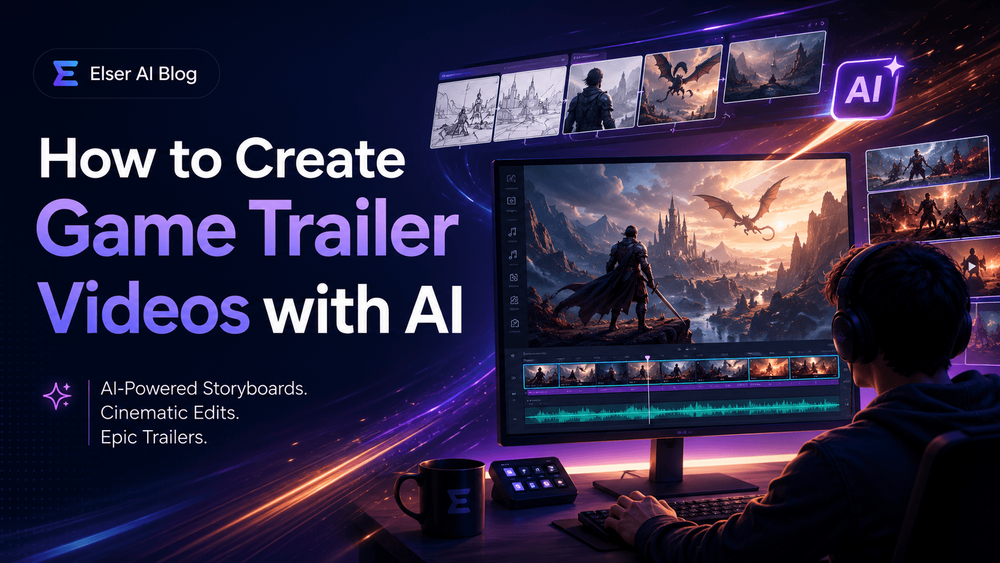
1) How to Create Game Trailer Videos with AI
A good game trailer does not simply show a game. It sells a feeling.
2) Start with the Game’s Trailer Promise
Before generating any footage, write a one-sentence trailer promise. This is not marketing fluff. It is the creative anchor for the whole video.
3) Use AI to Build Trailer Shots, Not Fake Gameplay
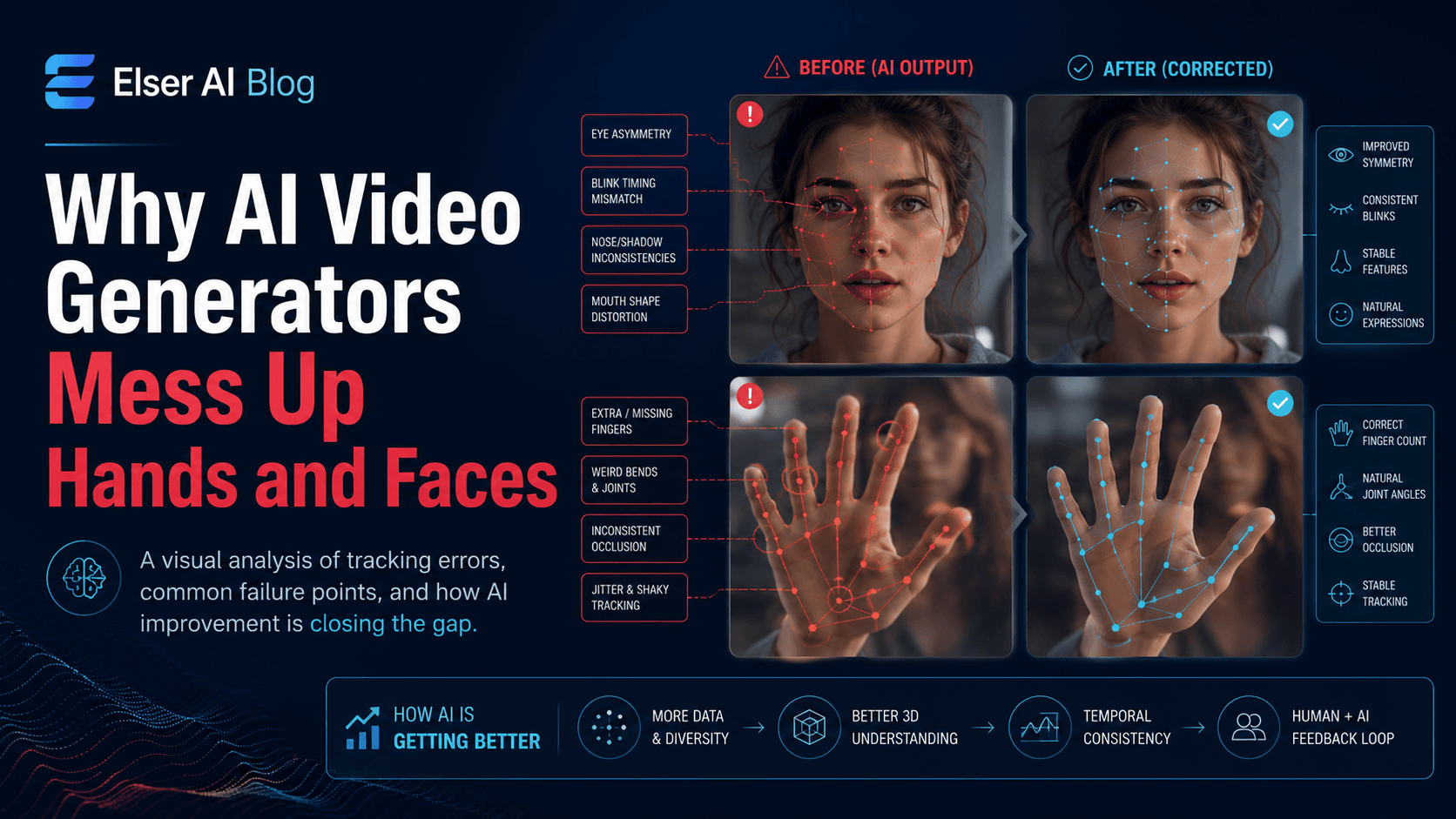
One important ethical and practical rule: do not use AI to misrepresent your game. If the video shows gameplay features, combat systems, environments, or UI that do not exist, players will feel tricked.
4) Build the Trailer Structure Like a Real Editor
A good short game trailer usually has a simple arc. It opens with a hook, establishes the world, shows the player fantasy, escalates the stakes, and ends with a clear title or call-to-action.
5) Prompting AI Game Trailer Scenes
A good game trailer prompt needs four parts: genre, subject, camera, and trailer purpose. Do not only describe the scene; describe how it should function inside a trailer.
6) Preserve Character and World Consistency
Game trailers need visual consistency. If your protagonist changes armor in every scene, the trailer feels amateur. If the world shifts from pixel art to photorealism to anime, the brand identity collapses.
7) Add Voice, Music, and Text Carefully
Game trailers are remembered through sound as much as visuals. A trailer without audio can still work for silent social feeds, but a strong trailer usually needs music, impact sounds, ambience, or voiceover.
8) A Practical UnboundAI Game Trailer Workflow
A smart AI game trailer workflow inside UnboundAI might look like this: upload your strongest character art or key visual, generate three mood shots, generate two character shots, generate one title-card background, export vertical versions for short-form platforms, then test which hook earns the strongest response.
9) Final Thoughts
Creating game trailer videos with AI is not about pretending your game is bigger than it is. It is about communicating the world, mood, and player fantasy faster.
A Practical Trailer Structure
Build the trailer in small pieces: hook, world, character or core mechanic, escalation, title card, and call-to-action. Generate AI shots only where they support that structure. If a shot implies gameplay that does not exist, replace it with concept art, mood footage, or a clearer visual metaphor.
UnboundAI can help indie creators iterate on those trailer pieces before committing to final editing. Keep the source art, approved shots, vertical versions, and text overlays organized so the trailer can become a launch page hero, Steam capsule teaser, and short-form ad campaign.
Next Step
Use UnboundAI to turn this workflow into a repeatable video production process: https://unboundai.net
FAQs
Can AI-generated shots be used in a game trailer?
Yes, when they represent mood, world, characters, or concept direction honestly. Avoid showing nonexistent gameplay as if it were playable footage.
What is the first thing to write before generating clips?
Write the trailer promise: the one feeling or player fantasy the trailer must communicate.
How long should an indie game trailer be?
For early promotion, 15 to 45 seconds is often enough. Make the first three seconds clear and visually specific.