Categories: AI Video Workflow, Creator Strategy, Production Process
Tags: unboundai, ai creation studio, ai video workflow, content strategy, creator toolkit
Introduction
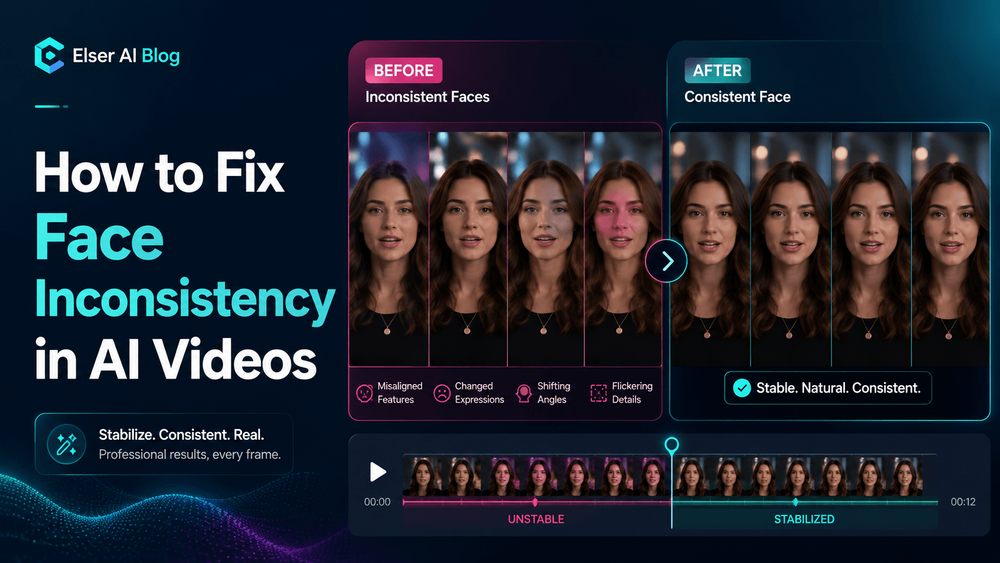
Face inconsistency is one of the fastest ways to make an AI video feel unfinished. A character may look correct in the first frame, then gain a different jawline, eye shape, hairstyle, or age once the camera moves.
The fix is not one magic phrase. It is a production workflow: choose a stronger reference, repeat the same identity details, limit motion until the face is stable, and review every shot against the original character.
Face Consistency Workflow
1) Why AI Video Faces Change
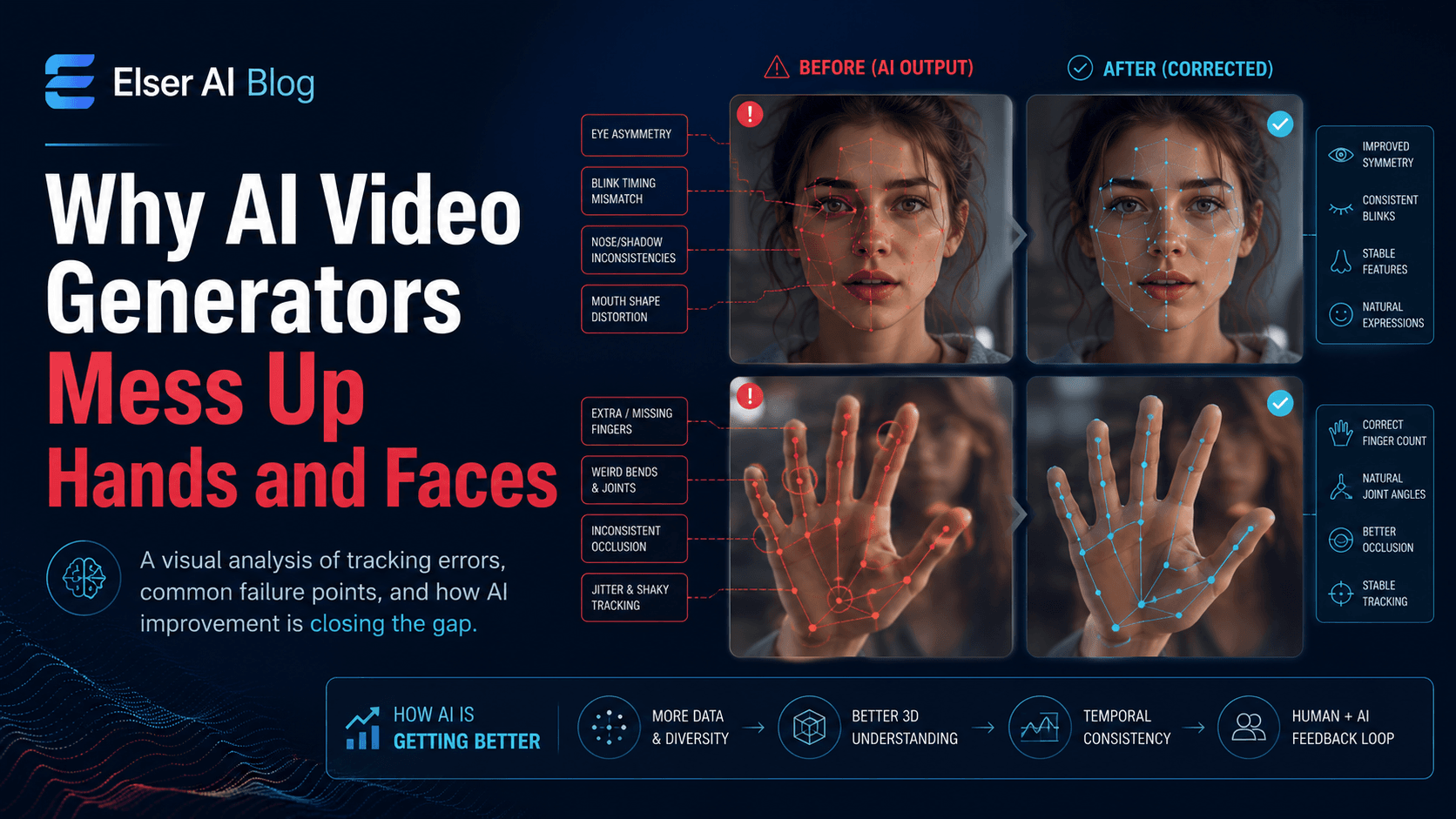
Faces change because video generation requires reconstruction. A still image shows one moment, one angle, and one lighting condition. When you ask AI to animate that face, turn it, move it, change expression, or place it in a new environment, the model has to infer what the face should look like in the next frame.

2) Start with a Face-Strong Reference Image
The strongest fix begins before video generation. You need a reference image that clearly defines the face. For realistic characters, this means visible facial structure, clear eyes, natural lighting, and minimal blur.
3) Use a Face Identity Lock in Every Prompt
Once the reference is ready, the next step is prompt consistency. Many creators unknowingly cause face drift by changing how they describe the character in every scene.

4) Reduce Motion Before Increasing Complexity
Face inconsistency becomes worse when motion becomes too complex. If your character turns fully around, runs, jumps, speaks, laughs, and moves through changing light, the model must solve many problems at once. The more it has to solve, the more likely the face will drift.
5) Control Lighting and Camera Angles
Face inconsistency is often caused by lighting, not just identity drift. Strong shadows can change the perceived face shape. Harsh side lighting can make the nose or jaw look different. Extreme close-ups can exaggerate features. Wide shots can lose facial details.
6) Review Face Consistency Like a Production Editor
Do not judge outputs only by beauty. Judge them by identity. Place the generated frame beside the reference image and compare the face shape, eyes, mouth, jaw, hairstyle, age, and expression style. If the face is not stable, regenerate early.
7) A Practical Face Consistency Prompt Template
“Use the same character from the reference image. Preserve the exact facial identity: face shape, eye shape, eye color, nose, mouth, jawline, skin tone, hairstyle, hair length, expression style, and overall visual style. In this scene, the character [specific action].”
8) Final Thoughts
Face inconsistency in AI videos is not random. It usually comes from weak references, changing prompt language, too much motion, unstable lighting, or a workflow that treats every scene as a separate identity. The fix is to protect the face deliberately.
A Repeatable UnboundAI Process
Start with one face-strong image, then generate short clips with limited camera movement. Compare each result against the reference before making the next scene. Once the face stays stable, gradually add expression, angle changes, environment motion, and dialogue.
Use UnboundAI as the working space for this process: keep the reference image, prompt identity block, approved clips, and scene variants together so every new shot starts from the same identity rules instead of a fresh guess.
Next Step
Use UnboundAI to turn this workflow into a repeatable video production process: https://unboundai.net
FAQs
Why does the same AI character look different between scenes?
Most drift comes from changing prompts, weak references, hard camera angles, fast motion, or lighting that reshapes the face.
Should I fix the prompt or the reference image first?
Fix the reference first. A clear face image gives the model a stronger identity anchor before the prompt adds motion and scene direction.
What is the safest first test for a consistent face?
Use a short clip with a stable camera, subtle blinking, and very small head movement. Add complex motion only after that baseline works.