Categories: AI Video Workflow, Creator Strategy, Production Process
Tags: unboundai, ai creation studio, ai video workflow, content strategy, creator toolkit
Introduction
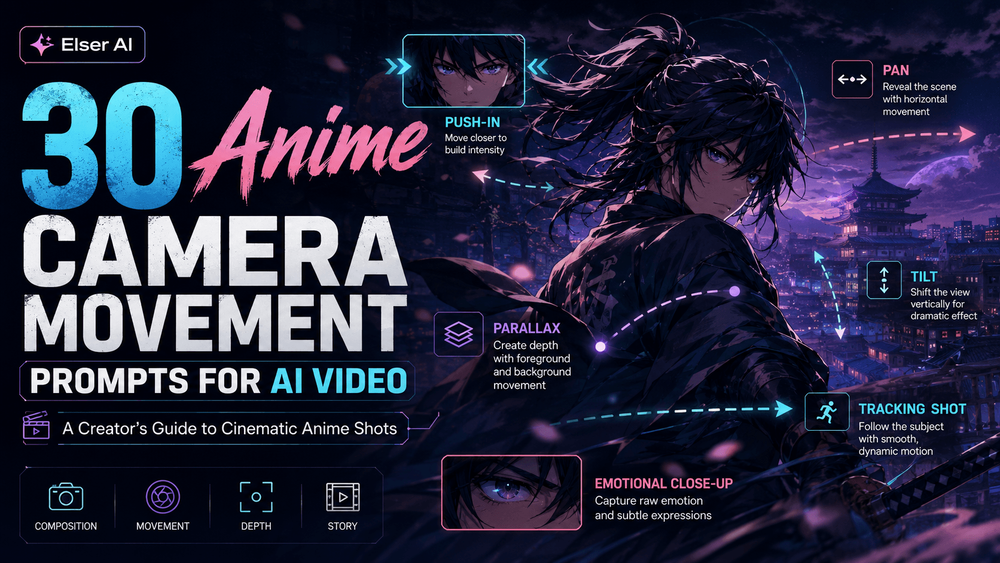
Anime camera movement is more than visual polish. A push-in can make a quiet realization feel important, a pan can reveal a world, and a tracking shot can turn a simple action into a cinematic beat.
For AI video, the best camera prompts are specific but controlled. They name the movement, emotional purpose, subject stability, style rules, and continuity constraints so the shot feels animated without losing the character.
Anime Camera Prompt System
1) Anime Camera Movement Prompts for AI Video
Anime video is not just about character design. It is about camera language.
2) How Anime Camera Movement Works in AI Video
Before the prompts, it helps to understand the main camera categories.
3) Emotional Close-Up Camera Prompts
“Create an anime-style video with a slow camera push-in toward the character’s face as they realize something important. Preserve the exact face, hairstyle, outfit, eye design, and anime art style. Keep the background softly blurred and the motion controlled.”

4) Environmental and Worldbuilding Camera Prompts
“Create a slow panoramic anime shot across a glowing cityscape at night. Add subtle lights, atmospheric haze, and layered parallax. Keep the movement smooth and cinematic.”
5) How to Choose the Right Camera Prompt
The right anime camera movement depends on the emotional job of the scene. If the scene is about vulnerability, use stillness, slow push-ins, and close-ups. If it is about action, use tracking shots, pans, and controlled shake.
6) How UnboundAI Helps with Anime Camera Workflows
A single anime camera prompt can create a nice clip. But a real anime short needs continuity. It needs the same character, same art style, same emotional logic, and compatible camera language across multiple shots. That is where many AI creators struggle.
7) Final Thoughts
Anime camera movement is not decoration. It is storytelling. A slow push-in tells the viewer to pay attention to emotion. A fast pan creates energy. A parallax shot builds space. A static close-up creates tension.
How to Use These Prompts in UnboundAI
Start with one character or background image and test camera motion in small groups: emotional close-ups, worldbuilding moves, and action moves. Keep the same art style, eye design, color palette, and line quality in every prompt.
When a movement works, save the structure and swap only the action or scene detail. That gives you a reusable camera language for anime shorts, openings, VTuber clips, music visuals, and social teasers.
Next Step
Use UnboundAI to turn this workflow into a repeatable video production process: https://unboundai.net
FAQs
What camera movement is safest for character consistency?
A slow push-in or subtle dolly is usually safer than a fast spin, orbit, or full body action shot.
How do I make AI anime shots feel more cinematic?
Add camera purpose, lens feel, background parallax, lighting mood, and continuity rules instead of only asking for “anime style.”
Should every anime clip use movement?
No. Static close-ups and controlled pauses can be more powerful than constant motion, especially for emotional scenes.