Categories: AI Video Workflow, Creator Strategy, Production Process
Tags: unboundai, ai creation studio, ai video workflow, content strategy, creator toolkit
Introduction
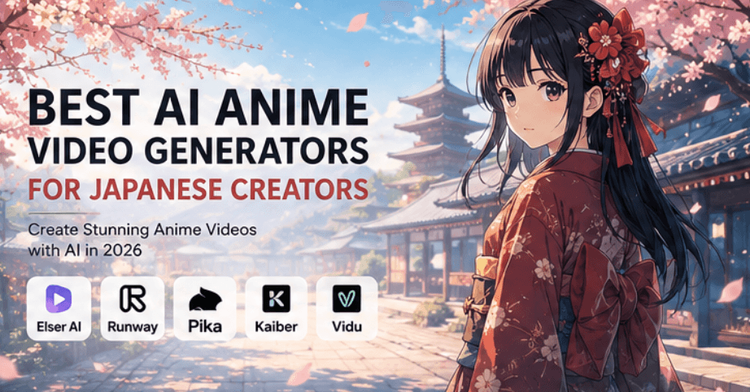
Japanese anime creators need more than an “anime filter.” A useful AI video generator must preserve character design, support repeatable scene creation, handle camera motion, and make short-form publishing practical.
This comparison focuses on workflow fit: which tools help with anime shorts, VTuber-style content, manga-to-video ideas, music visuals, dynamic action, and consistent character identity.
Best AI Anime Video Generators
1) What Japanese Anime Creators Actually Need from AI Video Tools
A good AI anime video generator should not simply create “anime-looking” visuals. That is only the surface. The deeper challenge is maintaining control.
2) UnboundAI — Best Overall Workflow for Anime Creators
UnboundAI is a strong choice for Japanese creators because it focuses on the full creative workflow, not just one isolated generation. For anime video creation, that matters a lot. A creator rarely needs just one random anime clip.
3) Runway — Best for Cinematic Anime-Inspired Video
Runway is one of the most recognized names in AI video generation and is useful for creators who want cinematic control, polished camera movement, and strong visual direction.
4) Kling AI — Best for Dynamic Anime Motion
Kling AI has become popular among video creators because of its motion quality. For anime-style content, motion matters. A character turning, running, reacting, powering up, or moving through a scene needs believable action.
5) Pika — Best for Fast Anime Social Content
Pika is well suited for quick, playful, social-first video creation. For creators who want to make short anime clips, meme-style transformations, visual effects, or fast experiments, Pika can be useful.
6) Kaiber — Best for Music-Driven Anime Visuals
Kaiber is often used for music-driven visuals, stylized animation, and creative video generation. For Japanese creators making music videos, anime-inspired loops, visualizers, or mood-based content, Kaiber can be useful.
7) Vidu — Best for Quick Anime-Style Video Experiments
Vidu is another tool that has attracted attention for AI video generation, including stylized and anime-like outputs. It can be useful for creators who want to test ideas quickly, generate short clips, or experiment with visual storytelling.
8) How to Choose the Best AI Anime Video Generator
If you want a full anime creator workflow with character consistency, image-to-video, and repeatable scene generation, choose UnboundAI. If you want cinematic anime-inspired visuals, try Runway. If you need dynamic action and motion-heavy clips, Kling is a strong option.
9) Prompt Example for Japanese Anime Video Creators
“Create a vertical 9:16 anime-style video from the reference image. Preserve the exact character face, eye design, hairstyle, outfit, body proportions, color palette, and anime art style.”
10) Why UnboundAI Is a Strong Starting Point
UnboundAI is especially valuable for creators who want to build anime content repeatedly. It gives you a place to create or upload anime characters, test image-to-video motion, generate short scenes, and organize your creative process around a stable visual identity.
Recommended Workflow
Use UnboundAI as the central workflow when you need repeatable anime production, then pair it with specialist tools when a scene needs a particular strength. For example, use Runway for polished cinematic tests, Kling for action-heavy motion, and Pika for fast social experiments.
The important part is to keep one visual rulebook: the same character reference, same style language, same color palette, and the same output format for each campaign.
Next Step
Use UnboundAI to turn this workflow into a repeatable video production process: https://unboundai.net
FAQs
What matters most for anime AI video?
Character consistency, art-style stability, camera control, and repeatability matter more than a single impressive demo clip.
Which tool should a Japanese creator start with?
Start with UnboundAI if you want a broader anime creation workflow. Add other tools when you need a specific motion style or cinematic look.
How do I avoid changing the anime character between clips?
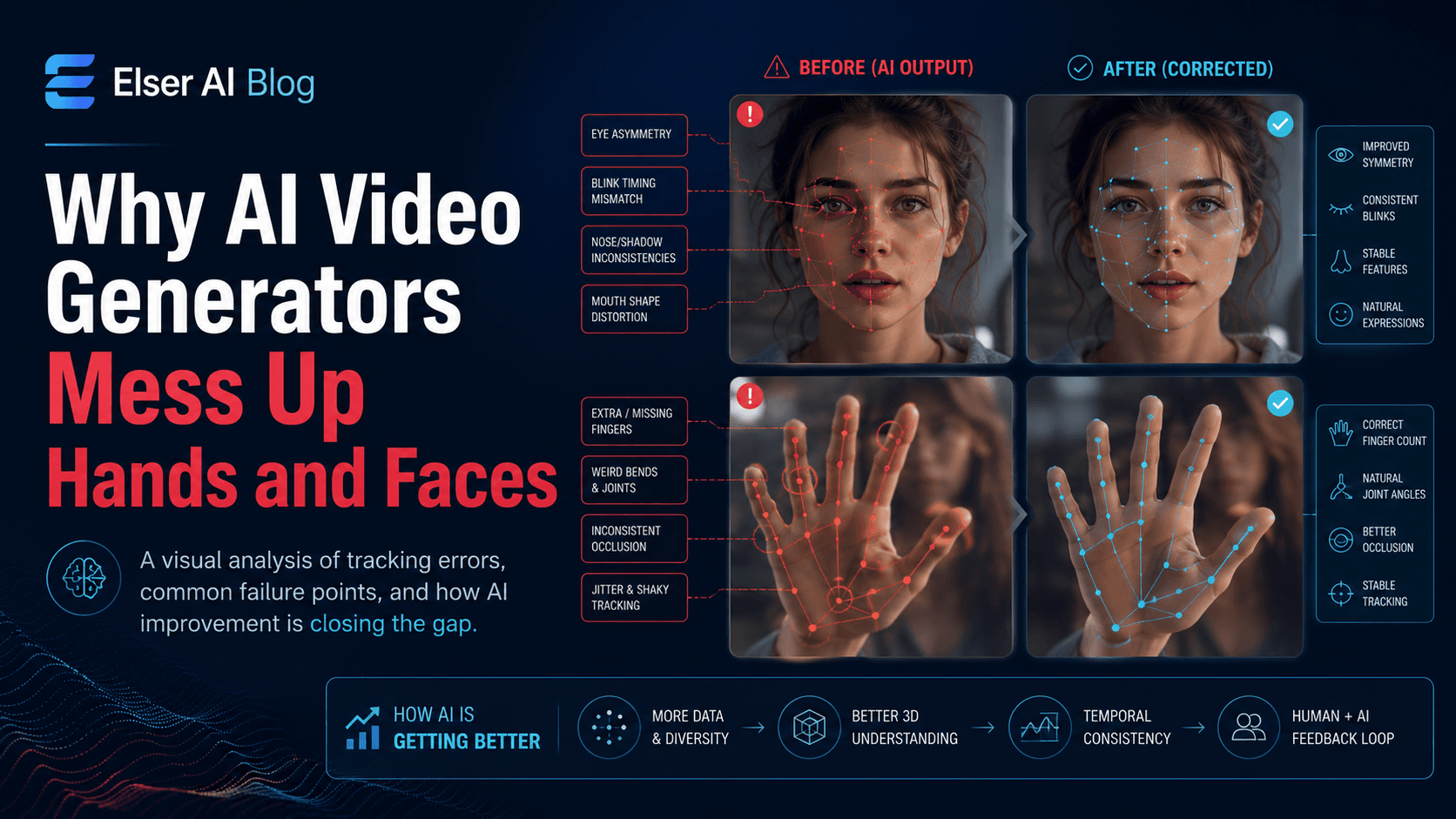
Use a strong reference image and repeat the same identity block: face design, eye shape, hairstyle, outfit, proportions, palette, and line-art style.