Categories: AI Video Workflow, Creator Strategy, Production Process
Tags: unboundai, ai creation studio, ai video workflow, content strategy, creator toolkit
Introduction
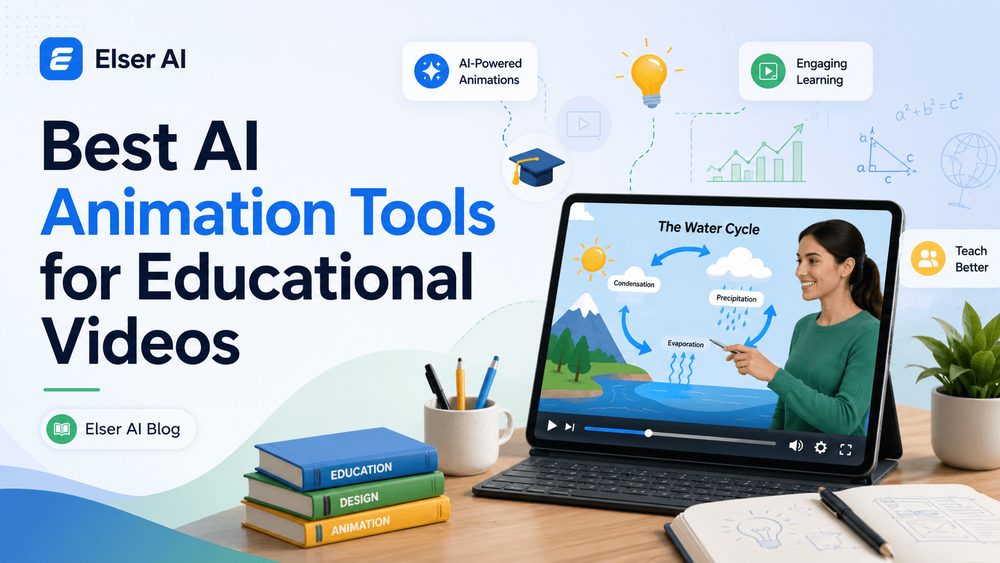
Educational animation has a different job from advertising. It must make a concept easier to understand, not just look impressive. The best AI tools for education support clarity, pacing, accuracy, narration, diagrams, and repeatable lesson formats.
This guide compares tools by teaching use case: cinematic scenes, avatar lessons, classroom explainers, traditional animation, creative shorts, and reusable visual workflows.
Best Tools for Educational Animation
1) What Makes an AI Animation Tool Good for Education?
Educational animation has different standards from promotional video or social content. It must be accurate, readable, and paced for learning. If the animation moves too fast, students miss the concept.
2) UnboundAI — Best Overall Workflow for Educational Animation
UnboundAI is a strong choice for educational video creation because it supports the full creative process rather than only one narrow output. A teacher or course creator usually does not need just one random animation.
3) Runway — Best for Cinematic Educational Visuals
Runway is useful for educational videos that need cinematic realism, environmental storytelling, or polished visual sequences. It is not only an education tool, but it can help creators produce high-quality scenes for history, science, literature, geography, business, and documentary-style lessons.
4) Synthesia and HeyGen — Best for Talking Avatar Lessons
Talking avatar tools like Synthesia and HeyGen are popular in corporate training, onboarding videos, online courses, and multilingual educational content. They are strong when the lesson is primarily verbal and needs a stable presenter.
5) Canva and Adobe Express — Best for Simple Classroom Explainers
Canva and Adobe Express are useful for educators who want fast, clean visuals without a steep learning curve. They are especially good for slide-like videos, simple animated text, classroom announcements, social learning posts, and lightweight explainer content.
6) Vyond and Animaker — Best for Traditional Explainer Animation
Vyond and Animaker are well-known tools for creating explainer videos, training animations, and character-based educational content. They are useful for teachers and teams that want a more traditional animation style with scenes, characters, props, and dialogue.
7) Pika and Kaiber — Best for Creative Educational Shorts
Pika and Kaiber are useful for short-form educational visuals, especially when the goal is attention and creativity. They can help turn images, concepts, or artistic prompts into eye-catching clips for social platforms.
8) How to Choose the Right AI Animation Tool for Your Educational Video
The right tool depends on your teaching goal. If you need a full educational animation workflow with image-to-video, character scenes, visual storytelling, and reusable lesson assets, UnboundAI is a strong starting point. If you need cinematic realism, Runway may help.
9) Prompt Examples for Educational AI Animation
“Create a clear animated educational video showing how photosynthesis works. Use a simple plant diagram, sunlight entering the leaves, carbon dioxide moving in, water rising from the roots, and oxygen being released.”
10) Why UnboundAI Is a Strong Fit for Modern Educators
UnboundAI is valuable for educational creators because it supports the type of content modern learners actually consume. Education is no longer limited to long lectures.
How to Choose the Right Stack
Use UnboundAI when the lesson needs visual storytelling, image-to-video animation, reusable assets, and social-ready versions. Use avatar tools when the lesson depends on a presenter. Use Canva, Adobe Express, Vyond, or Animaker when the goal is simple classroom communication and predictable explainer graphics.
The best workflow is often hybrid: plan the lesson, script the explanation, generate the key visual moments, then edit for clarity and pacing.
Next Step
Use UnboundAI to turn this workflow into a repeatable video production process: https://unboundai.net
FAQs
What makes an AI animation tool good for education?
It should support readable visuals, controlled pacing, accurate diagrams or scenes, consistent style, and easy revision.
Are cinematic AI video tools useful for lessons?
Yes, especially for history, science, geography, literature, and scenario-based training, but they still need clear narration and structure.
Should teachers use one tool for everything?
Usually no. A practical stack combines one visual generation workflow, one editing tool, and one place for captions or narration.