Categories: AI Video Workflow, Creator Strategy, Production Process
Tags: unboundai, ai creation studio, ai video workflow, content strategy, creator toolkit
Introduction
AI video workflows are useful only when they make production clearer, not just faster. This guide explains the core ideas behind What Is AI Animation? A Beginner-Friendly Guide for Creators | UnboundAI and turns them into a practical creator workflow for planning, generating, editing, and publishing video with UnboundAI.
The goal is to keep the source article's structure intact while translating it into decisions a creator can actually use: what the concept means, where it fits in a production pipeline, when it helps, and what to check before calling a clip finished.
Core Content Blocks
1) What Is AI Animation?
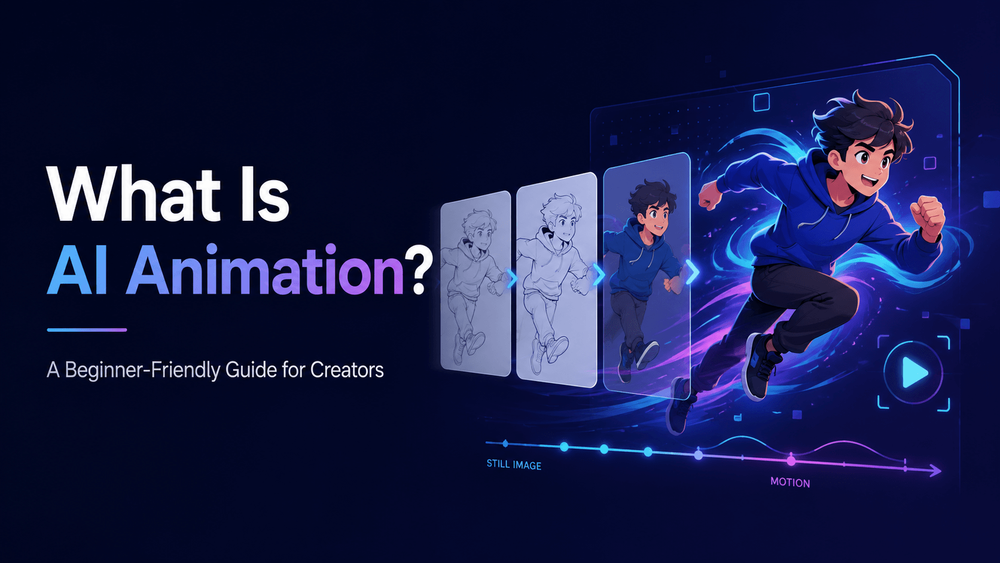
AI animation is the process of using artificial intelligence to create animated visuals, characters, scenes, motion graphics, or videos from text prompts, images, sketches, character designs, product photos, storyboards, or other creative inputs.
In traditional animation, artists create movement frame by frame or use software rigs, keyframes, timelines, and manual editing. AI animation changes the workflow. Instead of drawing or keyframing every movement manually, creators can describe what they want, upload a reference image, provide a character design, or use an existing visual asset, then let an AI system generate motion.
2) How AI Animation Works
AI animation usually begins with an input. That input can be text, an image, a video reference, a character sheet, a storyboard, a product photo, or a combination of these.
This does not mean AI animation removes creativity. It changes where creativity happens. Instead of spending most of the time on technical animation labor, creators spend more time defining ideas, characters, style, motion, camera language, story structure, and editing direction.
3) Common Types of AI Animation
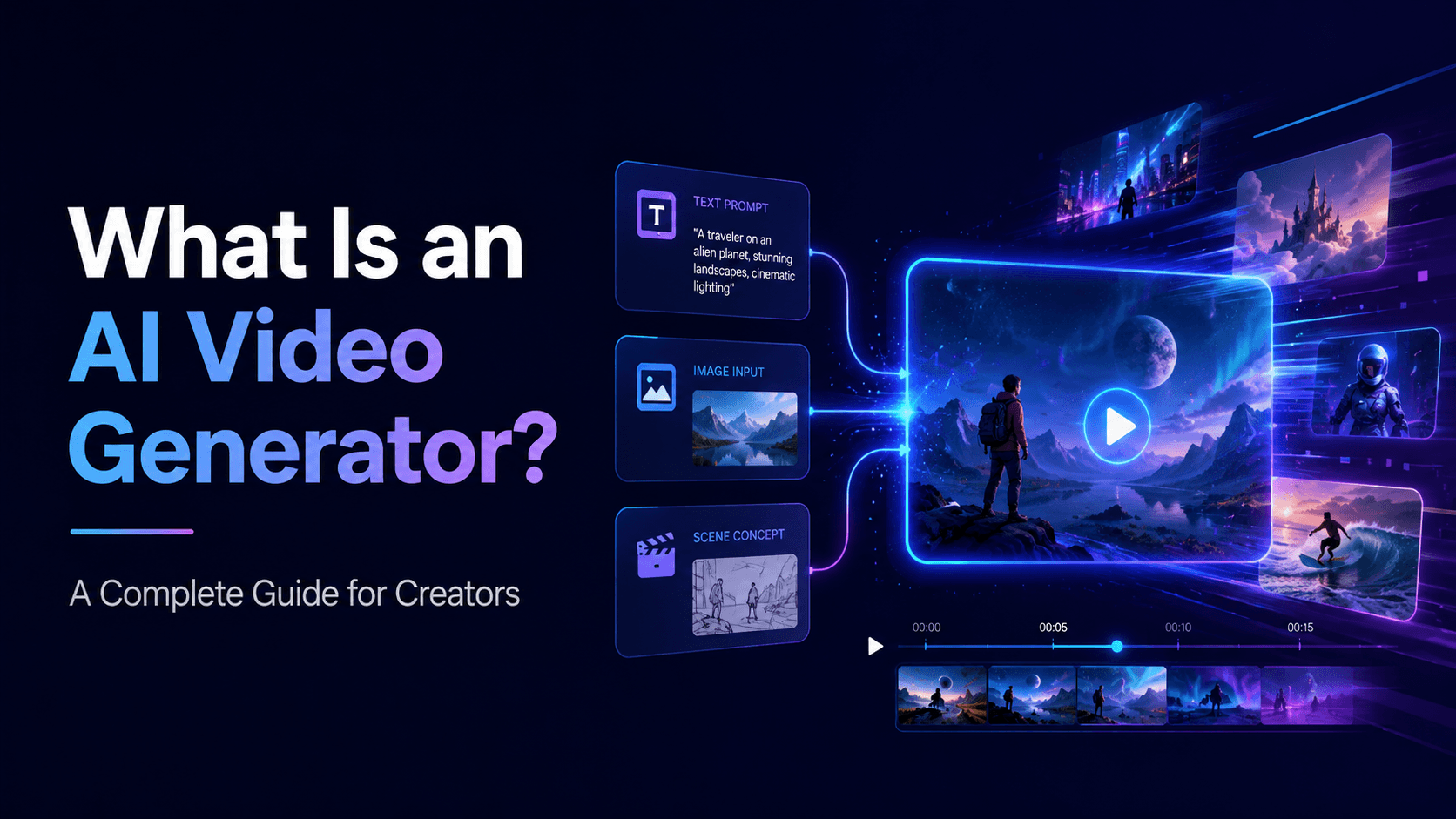
One common type is text-to-video animation, where the creator writes a prompt and the AI generates motion from scratch. This is useful for concept scenes, story ideas, cinematic clips, fantasy environments, and short-form content.
For example, a creator can start with a still anime character and generate a short clip where the character blinks, turns toward the camera, and smiles. A brand can upload a product photo and create a short animated product ad. A teacher can turn a diagram into an educational animation. A musician can turn cover art into a looping music visual. A comic artist can animate a panel into a short video teaser.
4) What Can You Create with AI Animation?
AI animation can be used for many creative and commercial projects.
That is AI animation: using AI to turn static or written creative ideas into motion.
5) AI Animation vs Traditional Animation
Traditional animation gives artists precise frame-by-frame control. It is ideal when exact movement, style, and timing are required. It is also the foundation of many professional animation pipelines.
“Create a short anime-style animation of a young inventor in a warm workshop, proudly presenting a tiny robot on a table. Camera slowly pushes in. Cozy lighting, expressive cel-shaded style.”
6) Why Character Consistency Matters in AI Animation
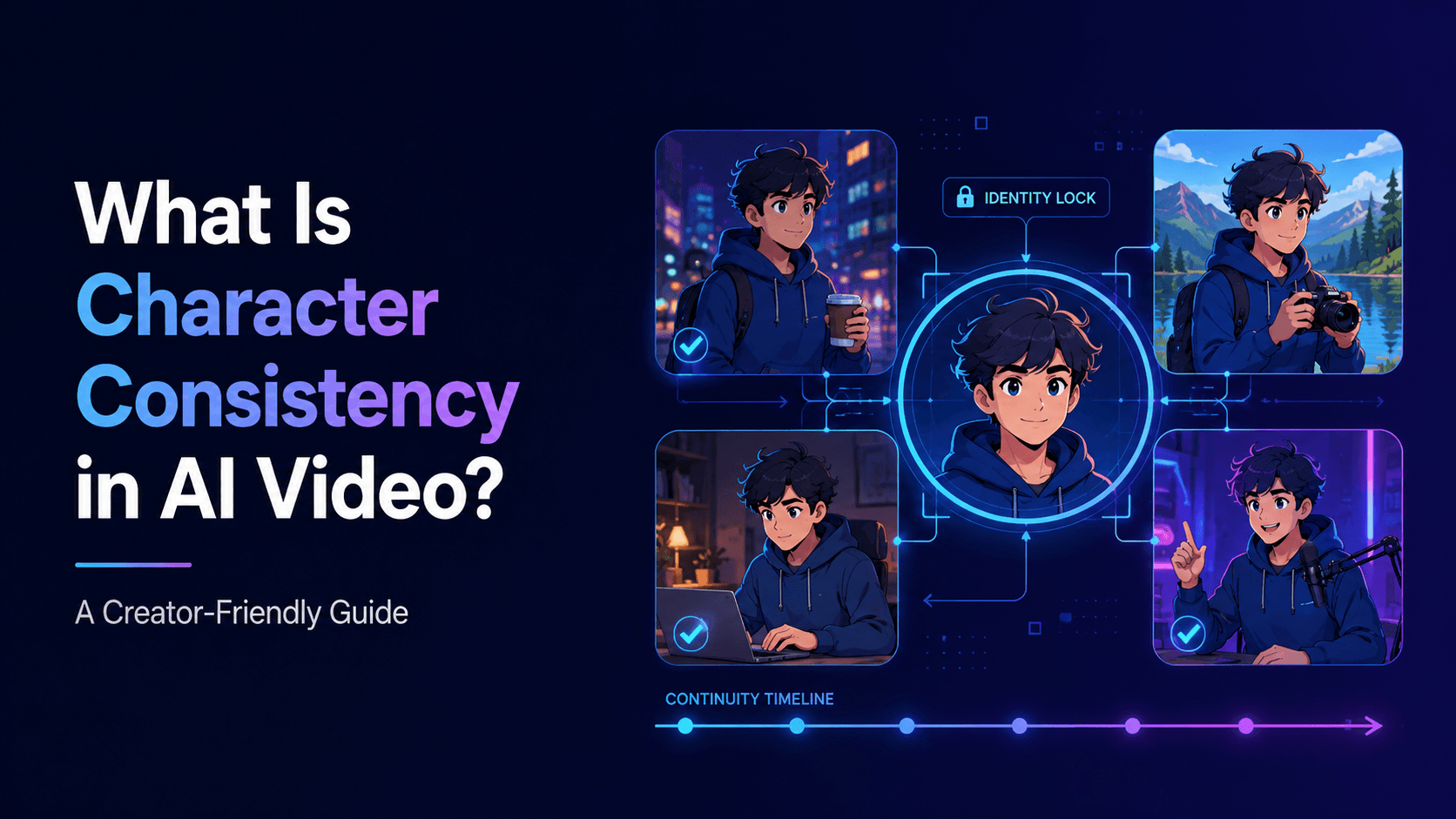
One of the biggest challenges in AI animation is character consistency. If a character changes face, outfit, hairstyle, or body shape between scenes, the animation feels unstable.
An image-to-video input might start with a still character illustration and ask the AI to animate it:
7) How UnboundAI Helps with AI Animation
UnboundAI helps creators turn ideas, images, characters, and prompts into animated video content. Instead of starting from a blank screen, you can upload or create a visual asset — such as an anime character, product photo, comic panel, app screenshot, or story image — and use AI animation to bring it to life.
“Animate this image with subtle motion. The character blinks, hair moves slightly, and the camera slowly pushes in. Preserve the exact face, outfit, hairstyle, and art style.”
8) A Simple AI Animation Prompt Template
“Create a [format] AI animation of [subject]. The subject [specific action]. Camera: [movement]. Lighting: [style]. Visual style: [art style]. Preserve [important details]. Avoid [unwanted changes].”
The AI model interprets the input and generates video frames that create the illusion of movement. Depending on the tool, the creator may control duration, aspect ratio, camera movement, style, motion intensity, reference images, and other details.
9) Final Thoughts
AI animation is a new way to create motion from ideas, prompts, images, and visual references. It can help creators make anime clips, product videos, educational explainers, music visuals, social content, comic trailers, and more.
The output is usually a short video clip. Creators can then edit clips together, add music, voiceover, captions, sound effects, transitions, or final branding.
Practical Weekly Workflow
- Define the content outcome first: short ad, story scene, tutorial clip, music visual, product demo, or social post.
- List the required inputs: prompt, reference image, product shot, character design, storyboard frame, script, or audio.
- Generate or edit in small passes instead of trying to finish the whole video in one attempt.
- Review the clip for continuity, pacing, visual clarity, caption space, sound needs, and platform format.
- Save the prompt, source assets, and export settings so the next variation is easier to reproduce.
Conclusion
AI-assisted video work is strongest when it is treated as a repeatable production system. The creative idea still matters, but the workflow also needs clear inputs, controlled iteration, and a review step that turns raw generations into finished communication.
Next Step
Explore UnboundAI workflow templates: https://unboundai.net
FAQs
1) Can this workflow work for a solo creator?
Yes. Start with one repeatable format, keep the asset list small, and improve the workflow after each published clip.
2) Should I generate first or write the edit plan first?
Write a short plan first. Even a simple outline helps you judge whether the AI output supports the final video.
3) What should I check before publishing an AI video?
Check continuity, motion quality, captions, sound, aspect ratio, pacing, and whether the video communicates the intended
idea without extra explanation.
4) How does UnboundAI fit into this workflow?
Use UnboundAI where visual generation or variation is needed, then combine the resulting clips with editing, captions,
audio, and platform-specific formatting.