Categories: AI Video Workflow, Creator Strategy, Production Process
Tags: unboundai, ai creation studio, ai video workflow, content strategy, creator toolkit
Introduction
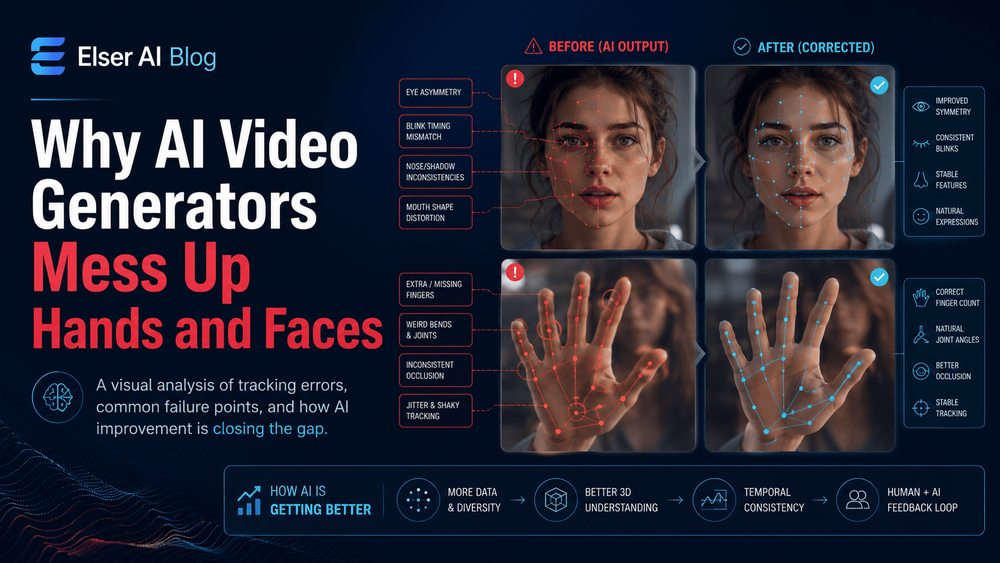
Hands and faces fail more often than backgrounds because viewers know them too well. A slightly wrong finger count, a drifting eye shape, or a mouth that changes between frames can break the illusion immediately.
The practical lesson is to reduce the model's workload. Give it clear references, fewer simultaneous actions, slower motion, and prompts that describe exactly what hands and faces should do.
Why These Details Break
1) Why Faces Are So Hard for AI Video
Faces are difficult because tiny differences matter. If the distance between the eyes changes slightly, the person looks different. If the mouth shape shifts, the expression changes. If the jawline becomes narrower, the character may appear younger.

2) Why Hands Are Even More Difficult
Hands are structurally complex. They have fingers, joints, overlapping shapes, foreshortening, shadows, and frequent object interactions. A hand can be open, closed, pointing, gripping, touching, waving, holding, folding, or partially hidden.

3) The Role of Training Data and Human Perception
Another reason hands and faces fail is human perception. People are extremely sensitive to faces because social recognition depends on them. We also understand hands because we use them constantly. That means even small AI errors are obvious.
4) How Prompting Can Make Hands and Faces Worse
Many creators accidentally make hands and faces worse by overloading prompts. They ask for a character to talk, smile, turn, point, hold a product, walk, and react in one shot.
5) How to Reduce Face Errors
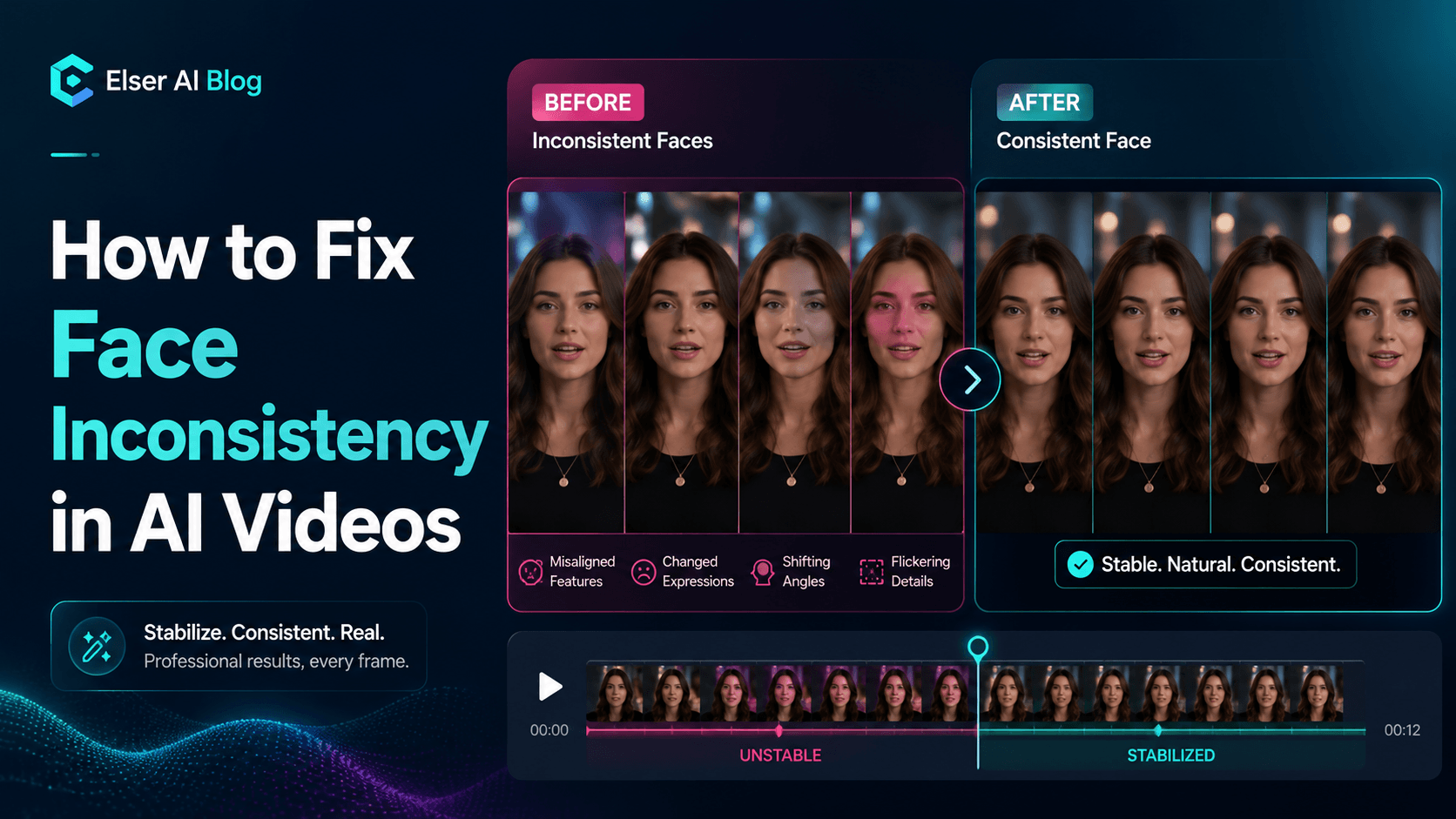
To reduce face errors, start with a strong reference image. The face should be clear, well lit, and large enough for the model to read. Use a repeated identity block in the prompt. Protect face shape, eyes, nose, mouth, jawline, hairstyle, and expression style.
6) How to Reduce Hand Errors
To reduce hand errors, avoid unnecessary hands. This may sound funny, but it is one of the most practical production rules. If the hands are not important to the shot, keep them out of frame, relaxed, or partially hidden in a natural way. Many professional shots do this too.
7) A Practical Hands-and-Faces Prompt Template
“Use the same character from the reference image. Preserve facial identity, including face shape, eyes, nose, mouth, jawline, hairstyle, and expression style. Hands should be [specific position/action]. Camera: [shot type]. Motion should be slow and controlled.”
8) Final Thoughts
AI video generators mess up hands and faces because those areas are structurally complex, visually important, and highly sensitive to motion. Faces carry identity. Hands carry action. When either one fails, the viewer notices immediately.
How to Reduce the Risk in UnboundAI
Build each shot around one visible challenge. If the face matters, keep the hands simple. If the hand action matters, use a clear pose and avoid changing the face angle at the same time. Review outputs frame by frame and regenerate early when identity or anatomy starts drifting.
In UnboundAI, keep a reusable prompt block for character identity and a separate block for hand position. That separation makes it easier to test motion without rewriting the whole prompt every time.
Next Step
Use UnboundAI to turn this workflow into a repeatable video production process: https://unboundai.net
FAQs
Why are hands harder than many objects?
Hands have many joints, overlap themselves, change shape constantly, and often interact with props, which creates more chances for visual errors.
Can prompts completely remove hand and face errors?
No. Prompts reduce risk, but references, framing, motion speed, and review discipline matter just as much.
What should I do if a shot keeps failing?
Simplify it. Use a closer face crop, hide unnecessary fingers, reduce camera movement, or split the action into two easier shots.