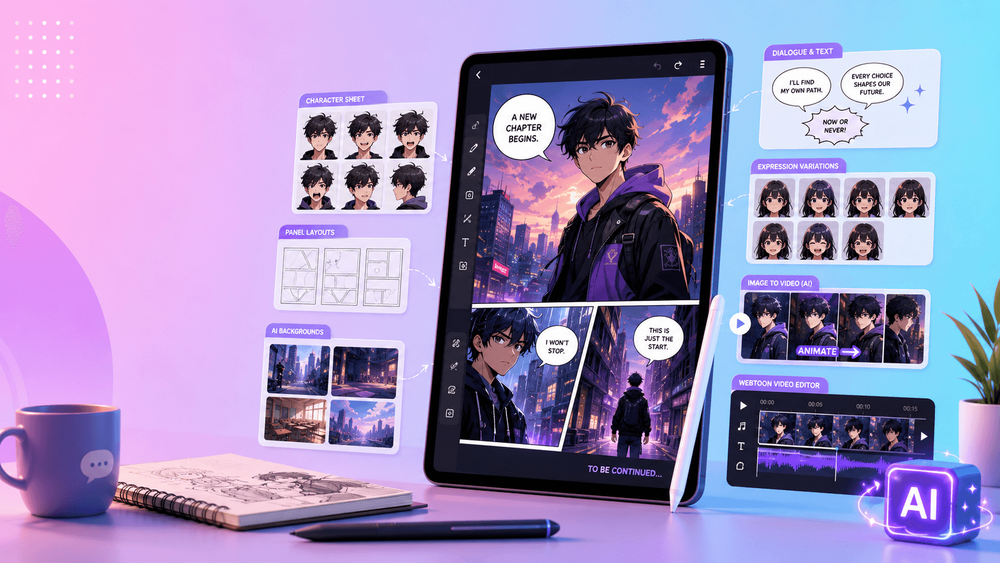
Webtoon production demands more than attractive illustrations. Characters must remain recognizable across expressions and episodes, locations need continuity, dialogue must flow down a phone screen, and every panel has to support pacing. The process then repeats on a schedule.
AI tools can reduce friction in that pipeline, but only when the artist remains the director. They are useful for brainstorming story beats, exploring character designs, building environment references, roughing out panel plans, and animating selected art for promotion. They do not decide where a reader pauses, how a reaction lands, or why a cliffhanger works.
The best setup is a small, controlled stack: one tool category for planning, another for reference generation, professional drawing and layout software for final pages, and an image-to-video workspace for promotional motion. The goal is not to let AI “make the comic.” It is to protect the story while making repetitive parts of production easier.
Choose Tools Around the Webtoon Pipeline
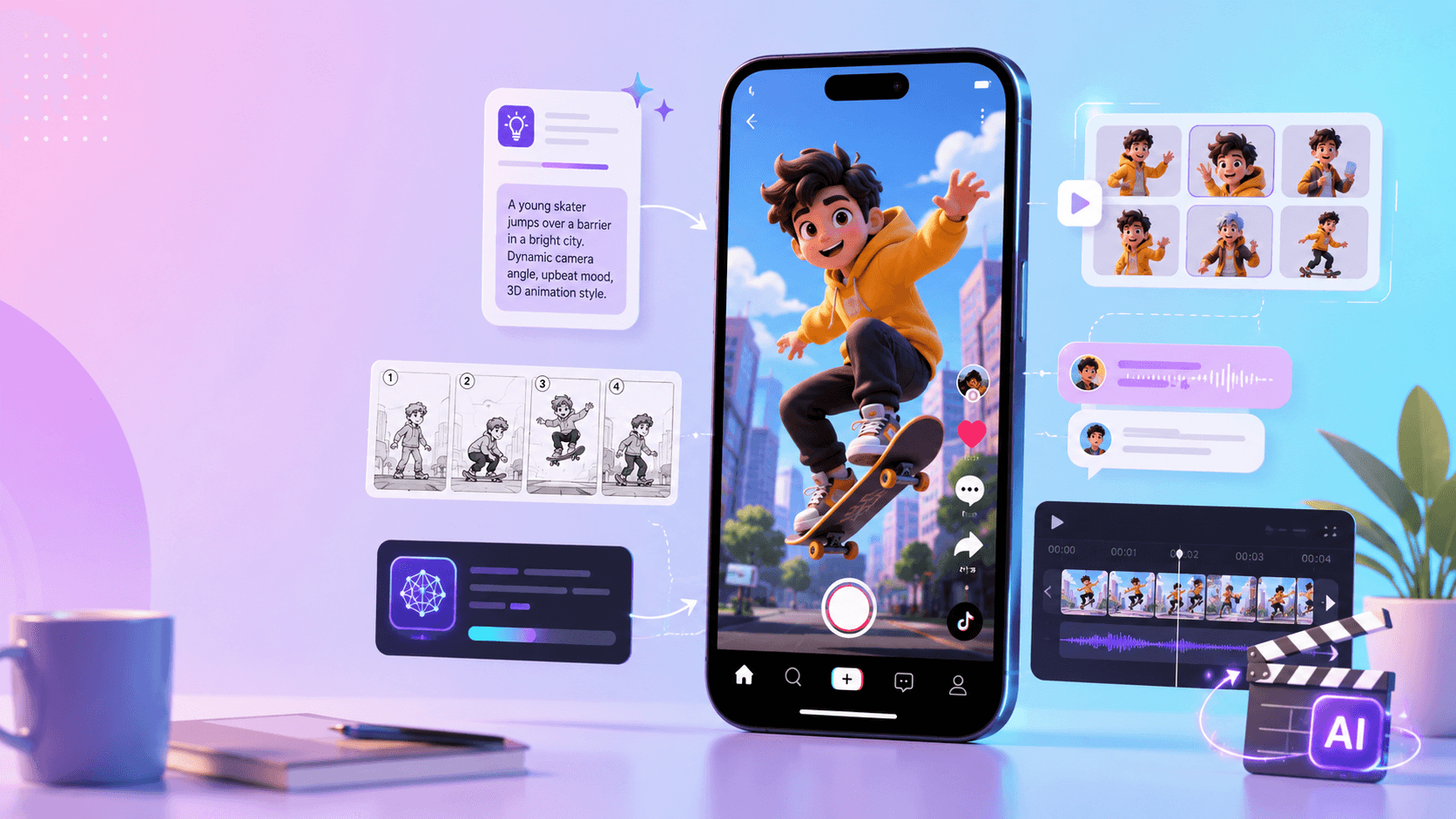
A complete workflow may include six categories:
- Story and script tools for episode arcs, dialogue alternatives, beat sheets, and cliffhangers.
- Character design tools for early silhouettes, expressions, outfits, and reference sheets.
- Background and prop tools for location studies, recurring objects, and mood references.
- Panel-planning tools for mobile composition, camera distance, and vertical pacing.
- Image-to-video tools for covers, character reveals, teaser clips, and animated panels.
- Drawing, editing, and publishing tools for final line work, lettering, corrections, audio, captions, and export.
No tool needs to own all six stages. A specialized stack makes it easier to keep human review at each handoff and prevents an early generated idea from quietly becoming an inconsistent final panel.
Plan Stories in Vertical Beats
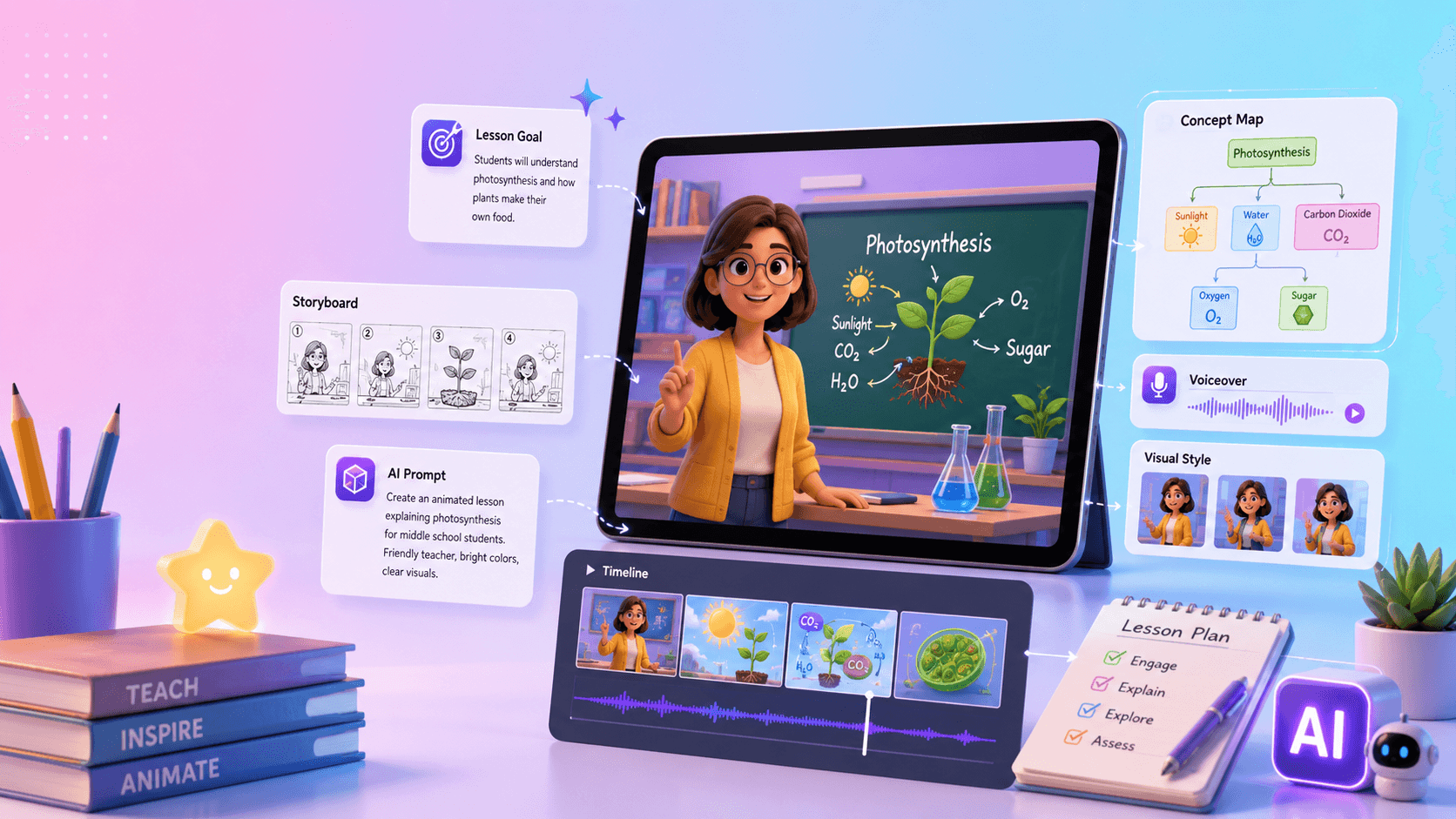
Before drawing, translate the episode idea into a scroll experience. AI writing tools can help brainstorm motivations, dialogue, hooks, emotional turns, and panel-by-panel breakdowns, but the prompt should explicitly request webtoon rhythm.
Try this planning prompt:
Turn this episode idea into a vertical-scroll panel plan: [idea]. Include the opening hook, character action, essential dialogue, emotional beat, panel composition, scroll pacing, silence, and the final cliffhanger. Mark which beats require a wide establishing view, close-up, reaction, object detail, or long vertical reveal.
A useful first pass may alternate:
- a wide establishing panel;
- a character close-up;
- a short dialogue exchange;
- a silent reaction with extra scroll space;
- an object detail that changes the meaning of the scene;
- an emotional reveal;
- a cliffhanger panel.
Do not accept the outline as a finished episode. Read it on a phone-sized canvas and ask where the eye rests, where information arrives too early, and whether every panel changes the reader's understanding. The artist can then choose which beats to draw, which need a reference, and which could become promotional motion.
Build a Character Bible Before Generating Episodes
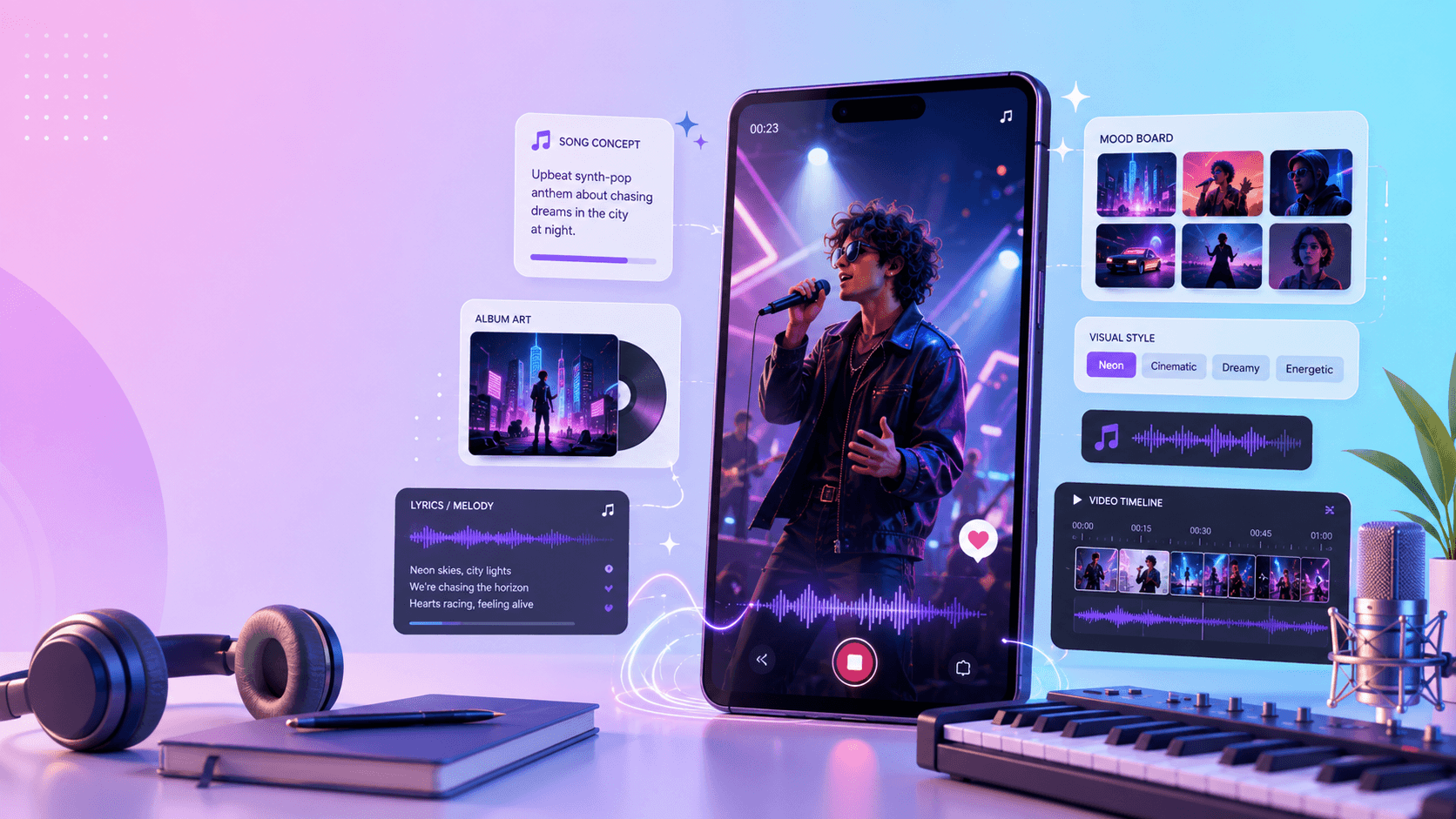
Character consistency is one of the hardest problems in AI-assisted illustration. A lead must remain identifiable through different angles, emotions, lighting, and outfits. Solve this at the reference stage rather than correcting every panel independently.
Create a character bible that records:
- face shape, eyes, nose, and other defining features;
- hairstyle, hair color, and how the hair moves;
- body proportions and silhouette;
- default outfit, alternate outfits, accessories, and recurring props;
- primary and secondary color palettes;
- personality and physical mannerisms;
- expression range and emotion-specific details;
- line weight, shading, and style rules;
- front, side, three-quarter, and back views;
- details that must never change.
Use image tools to explore possibilities, then freeze approved references. A generated variation is not automatically a redesign; it is a candidate the artist must accept or reject. Keep the bible visible while drawing or generating, and update it only when the story intentionally changes the character.
Reference-based video systems can be useful when animating a recurring character. Tools such as Runway's reference-oriented workflows emphasize consistency across scenes, while other image-to-video products may support reference-driven 2D animation. Test any candidate with the same character under several angles and lighting conditions before trusting it for a series.
Create a Location Bible for Background Continuity
Weekly environments consume time, especially when rooms, streets, schools, cafés, or fantasy locations recur across an arc. AI can help generate mood boards, layout studies, establishing shots, and prop references. The challenge is not producing one beautiful room; it is ensuring the same room still makes sense ten episodes later.
A location bible should contain a floor plan, important camera directions, recurring furniture and props, door and window placement, time-of-day variants, palette, lighting rules, and a few canonical views. If the protagonist's desk moves or the school corridor changes shape without a story reason, readers will notice.
Use a prompt such as:
Create a clean background reference for [location] in a vertical webtoon style. Preserve these recurring details: [details]. Include [camera view]. Leave readable space for characters and speech bubbles. Keep the environment supportive rather than overly detailed. Do not change the fixed layout or signature props.
Background detail should serve the scene. Dialogue-heavy panels often benefit from simpler shapes and lower contrast. Save dense establishing art for moments when location matters to the story.
Let Artists Control Panel Layout and Scroll Timing
AI can propose panel plans, but mobile pacing is an editorial decision. Panel height, white space, camera distance, and the gap before a reveal all affect how the reader experiences time.
A tall panel can create scale or a slow descent. Extra scroll space can hold silence before a joke or confession. Close-ups can make a romance scene intimate. Diagonal movement and repeated beats can increase action energy. None of these choices is “just layout”; each changes the performance of the scene.
For a draft, ask:
Create a vertical webtoon panel plan for this scene: [scene]. Include panel count, camera distance, composition, character expression, dialogue placement, mobile readability, and the intended scroll pause before each reveal.
Then test the plan at actual reading width. Remove panels that repeat information, shorten dialogue that overwhelms the art, and make the emotional beat visible before polishing. Professional drawing tools such as Clip Studio Paint remain valuable for final line work, panel borders, speech bubbles, corrections, and page assembly because they keep the artist in precise control.
Turn Finished Panels into Promotional Videos
Webtoon launches and episode releases increasingly need video for TikTok, YouTube Shorts, Instagram Reels, and other social placements. Image-to-video tools can transform a finished panel into a teaser without rebuilding the story as full animation.
Useful formats include:
- a five-second animated cover reveal;
- a character close-up with a blink and subtle hair movement;
- a cliffhanger panel turned into a compact trailer beat;
- a moving background behind a title reveal;
- a romance panel with shifting light and a gentle push-in;
- an action panel with restrained impact motion and speed lines.
The panel should still feel like the original art came alive. Small motion often works better than large transformations because it preserves the drawing, expression, and composition readers already recognize.
How to Animate a Webtoon Panel Without Losing the Art
When using VideoAny or another image-to-video workspace, describe what must remain unchanged before requesting movement. This places identity and composition ahead of spectacle.
Use this template:
Animate this webtoon panel into a short vertical video. Preserve the original character design, face, outfit, line art, color palette, panel composition, and emotional expression. Add subtle motion: [motion]. Camera: [movement]. Keep the original webtoon style. Do not redraw the character, change the face or clothing, move important props, or alter the art style.
For example:
Animate this panel into a six-second vertical clip. Preserve the character's pink hair, school uniform, soft pastel palette, clean line art, facial proportions, and original framing. Add one natural blink, slight hair movement, and a slow camera push-in. Keep the romantic webtoon style. Do not change the face, outfit, background layout, or expression.
Review variations in this order:
- Is the character still unmistakably the same person?
- Does the emotion match the panel?
- Are line art, clothing, and important props intact?
- Does the movement add focus without competing with the drawing?
- Is there enough clean space for a title, subtitle, or release date?
Reject identity drift even when the motion looks impressive. The promotional clip should strengthen recognition of the series, not introduce a second visual canon.
A Recommended AI Tool Stack for Webtoon Artists
Think of the stack as a sequence of controlled handoffs:
| Stage | Tool category | Human responsibility |
|---|---|---|
| Episode development | writing model | choose the arc, emotional logic, and final dialogue |
| Visual exploration | image generation | approve character, environment, prop, and palette references |
| Panel planning | layout assistant or drawing software | control mobile composition and scroll timing |
| Final art | professional drawing software | line work, continuity, lettering, corrections, export |
| Promotion | image-to-video workspace | select finished art and approve subtle motion |
| Finishing | video editor | title cards, music, captions, release details, platform export |
This structure keeps final storytelling and visual identity with the creator. AI speeds ideation and reference work, but approved art—not a random generation—becomes the input to the promotional stage.
A Repeatable Webtoon Promotion Workflow
- Choose one panel with a clear emotion or reveal.
- Confirm that it is final or approved for public promotion.
- Identify the elements that must not change.
- Write one controlled image-to-video prompt.
- Generate a few subtle motion variations.
- Compare them for identity, style, composition, and emotional fidelity.
- Select the version that best preserves the original art.
- Add a title, music, captions, episode number, and release date in an editor.
- Export for the target platform and inspect the UI safe zone.
- Save the prompt, reference, and finishing template for the next release.
Repeatability matters more than constant reinvention. A recognizable teaser structure can become part of the series identity while still featuring a different panel each week.
Final Thoughts
AI tools can help webtoon artists plan stories, explore characters, build background references, draft panel rhythms, and create promotional animation. The strongest results still depend on human storytelling, emotional timing, drawing decisions, and continuity.
Build bibles before scaling production. Protect the original art before requesting motion. Review every panel and clip as part of one coherent visual world. Use AI where it removes friction, and keep the choices that make the webtoon memorable in the artist's hands.
For a deeper production benchmark, see this guide to evaluating a professional AI comic generator.
FAQs
Can AI generate an entire webtoon episode?
It can help draft story beats, images, and layouts, but a readable episode still needs human control over continuity, dialogue, emotion, composition, lettering, and scroll pacing. Use generation as one stage in the workflow, not as an automatic publisher.
What belongs in a webtoon character bible?
Record defining facial features, hair, body proportions, outfits, accessories, palette, personality, expression range, model views, and style rules. Include a clear list of details that must never change.
How do I keep AI-generated backgrounds consistent?
Create a location bible with canonical views, a floor plan, fixed props, palette, lighting rules, and recurring details. Reuse those references and specify the camera view instead of regenerating the location from memory.
What kind of motion works best for webtoon promos?
Subtle motion usually preserves the panel best: a blink, hair movement, light shift, small environmental movement, impact accent, or slow camera push. Large body changes and aggressive camera moves are more likely to distort the art.
Should I animate a rough panel or a finished one?
Use rough panels for internal tests and finished or explicitly approved art for public promotion. Final references give the motion tool clearer identity, line, palette, and composition constraints.