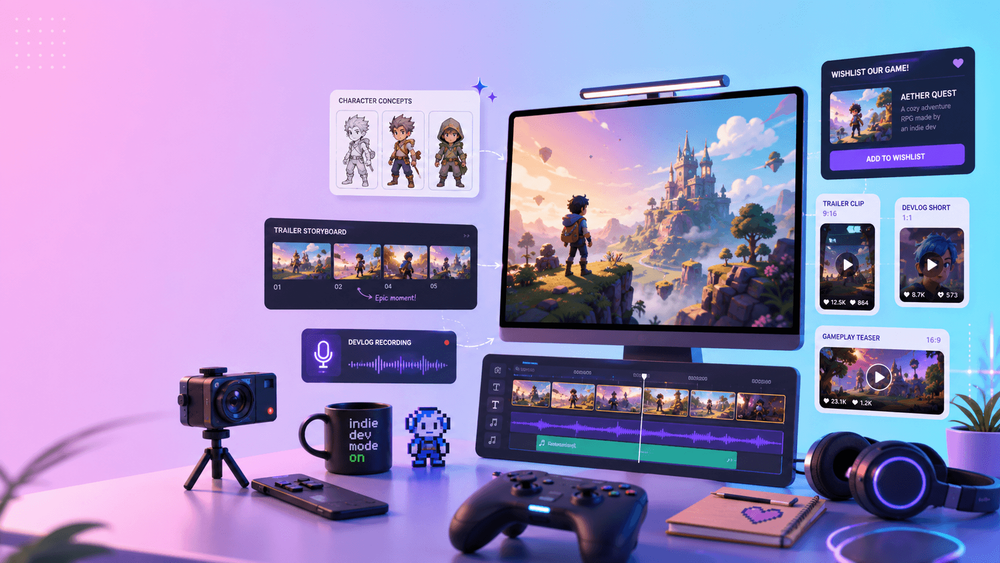
Indie developers rarely lack ideas. The harder problem is communicating those ideas with the time, budget, and assets available to a solo creator or small team. You may have a prototype, screenshots, concept art, or a vertical slice, yet still need a trailer, pitch video, devlog intro, store-page campaign, and a steady stream of social posts.
AI video can help close that communication gap. Its best role is not to imitate finished gameplay, but to visualize tone, animate key art, test cinematic direction, rough out cutscenes, and package the world around the real game. Used this way, it becomes a pre-production and marketing accelerator rather than a substitute for development.
The rule that keeps the workflow useful is simple: be clear about what viewers are seeing. Platform disclosure requirements can cover AI-generated marketing material as well as in-game content, so review the current rules for every storefront and channel you use. A concept clip should never be presented as proof of a mechanic that does not exist.
1. Test the World Before Building Expensive Assets
Early concept visualization helps a team answer creative questions while changes are still cheap. Imagine a cozy survival game about repairing tiny robots in an abandoned greenhouse. A few short mood clips could explore warm light through old glass, rain against the roof, small machines moving through leaves, or close-ups of handmade tools.
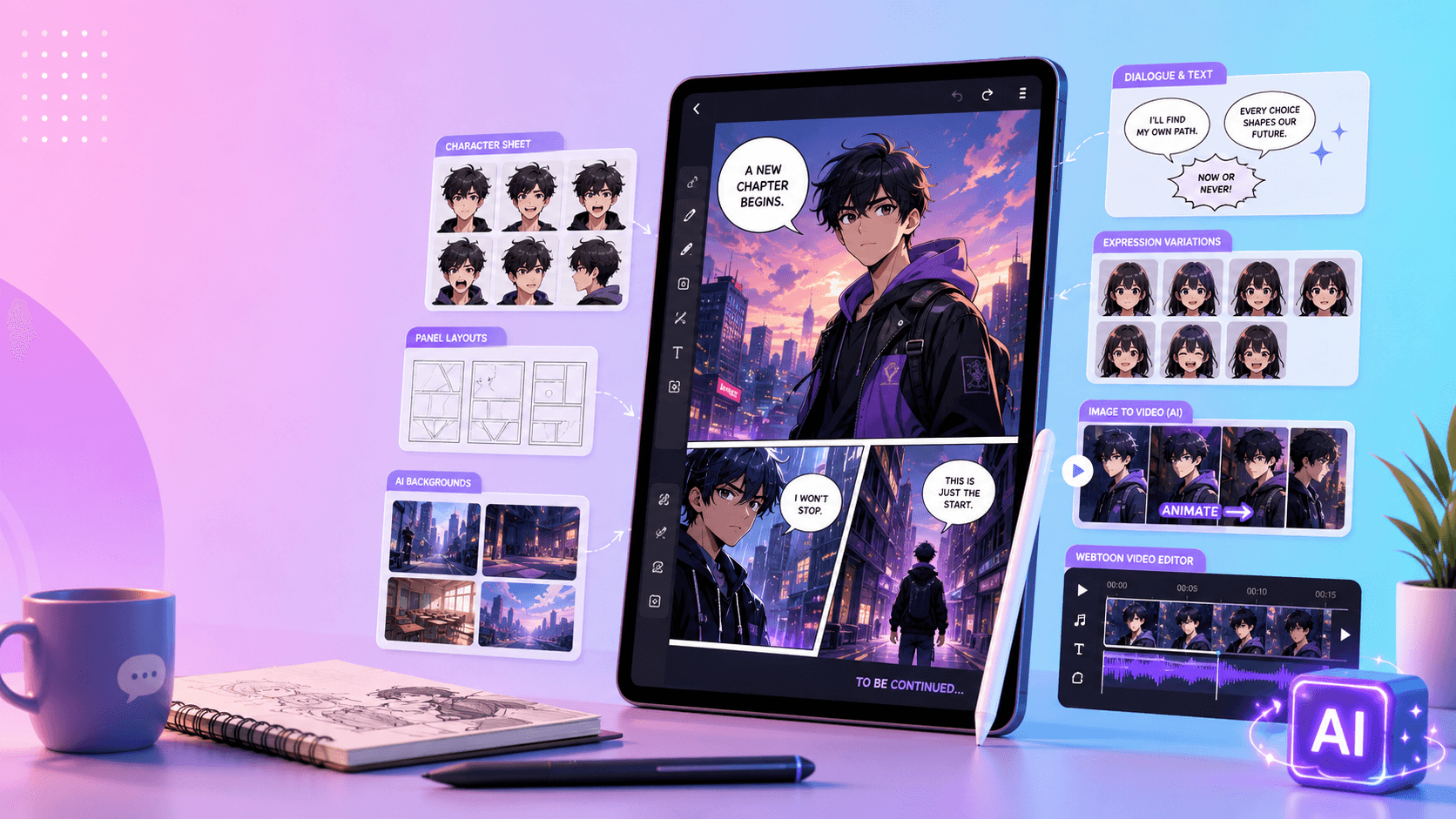
Those clips do not need to ship. Their value is in the decisions they make easier:
- Does the scene feel comforting, eerie, or visually confused?
- Should the camera be intimate and handheld or wide and cinematic?
- Can viewers read the character silhouette at a glance?
- Does the environment support the intended emotion?
- Which image creates the strongest opening beat for a trailer?
Start with one question per test. Use the same character sketch, environment image, or color reference across variants, then change only the camera, lighting, or action. This produces evidence for an art-direction decision instead of a folder of unrelated experiments. Short motion tests created through VideoAny can then become references for artists, animators, and trailer editors.
2. Build Trailers Around Proof, Context, and Atmosphere
A convincing game trailer usually combines three kinds of material:
- Real gameplay capture that proves the experience exists.
- UI and mechanic demonstrations that show how the player interacts.
- Cinematic or mood scenes that establish story and atmosphere.
AI video is most useful in the third group. A horror trailer might open on an empty corridor before cutting to real exploration. A farming game could use a warm sunrise over the village as a transition into actual systems. A science-fiction teaser might show a ship approaching orbit before revealing the playable sequence.
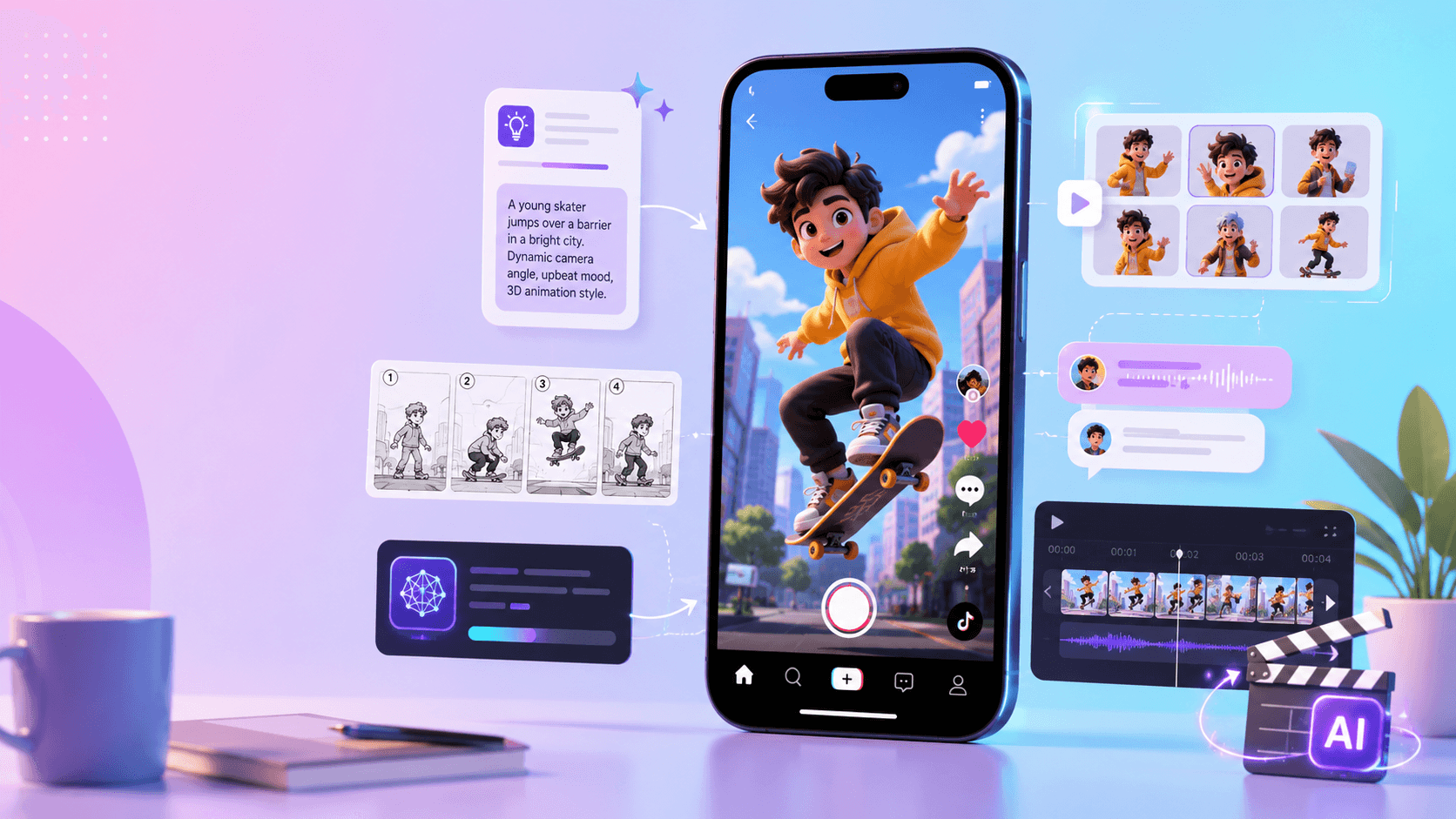
Keep these roles visually and editorially distinct. Do not add fake HUD elements to a generated cinematic or cut it in a way that implies player control. If a sequence is concept footage, label it when the context could otherwise be misleading. The atmospheric material should strengthen the game's promise; the gameplay should still prove it.
One reliable trailer outline is: mood hook, gameplay proof, mechanic escalation, story or world beat, then a clear release or wishlist message. That balance gives cinematic scenes a purpose instead of letting them take over the edit.
3. Support Steam and Wishlist Campaigns Without Faking Gameplay
Store pages need fast visual communication. Screenshots explain mechanics, while short clips can make the tone and identity easier to remember. For the campaign surrounding a Steam page, AI-assisted video can turn approved art into:
- an animated key-art teaser;
- a short environment or world loop;
- a character-reveal animation;
- a story or festival-announcement clip;
- a cutscene concept preview;
- a compact cinematic “wishlist now” post.
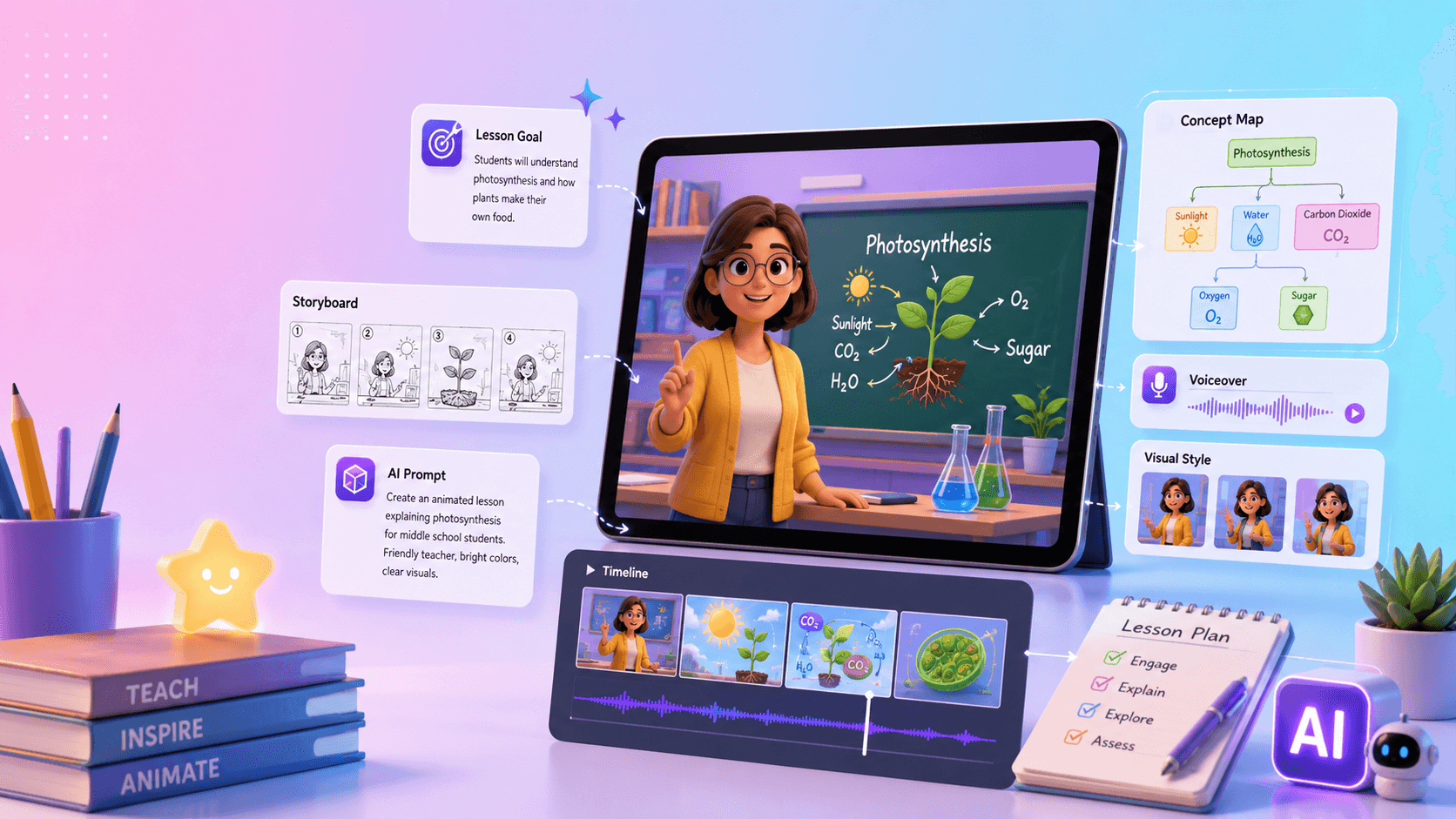
Treat these as supportive campaign assets, not replacements for screenshots and gameplay footage. Reuse the game's real palette, typography, logo treatment, silhouettes, and environmental motifs. Consistency matters more than producing a large volume of generic clips: every post should look like it belongs to the same game.
Before publishing, check the storefront's current AI-content survey and marketing-disclosure requirements. Keep an internal record of which assets were generated, what source material was used, and where each clip appears. That small production habit makes later reviews and campaign updates much easier.
4. Make Devlogs More Watchable While Staying Transparent
Devlogs build trust because they show the work in progress. AI video can improve pacing and presentation without pretending that progress is further along than it is. Useful additions include five-second intro animations, chapter cards, animated thumbnails, moving mood boards, concept comparisons, visual metaphors, and before-and-after art tests.
A strong structure is to open with a brief world animation, then move quickly into real editor footage, code or design explanation, prototype capture, and an honest progress update. The generated material frames the topic; the development footage carries the evidence.
This format also gives experiments a productive home. If the team tests three lighting directions for a location, a devlog can show those variants and explain why one was chosen. The clip becomes documentation and community content at the same time.
5. Prototype Cutscenes as Rough Animatics
Cutscenes are expensive because problems in pacing, coverage, or staging often appear only after several disciplines have started work. A rough AI animatic lets a small team test shot order, camera angle, lighting, character blocking, and duration before committing to final animation and implementation.
Use a production-aware sequence:
- Write the scene and identify its dramatic purpose.
- Divide the script into clear story beats.
- Turn those beats into a shot list.
- Create rough visual references or storyboard frames.
- Generate short motion drafts for the key shots.
- Edit the drafts into a temporary animatic.
- Review clarity, continuity, and pacing.
- Rebuild the approved scene in-engine or with the team's final tools.
The animatic is a decision-making artifact, not a deliverable. That distinction is especially valuable for narrative games, visual novels, RPGs, horror titles, and cinematic platformers, where camera rhythm and atmosphere carry a large part of the experience.
6. Add a Vision Trailer to a Pitch Deck
Publishers, grant committees, collaborators, and investors need to understand a game before all of its assets exist. A clearly labeled vision trailer can communicate the intended world and tone faster than still images alone.
A concise pitch video might contain a title card, world mood shot, main-character reveal, prototype or mechanic explanation, target-audience summary, and development roadmap. AI video is most appropriate for the early world-building beats. Mechanics should come from prototype footage, honest mockups, or precise narration.
Label non-gameplay sequences as concept visualization when needed. The goal is to help a viewer picture the production direction, not to make an early prototype look complete. A transparent pitch earns more confidence because stakeholders can distinguish the vision from the current build.
7. Create a Repeatable Social Content System
Indie marketing starts long before launch, but teams cannot reveal a new mechanic every week. Build several repeatable formats around the game's existing identity:
- “Meet the enemy” character teasers;
- “World of the game” environment loops;
- concept-art-to-final-art comparisons;
- “concept art comes alive” motion clips;
- animated patch or milestone announcements;
- short cinematic wishlist reminders.
Assign each format a job. Character teasers introduce personality, environment loops establish mood, development comparisons demonstrate progress, and update posts bring players back. Reuse aspect-ratio templates, title placement, music rules, and end cards so producing the next post requires fewer decisions.
Measure one outcome at a time—retention, profile visits, wishlists, or comments—rather than judging a clip only by views. Keep formats that connect viewers to the game and retire those that look attractive but create no meaningful response.
8. Keep AI Video in the Right Role
The strongest workflow maps each input to a practical communication output:
- concept art becomes a motion test;
- a story idea becomes a trailer draft;
- a cutscene script becomes an animatic;
- key art becomes a social loop;
- a pitch concept becomes a labeled mood video;
- a devlog intro becomes a short animated sequence.
Before release, ask three questions. Does the clip match the actual game's visual identity? Could a viewer mistake it for playable footage? Is the use of generated material disclosed wherever the platform or context requires it? If any answer is uncomfortable, revise the edit or add clearer context.
Prompt Template for an Indie Game Concept Clip
Use a prompt that identifies both the creative goal and the boundaries of the footage:
Create a short AI video concept for an indie game. Genre and mood: [genre and mood]. Scene: [subject and action]. Camera: [movement and framing]. Visual style: [style references]. Preserve: [character, world, or product details]. This is concept or mood footage, not gameplay. Do not show UI, nonexistent mechanics, or misleading player controls.
For example:
Create a 10-second vertical concept clip for a cozy science-fiction repair game. A tiny robot rolls through an abandoned greenhouse at sunrise while carrying a small toolbox. The camera follows slowly from behind. Use warm stylized 3D forms, soft dust in the sunlight, and plants growing around broken machines. This is mood footage, not gameplay. Do not add UI, combat, or player controls.
The negative instructions are important. They protect the distinction between visualization and gameplay while keeping the result focused on atmosphere.
Final Thoughts
AI video is most valuable to indie teams when it makes an idea easier to evaluate or communicate. It can visualize a world, strengthen a trailer, add polish to a devlog, rough out a cutscene, support a pitch, and maintain a social campaign. It should never replace the real game or exaggerate what players will receive.
Begin with the concept art, screenshots, character sketches, and prototype footage you already have. Make short tests, choose only the clips that support a concrete production or marketing goal, and keep the presentation transparent. The game remains the product; AI video helps more people understand why it is worth following.
When you are ready to assemble those assets into a campaign piece, use this step-by-step AI game trailer workflow.
FAQs
Can I use AI-generated scenes in a game trailer?
Yes, as atmosphere, story context, or clearly identified concept footage. Pair them with real gameplay when the trailer is selling the playable experience, and follow the current disclosure rules of the storefront and campaign channel.
Should an AI concept clip appear on a Steam page?
Only when it supports the real game's presentation without resembling nonexistent gameplay. Check Steam's current disclosure requirements, preserve a clear distinction between cinematic material and mechanics, and keep actual screenshots or gameplay central.
How long should early motion tests be?
Long enough to evaluate one creative choice. A short shot is usually more useful than a full speculative trailer because the team can compare camera, lighting, mood, or character readability without spending time polishing an unapproved direction.
What is the safest way to use AI video in a devlog?
Use it for framing devices such as intros, chapter cards, mood boards, and concept comparisons, then base the main update on real development work. Explain what is experimental and what is already implemented.
How do I keep characters and environments consistent across posts?
Use the same approved references, palette, silhouette, wardrobe, lighting rules, logo treatment, and prompt vocabulary. Create one format at a time and compare variations instead of changing every creative variable simultaneously.