Categories: AI Video Workflow, Creator Strategy, Production Process
Tags: unboundai, ai creation studio, ai video workflow, content strategy, creator toolkit
Introduction
AI video workflows are useful only when they make production clearer, not just faster. This guide explains the core ideas behind What Is an AI Video Generator? A Complete Guide for Creators | UnboundAI and turns them into a practical creator workflow for planning, generating, editing, and publishing video with UnboundAI.
The goal is to keep the source article's structure intact while translating it into decisions a creator can actually use: what the concept means, where it fits in a production pipeline, when it helps, and what to check before calling a clip finished.
Core Content Blocks
1) What Is an AI Video Generator?
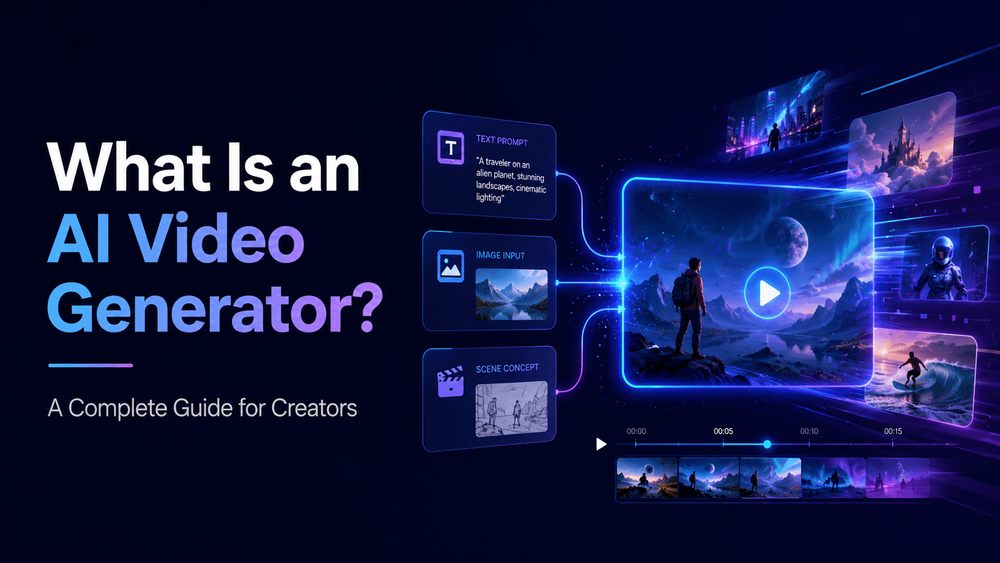
An AI video generator is a tool that uses artificial intelligence to create video from inputs such as text prompts, images, product photos, character designs, storyboards, app screenshots, or existing visual references.
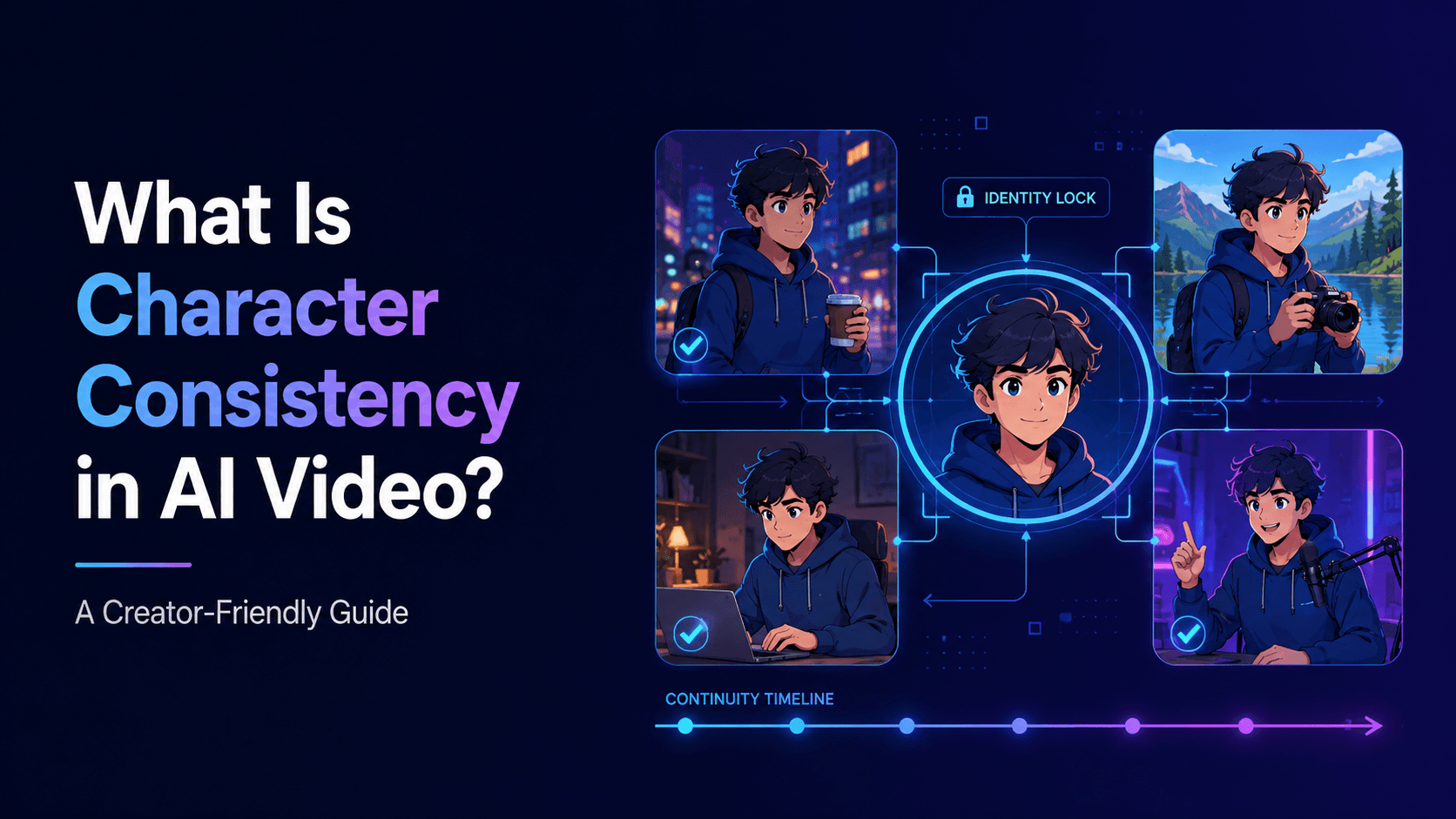
Instead of filming every scene with a camera or animating every frame manually, creators can describe what they want and let the AI generate a moving video clip. Depending on the tool, an AI video generator may support text-to-video, image-to-video, character animation, product video generation, lip sync, style transfer, motion control, or short-form video workflows.
2) How AI Video Generators Work
AI video generators use trained machine learning models to understand visual patterns, motion, composition, style, and prompt language. When a user provides a prompt or image, the model predicts a sequence of frames that match the input.
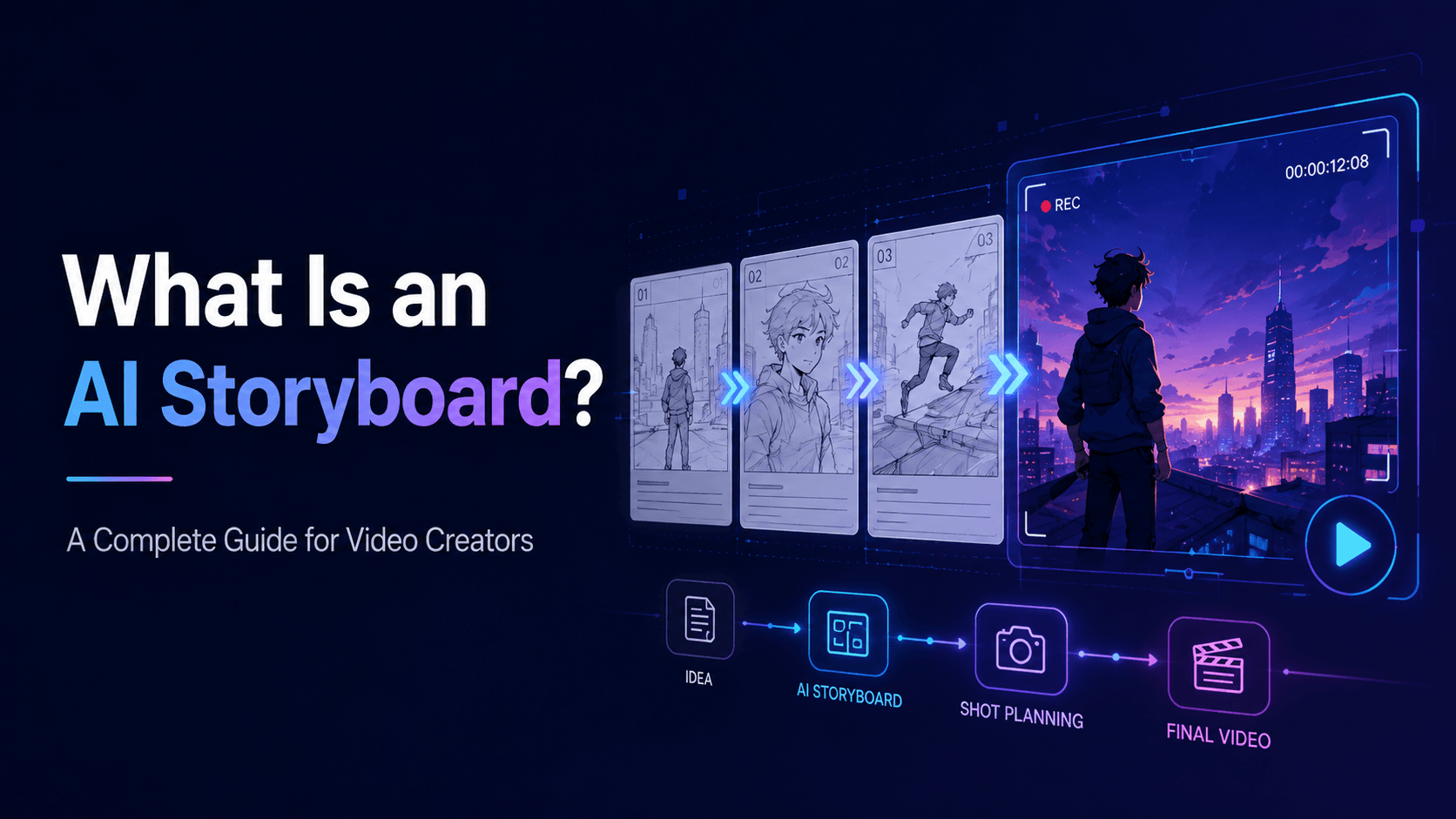
In text-to-video, the AI starts from a written description. The model must decide what the subject looks like, where the scene takes place, what moves, how the camera behaves, and what visual style to use.
3) Text-to-Video vs Image-to-Video
Most AI video generators support one or both of these workflows.
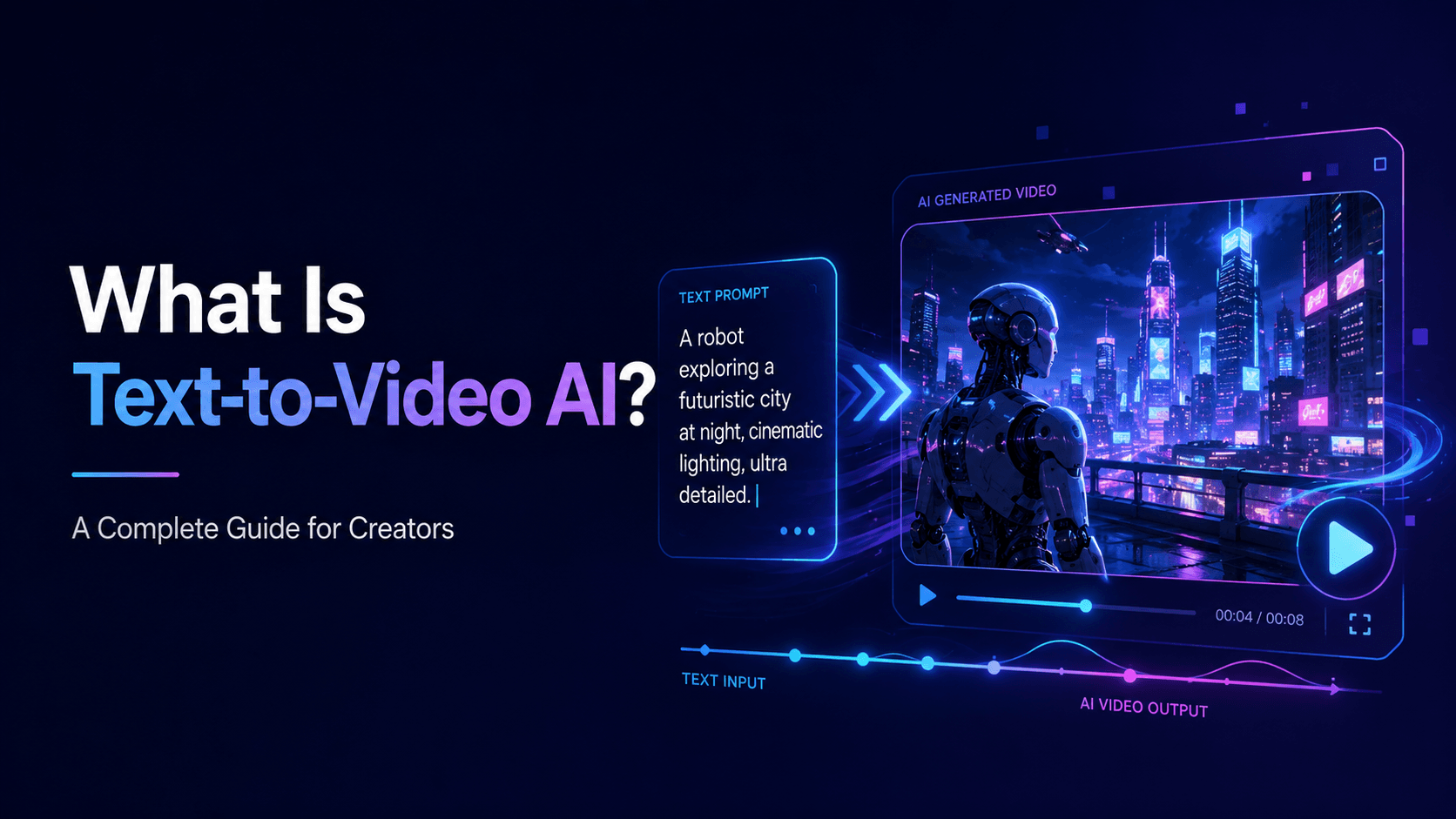
Text-to-video means the video is generated from a written prompt. It is useful when you do not have a source image or when you want to explore new concepts.
4) Why Prompt Quality Matters
An AI video generator is only as useful as the direction it receives. A vague prompt may produce a beautiful but unusable result.
“Create a vertical 9:16 product video from the reference image. Preserve the exact product shape, logo, label, packaging, color, material, and proportions. Place the product on a clean studio surface with soft shadows. Camera: slow push-in with subtle light sweep. Leave clean space at the top for text overlay. No product warping, no label distortion, no new packaging details.”
5) Common Problems with AI Video Generators
AI video generators are powerful, but they are not perfect. Common issues include character inconsistency, face drift, distorted hands, product warping, unstable backgrounds, style changes, unrealistic camera movement, and broken transitions.
These problems are often caused by vague prompts, weak references, too much motion, or trying to generate too much in one clip.
6) How UnboundAI Helps Creators Use AI Video Generation
UnboundAI helps creators use AI video generation in a more practical way. Instead of only generating random clips, creators can build workflows around images, characters, products, prompts, and short-form video goals.
If you are new to AI video generation, start simple. Register on UnboundAI, upload one image, and generate a short video with subtle motion. Try a slow camera push-in, product rotation, blinking, background atmosphere, or gentle light movement. Once you understand the basics, you can create more complex scenes.
7) Who Should Use an AI Video Generator?
AI video generators are useful for many people:
The tool is especially useful when you have a strong idea but limited time, budget, or production resources.
8) Final Thoughts
An AI video generator is a tool that turns text, images, characters, products, and creative ideas into video. It can help creators produce animations, ads, short-form content, music visuals, educational explainers, trailers, and more.
The best results come from clear prompts, strong references, controlled motion, and careful review. AI video generation is not just about pressing a button. It is about directing the model.
Practical Weekly Workflow
- Define the content outcome first: short ad, story scene, tutorial clip, music visual, product demo, or social post.
- List the required inputs: prompt, reference image, product shot, character design, storyboard frame, script, or audio.
- Generate or edit in small passes instead of trying to finish the whole video in one attempt.
- Review the clip for continuity, pacing, visual clarity, caption space, sound needs, and platform format.
- Save the prompt, source assets, and export settings so the next variation is easier to reproduce.
Conclusion
AI-assisted video work is strongest when it is treated as a repeatable production system. The creative idea still matters, but the workflow also needs clear inputs, controlled iteration, and a review step that turns raw generations into finished communication.
Next Step
Explore UnboundAI workflow templates: https://unboundai.net
FAQs
1) Can this workflow work for a solo creator?
Yes. Start with one repeatable format, keep the asset list small, and improve the workflow after each published clip.
2) Should I generate first or write the edit plan first?
Write a short plan first. Even a simple outline helps you judge whether the AI output supports the final video.
3) What should I check before publishing an AI video?
Check continuity, motion quality, captions, sound, aspect ratio, pacing, and whether the video communicates the intended
idea without extra explanation.
4) How does UnboundAI fit into this workflow?
Use UnboundAI where visual generation or variation is needed, then combine the resulting clips with editing, captions,
audio, and platform-specific formatting.