Categories: AI Video Workflow, Creator Strategy, Production Process
Tags: unboundai, ai creation studio, ai video workflow, content strategy, creator toolkit
Introduction
AI video workflows are useful only when they make production clearer, not just faster. This guide explains the core ideas behind What Is AI Lip Sync? A Complete Guide for Video Creators | UnboundAI and turns them into a practical creator workflow for planning, generating, editing, and publishing video with UnboundAI.
The goal is to keep the source article's structure intact while translating it into decisions a creator can actually use: what the concept means, where it fits in a production pipeline, when it helps, and what to check before calling a clip finished.
Core Content Blocks
1) What Is AI Lip Sync?
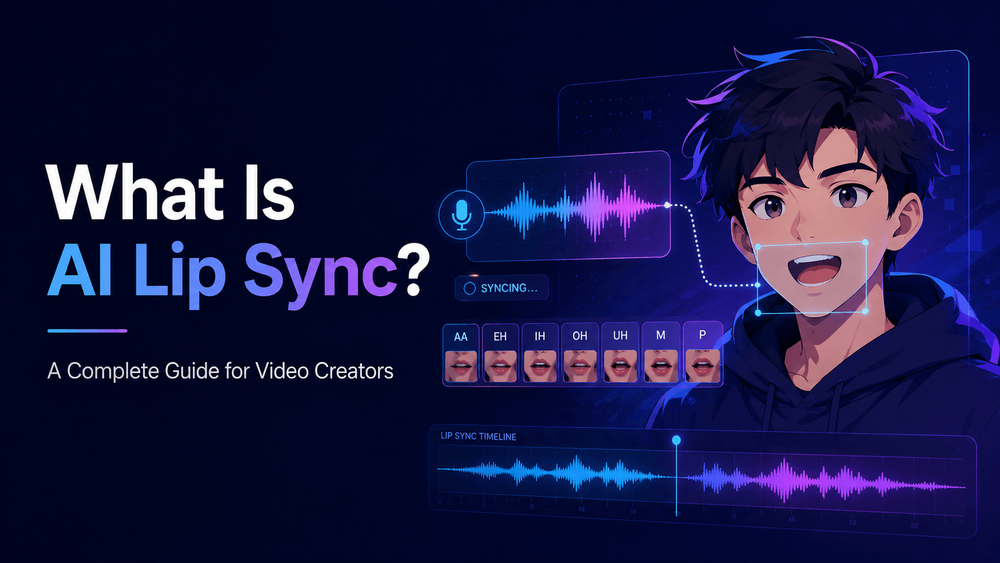
AI lip sync is the process of using artificial intelligence to match a character’s mouth movement to speech, singing, or audio. In simple terms, it makes a face look like it is speaking or singing the words in a voice track. The speaker can be a realistic person, an anime character, a cartoon mascot, a virtual influencer, a game character, a product spokesperson, or even a stylized animal character.
This technology is useful because voice alone often feels incomplete in video. When a character’s mouth moves naturally with the audio, the scene becomes more believable. A talking anime host feels more alive. A virtual product spokesperson feels more direct. A music video performance feels more connected to the song. A multi-character dialogue scene becomes easier to follow because viewers can see who is speaking.
2) How AI Lip Sync Works
AI lip sync usually starts with two inputs: a face or video, and an audio track. The face may come from an image, a generated video, a character reference, or existing footage. The audio may be narration, dialogue, singing, voiceover, or translated speech. The AI analyzes the sound and generates mouth shapes that match the phonetic rhythm of the audio.
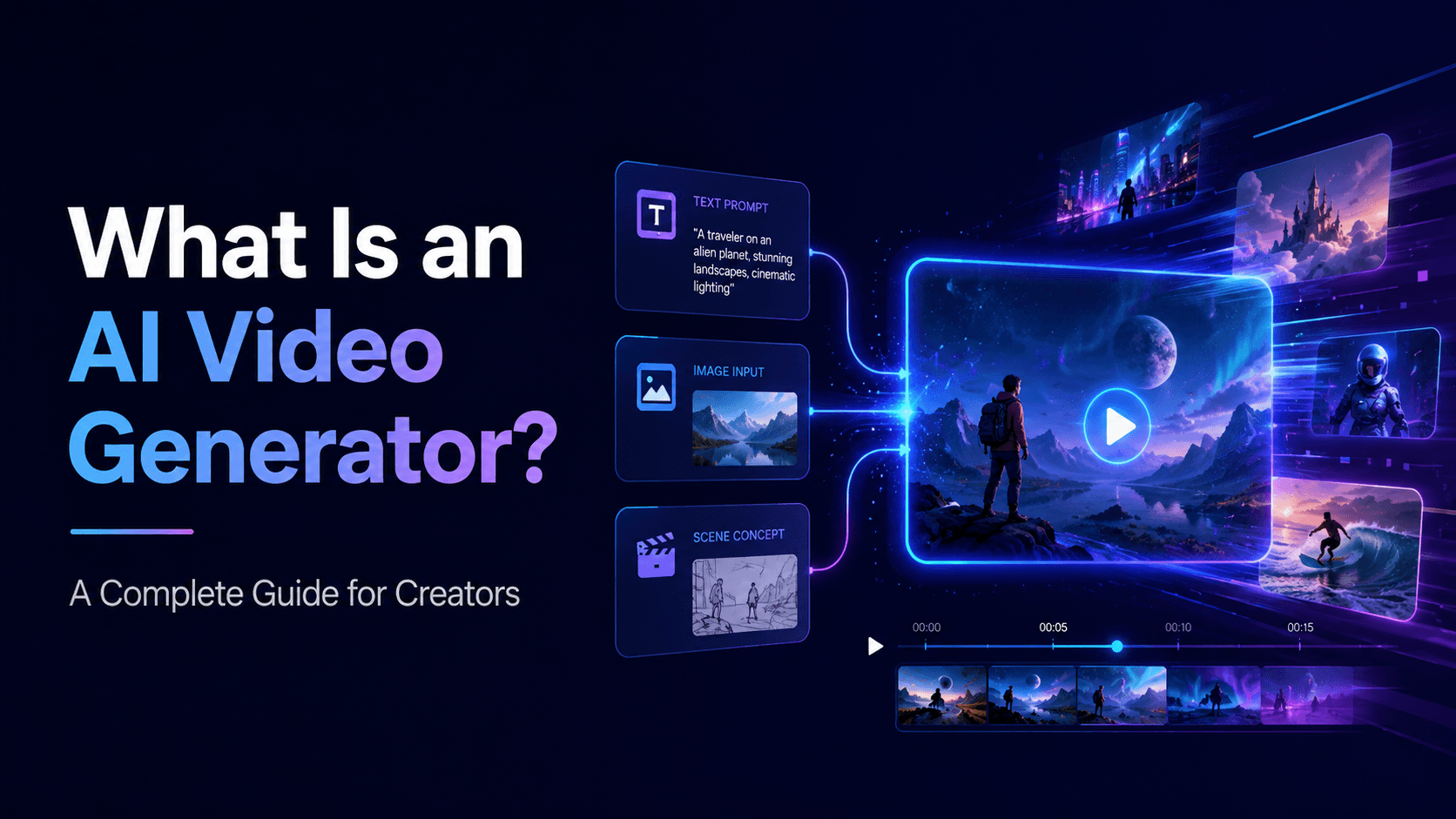
AI lip sync is especially important for creators working with AI video, because many generated clips begin as silent visuals. You may create a character image, animate it into a short scene, add a voiceover, and then need the mouth movement to match the voice. AI lip sync helps close that gap between image, animation, and performance.
3) Where AI Lip Sync Is Used
AI lip sync is useful in many creator workflows. One common use case is talking character videos. A creator can design an anime host, virtual teacher, brand mascot, or digital spokesperson, then use lip sync to make that character deliver lines. This works well for YouTube Shorts, TikTok explainers, product demos, educational videos, and recurring content series.
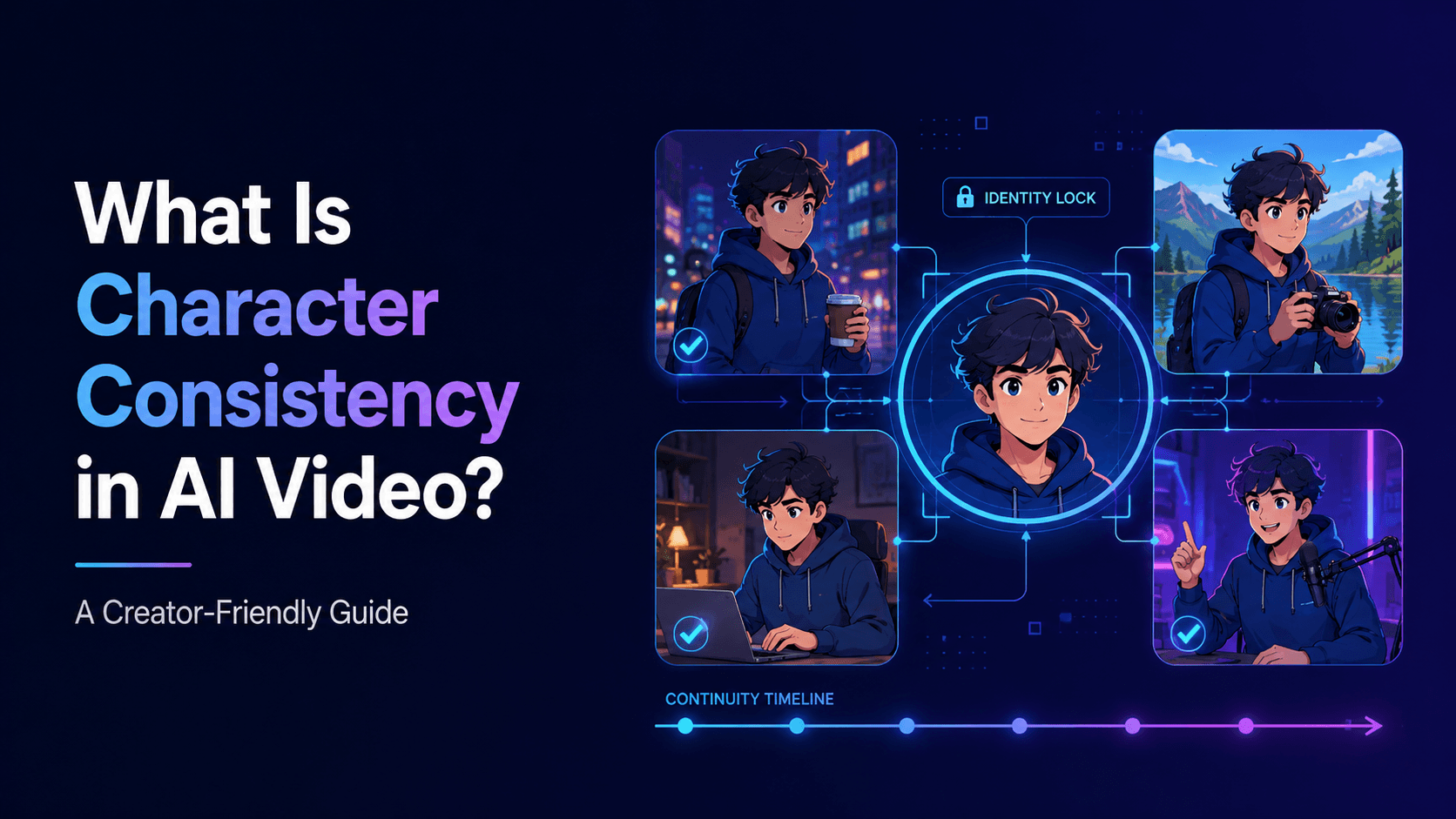
At the same time, lip sync is not just a technical effect. It affects identity, emotion, realism, and trust. If the mouth movement is too exaggerated, the character looks strange. If the face changes while speaking, the viewer loses character consistency. If the timing is off, the video feels unfinished. Good AI lip sync should support the performance without drawing attention to itself.
4) Common Problems with AI Lip Sync
AI lip sync can fail in several ways. The most obvious problem is timing mismatch, where the mouth movement does not align with the audio. Even a small delay can make the video feel wrong. Another issue is exaggerated mouth movement, where the character opens their mouth too widely or forms unnatural shapes. This is especially common with stylized anime or cartoon characters, because their face design is not always built for realistic speech motion.
In a simple case, you might upload an anime character portrait and provide a short voice line. The AI then creates a video where the character’s lips move as if they are saying that line. In a more advanced workflow, you might generate a full character video first, then apply lip sync only to the speaking portions. For music videos, lip sync may be used for chorus close-ups, singer performance shots, or animated artist avatars.
5) How to Get Better AI Lip Sync Results
The best AI lip sync results usually come from simple, controlled shots. Start with a clear face, good lighting, and stable framing. Avoid extreme angles, heavy shadows over the mouth, fast movement, or complex gestures during speech. If the character is speaking, let the shot focus on speaking. Do not also ask the character to run, fight, dance, turn fully around, hold objects, and perform detailed hand gestures at the same time.
The most important concept is that lip sync is not only about opening and closing the mouth. Natural speech involves small movements in the lips, jaw, cheeks, eyes, head, and expression. A believable talking character often needs subtle facial performance, not just mouth animation. If the rest of the face stays frozen while the mouth moves dramatically, the result can feel unnatural.
6) AI Lip Sync and UnboundAI Workflows
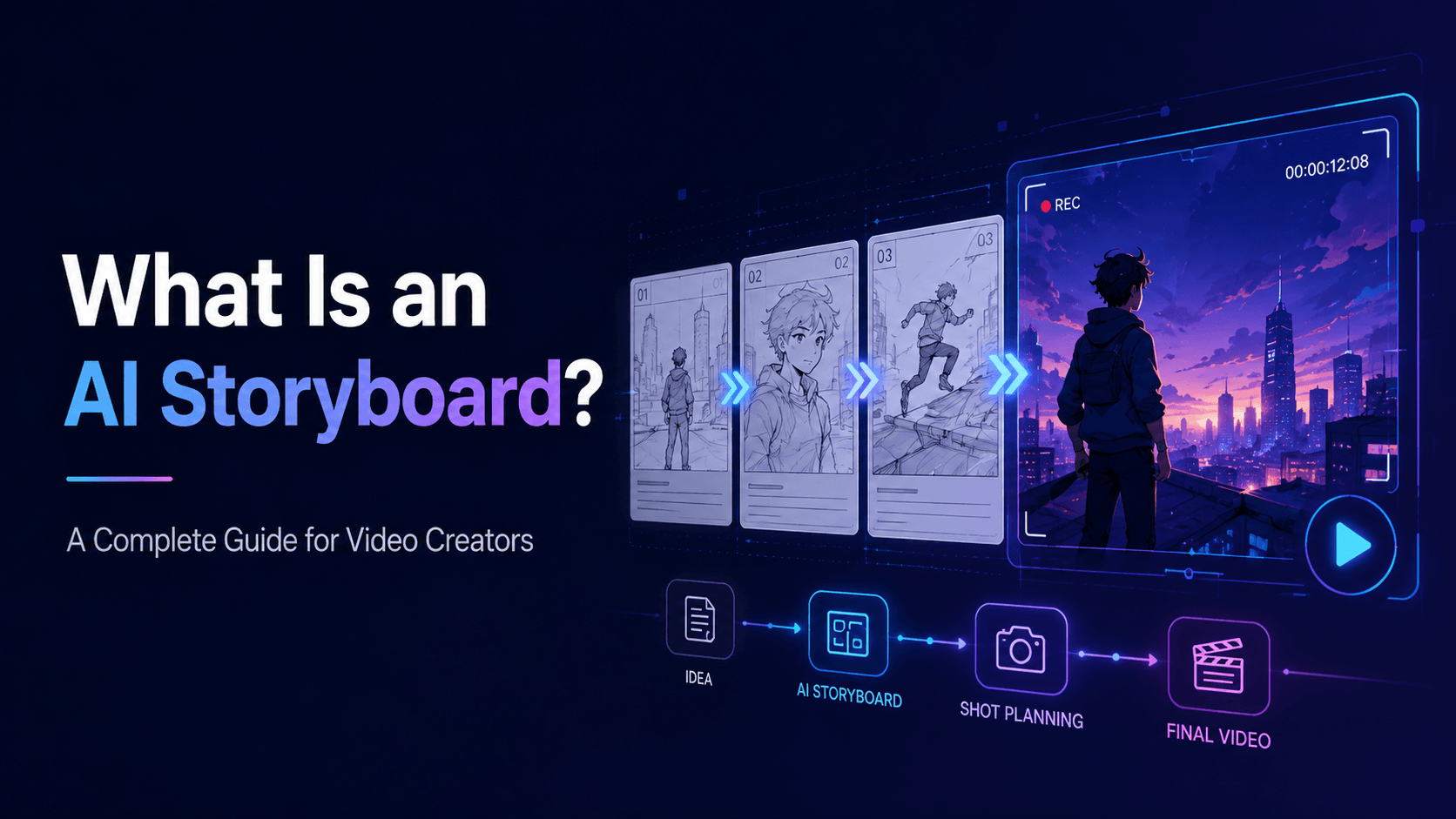
UnboundAI fits naturally into lip sync workflows because many creators first need to create or animate the visual character before adding speech or performance. You can start by creating or uploading a character image, generate a short video scene, and then plan where the character should speak. The best approach is to build the scene in layers: character identity first, video motion second, voice third, lip sync fourth, and final editing last.
This is why creators should keep lip sync shots controlled. A stable close-up or medium close-up usually works better than a fast camera orbit or full-body action shot. When the face is clear and the motion is simple, the AI has a better chance of preserving identity while matching the audio.
7) AI Lip Sync Prompt Template
A useful AI lip sync prompt should protect the face, define the speaking style, and keep the motion simple.
Another major use case is AI music videos. A singer, anime character, or virtual artist can appear to perform a song, especially during important chorus lines or emotional close-ups. Not every shot in a music video needs lip sync. In fact, using lip sync selectively often works better. A strong music video might combine performance close-ups, abstract visuals, story scenes, and atmospheric shots.
8) Final Thoughts
AI lip sync helps creators make characters appear to speak or sing by matching mouth movement to audio. It is useful for talking avatars, anime hosts, product spokespeople, educational videos, music videos, dialogue scenes, and short-form content.
AI lip sync is also useful for multi-character dialogue. If two characters are having a conversation, lip sync helps viewers understand who is speaking. However, multi-character scenes are harder because the workflow must preserve multiple identities, voices, positions, and eye lines. For this reason, it is often better to generate separate speaking close-ups for each character rather than forcing two or three characters to speak continuously in one long shot.
Practical Weekly Workflow
- Define the content outcome first: short ad, story scene, tutorial clip, music visual, product demo, or social post.
- List the required inputs: prompt, reference image, product shot, character design, storyboard frame, script, or audio.
- Generate or edit in small passes instead of trying to finish the whole video in one attempt.
- Review the clip for continuity, pacing, visual clarity, caption space, sound needs, and platform format.
- Save the prompt, source assets, and export settings so the next variation is easier to reproduce.
Conclusion
AI-assisted video work is strongest when it is treated as a repeatable production system. The creative idea still matters, but the workflow also needs clear inputs, controlled iteration, and a review step that turns raw generations into finished communication.
Next Step
Explore UnboundAI workflow templates: https://unboundai.net
FAQs
1) Can this workflow work for a solo creator?
Yes. Start with one repeatable format, keep the asset list small, and improve the workflow after each published clip.
2) Should I generate first or write the edit plan first?
Write a short plan first. Even a simple outline helps you judge whether the AI output supports the final video.
3) What should I check before publishing an AI video?
Check continuity, motion quality, captions, sound, aspect ratio, pacing, and whether the video communicates the intended
idea without extra explanation.
4) How does UnboundAI fit into this workflow?
Use UnboundAI where visual generation or variation is needed, then combine the resulting clips with editing, captions,
audio, and platform-specific formatting.