Categories: AI Video Workflow, Creator Strategy, Production Process
Tags: unboundai, ai creation studio, ai video workflow, content strategy, creator toolkit
Introduction
AI video workflows are useful only when they make production clearer, not just faster. This guide explains the core ideas behind What Is AI Video Editing? A Complete Guide for Creators | UnboundAI and turns them into a practical creator workflow for planning, generating, editing, and publishing video with UnboundAI.
The goal is to keep the source article's structure intact while translating it into decisions a creator can actually use: what the concept means, where it fits in a production pipeline, when it helps, and what to check before calling a clip finished.
Core Content Blocks
1) What Is AI Video Editing?
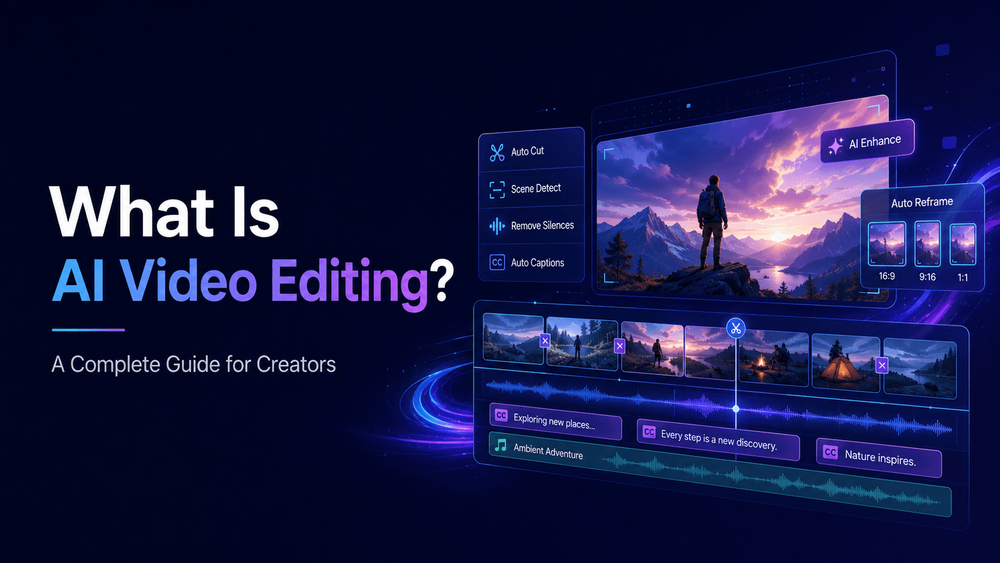
AI video editing is the use of artificial intelligence to help create, arrange, modify, enhance, or finish video content. It can include automatic cutting, caption generation, background removal, scene extension, color adjustment, sound cleanup, voice syncing, visual effects, video generation, clip selection, resizing, and even turning images or prompts into new video scenes.
In traditional editing, a human editor manually reviews footage, chooses the best clips, cuts them together, adds music, places captions, adjusts color, and exports the final video. AI video editing does not remove that process completely. Instead, it speeds up many parts of it and makes video creation more accessible to people who do not have advanced editing skills.
2) What AI Video Editing Can Do
AI video editing tools can support different parts of the creative process. Some tools focus on editing existing video. They can detect scenes, remove silence, generate captions, reframe horizontal footage into vertical format, clean audio, suggest cuts, or create social clips from longer recordings.
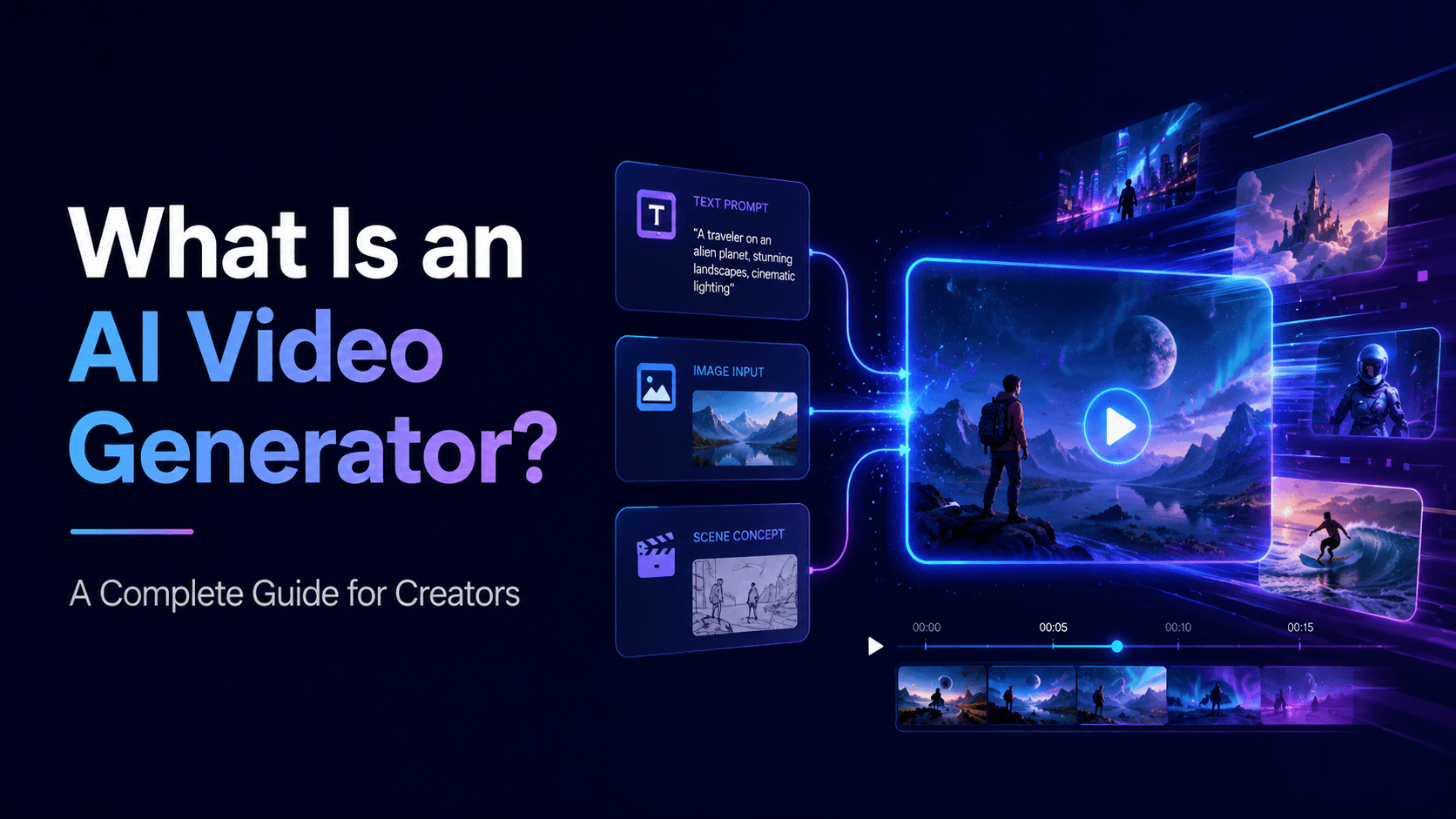
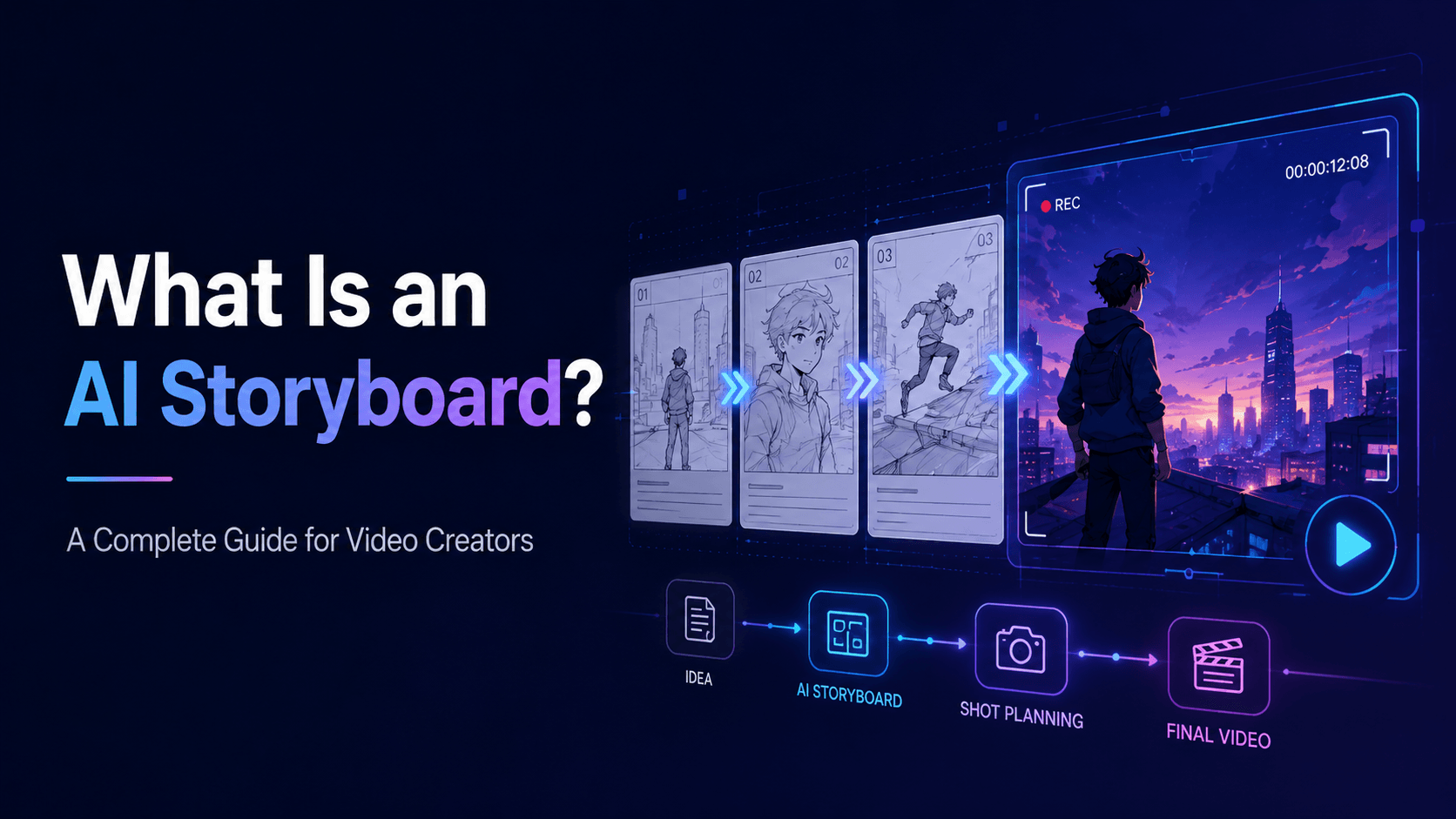
For modern creators, AI video editing often means more than editing existing footage. It can also mean generating missing shots, animating still images, creating product videos from photos, turning storyboards into video clips, adding subtitles, repurposing long videos into short clips, and building multiple ad variations from one asset.
3) AI Video Editing vs AI Video Generation
AI video editing and AI video generation are related, but they are not exactly the same.
This is why AI video editing is becoming important for YouTube creators, TikTok editors, marketers, educators, musicians, ecommerce sellers, anime creators, app teams, and small businesses. The challenge is no longer only “how do I cut this footage?” The challenge is “how do I turn an idea into finished video content quickly and consistently?”
4) Why Editing Still Matters in AI Video
Some creators assume AI video generation means editing is no longer necessary. This is a mistake. AI clips rarely become finished content by themselves. They need pacing, structure, sound, captions, and context.
Other tools focus on generating new video content. They can create scenes from text prompts, animate images, generate product ads, create character clips, or extend visual ideas into motion. In this broader sense, AI video editing is not only post-production. It becomes part of production itself.
5) Common AI Video Editing Workflows
One common workflow is the short-form content workflow. A creator starts with a hook idea, generates a visual clip, adds voiceover or captions, cuts the video tightly, and exports in 9:16 for Shorts, TikTok, or Reels. In this workflow, AI helps with both generation and editing, but the creator still controls pacing.
For example, a creator might start with a product photo. AI can turn that photo into a short video ad. Then the creator edits the clip with captions, music, and CTA text. A musician might start with cover art, use AI to animate it, add lyric text, and export a music visualizer. An anime creator might generate several character shots, edit them into a YouTube Short, add voice, and finish with subtitles.
6) How UnboundAI Fits into AI Video Editing
UnboundAI is especially useful at the generation and visual iteration stage of AI video editing. Many creators already have assets but do not have enough motion content. They may have product photos, character images, comic panels, app screenshots, storyboards, or illustrations. UnboundAI can help turn those assets into video clips that can then be edited into final content.
AI video editing can also help with repurposing. A long tutorial can become several Shorts. A product video can become a TikTok ad, Instagram Reel, and website hero clip. A landscape video can be reformatted for vertical platforms. A finished AI animation can be cut into a teaser, trailer, and social post.
7) AI Video Editing Prompt and Planning Template
Before generating clips, write a short editing plan. This helps avoid random outputs.
AI video generation creates new video content from prompts, images, or references. AI video editing modifies, organizes, or finishes video content. In practice, the two often work together.
8) Final Thoughts
AI video editing is the use of AI to create, improve, arrange, and finish video content. It can include generating clips, editing footage, adding captions, cleaning audio, creating variations, resizing for platforms, and turning static assets into motion.
For example, if you use UnboundAI to create an anime character clip from an image, that is AI video generation. When you cut that clip together with voice, music, captions, transitions, and a final CTA, that is AI video editing.
Practical Weekly Workflow
- Define the content outcome first: short ad, story scene, tutorial clip, music visual, product demo, or social post.
- List the required inputs: prompt, reference image, product shot, character design, storyboard frame, script, or audio.
- Generate or edit in small passes instead of trying to finish the whole video in one attempt.
- Review the clip for continuity, pacing, visual clarity, caption space, sound needs, and platform format.
- Save the prompt, source assets, and export settings so the next variation is easier to reproduce.
Conclusion
AI-assisted video work is strongest when it is treated as a repeatable production system. The creative idea still matters, but the workflow also needs clear inputs, controlled iteration, and a review step that turns raw generations into finished communication.
Next Step
Explore UnboundAI workflow templates: https://unboundai.net
FAQs
1) Can this workflow work for a solo creator?
Yes. Start with one repeatable format, keep the asset list small, and improve the workflow after each published clip.
2) Should I generate first or write the edit plan first?
Write a short plan first. Even a simple outline helps you judge whether the AI output supports the final video.
3) What should I check before publishing an AI video?
Check continuity, motion quality, captions, sound, aspect ratio, pacing, and whether the video communicates the intended
idea without extra explanation.
4) How does UnboundAI fit into this workflow?
Use UnboundAI where visual generation or variation is needed, then combine the resulting clips with editing, captions,
audio, and platform-specific formatting.