Product Photo to Video
Turn a product photo into a short AI video for a listing, a product page or a social ad. Start with a controlled camera move and a prompt that describes which product details to preserve.

Example gallery
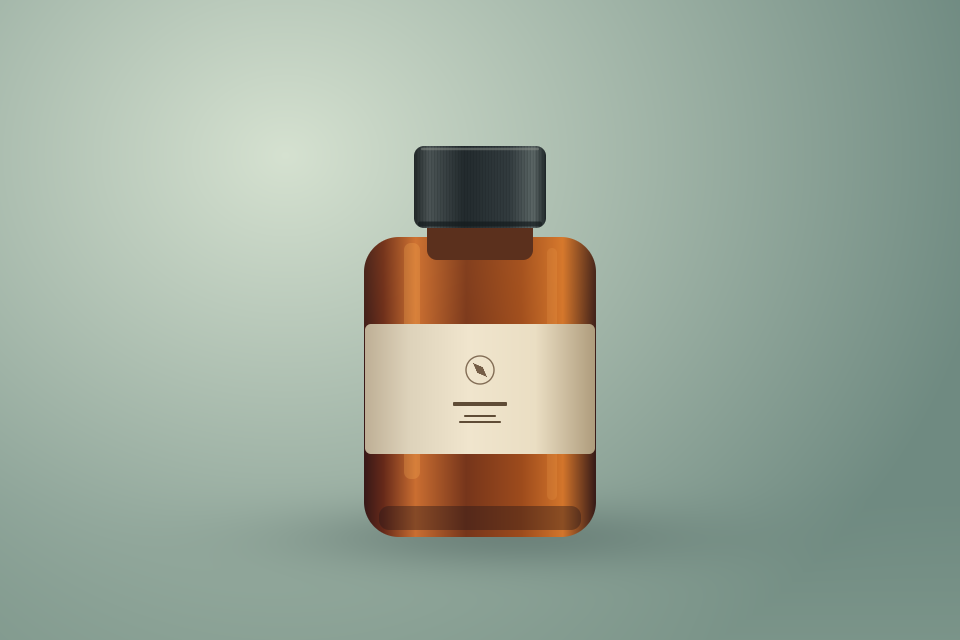
Choose a starting point
Detail close-up
Push in toward a material, finish or label already visible in the photo.
Use this promptStudio generation requires an account and credits. The studio shows the price for the selected model and settings.
How it works
- 01
Start with a clean product photo
Choose a sharp image with the product fully visible. A simple background makes it easier to judge changes.
- 02
Pick the motion and format
Open the preset, add the product photo and choose an aspect ratio in the studio. Pick 9:16 for a vertical ad.
- 03
Review the whole clip
Check the product silhouette, finish, label and text in the first, middle and final frames before publishing.
Frequently asked questions
Can AI preserve product logos or exact text?
The prompt can ask for those details to be preserved. Review the generated frames and add exact lettering separately if needed.
Can I make a video with one product photo?
Yes. Start with one clear image and a short camera move. The model may infer areas that are not visible in the original photo.
More solutions
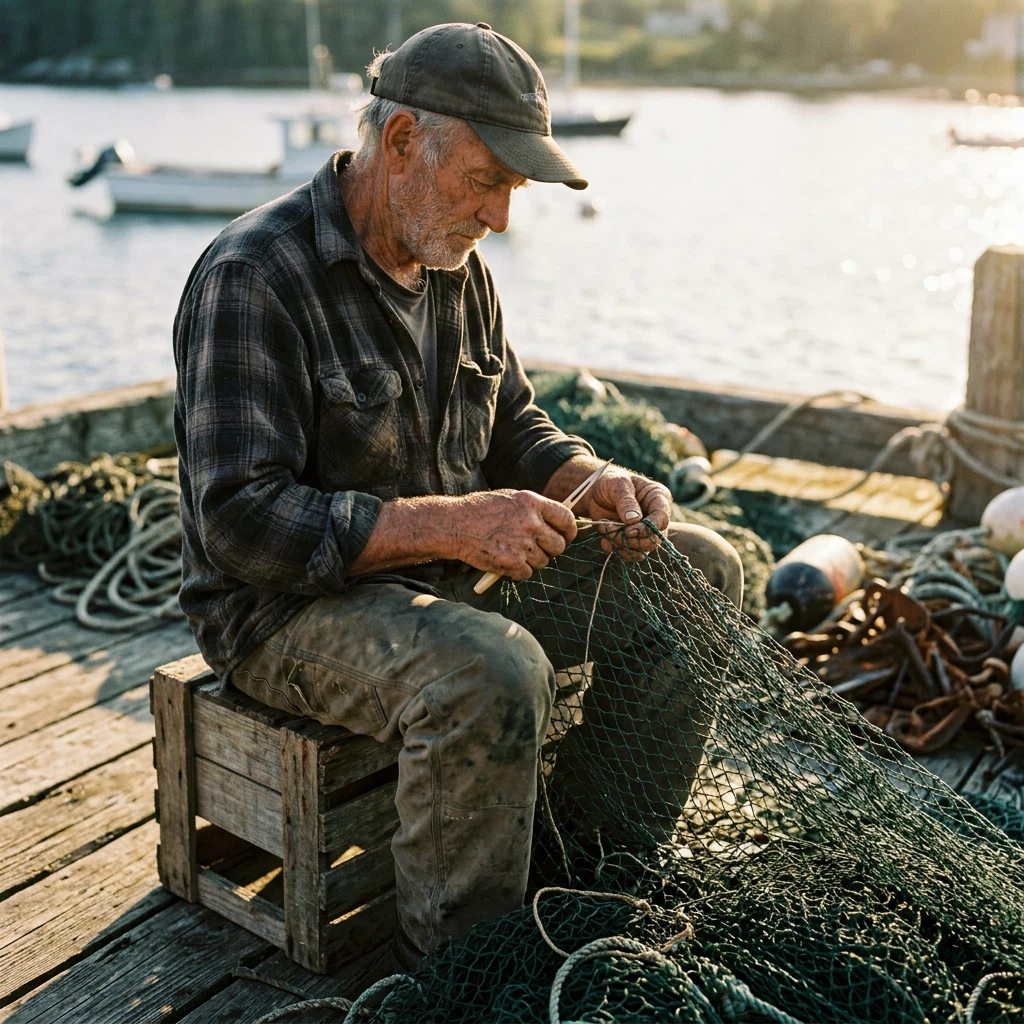 AI PhotoshootUse one portrait as a reference for a studio portrait, a professional headshot or a casual lifestyle photo. Choose a preset and refine the prompt in Unbound AI.Open workflow
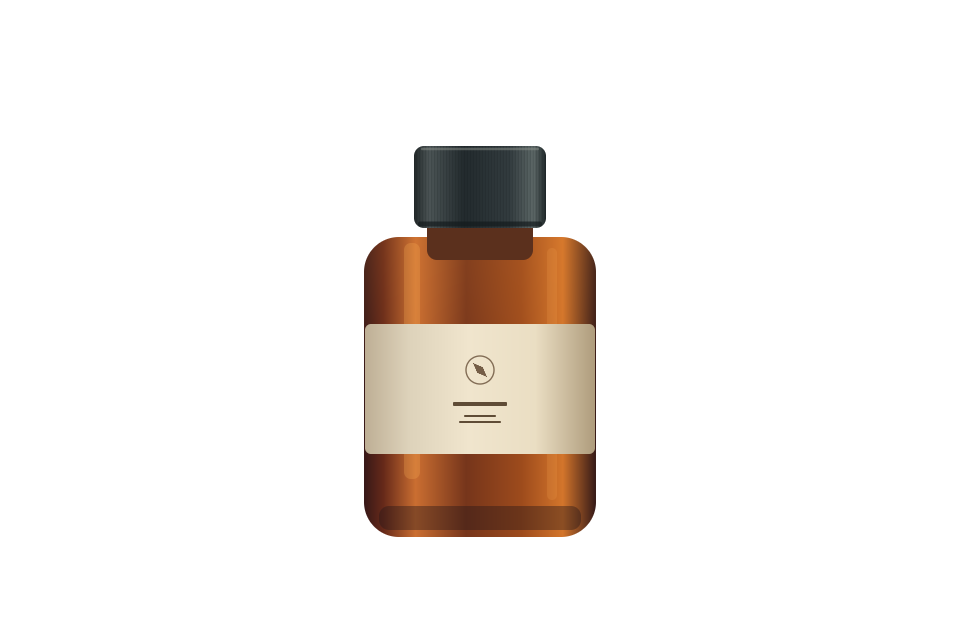 White Background for Product PhotosGive a product photo a clean white backdrop for a store listing or catalog. Use the AI editor for an existing background, or export a transparent PNG on pure white in your browser.Open workflow