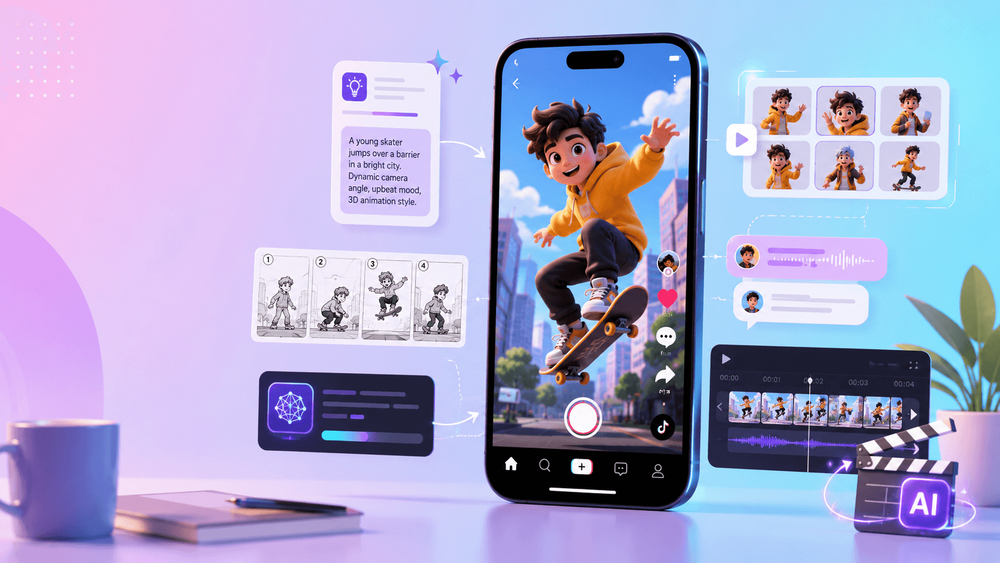
AI animation gives TikTok creators a fast way to test character skits, product stories, visual hooks, comic scenes, educational explainers, and surreal short-form ideas without a full animation studio. A single image, script, or visual concept can become a compact vertical clip.
But an attractive AI video is not automatically a strong TikTok. A wide cinematic landscape may make the subject too small on a phone. A detailed character scene may lose viewers before anything happens. TikTok-native animation prioritizes immediate clarity, vertical composition, short scene structure, readable captions, useful sound, and a format that can be repeated.
A practical starting point is 9:16 vertical video, 720p or higher, with essential text and action kept clear of interface overlays. Check TikTok's current specifications and safe-zone guidance before publishing, because placement and UI requirements can change.
The workflow is straightforward: plan the hook, choose a visual anchor, generate short controlled motion, protect consistency, edit tightly, add captions and audio, compare variations, and repeat what works.
1. Start with a TikTok-Native Idea
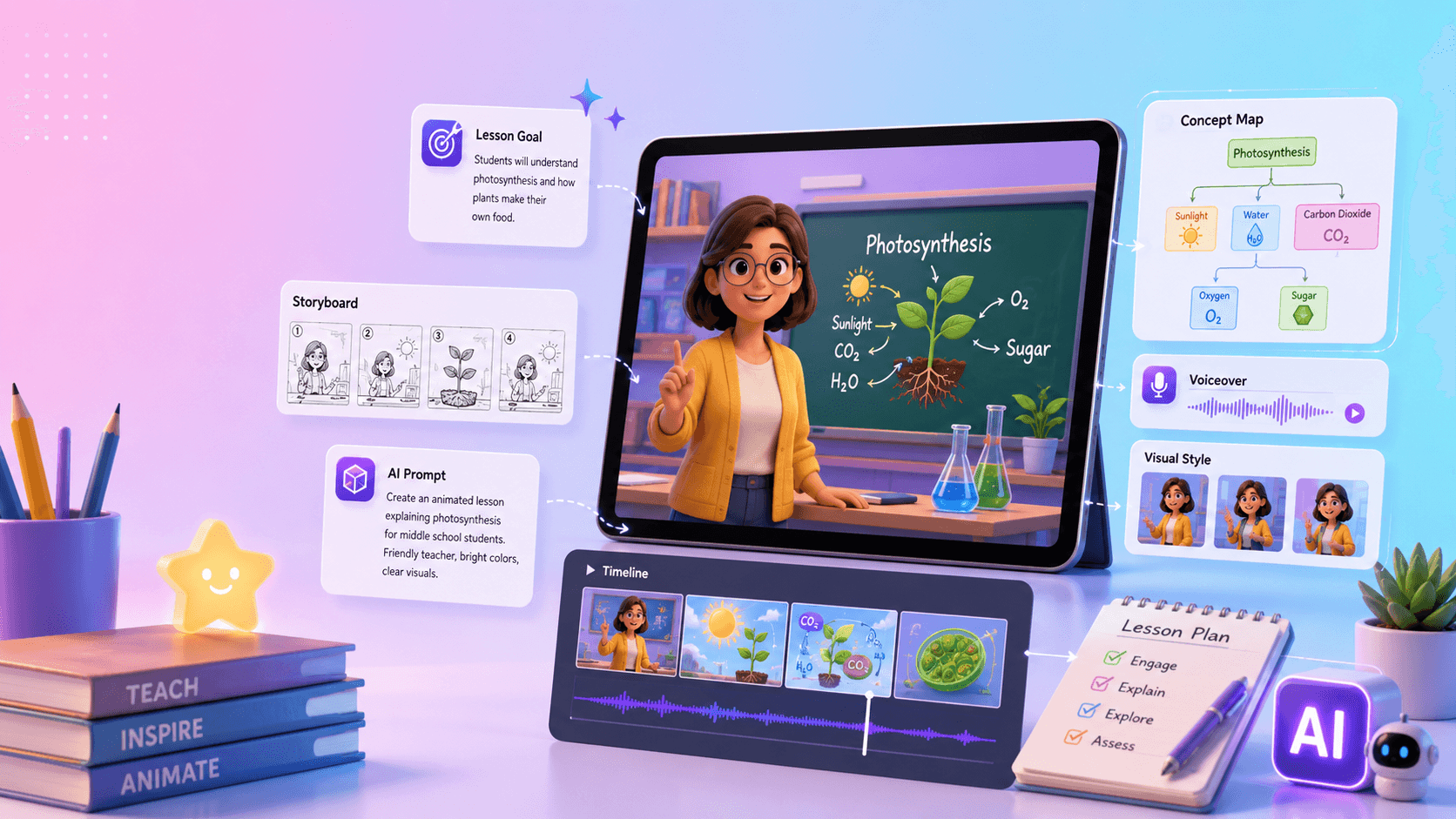
Define the video in one visual sentence before opening a generation tool:
- a tiny robot tries to sell coffee to humans;
- an anime character reacts to a cursed AI prompt;
- a product photo transforms into a futuristic commercial;
- a cat explains one business lesson in 15 seconds;
- a comic panel comes alive as a mini cliffhanger.
The idea should be understandable from the image before the caption explains it. People scroll quickly, so start with the most unusual moment: the robot already holding the enormous cup, the character staring at the glowing prompt, the product floating in the neon studio, or the cat pointing at a whiteboard.
A compact concept usually contains three elements:
- Hook: the first frame creates immediate curiosity.
- Transformation: something changes, reacts, reveals, or becomes clearer.
- Payoff: the joke, result, lesson, product benefit, or CTA completes the idea.
If you cannot state those three beats in one or two lines, simplify the concept before generating it.
2. Build a 10- to 20-Second Scene Structure
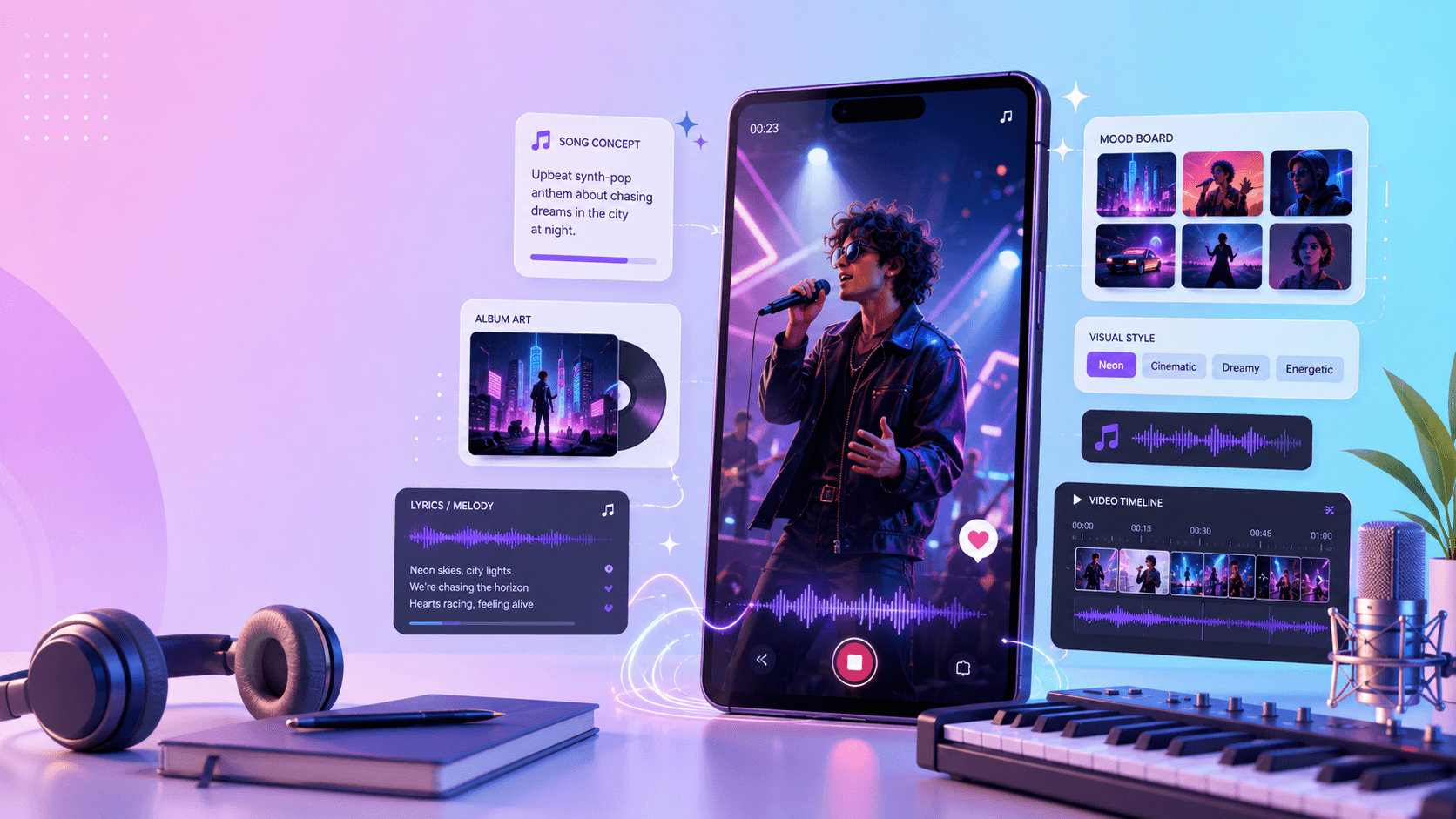
Short animation does not need a complex plot. It needs one clear movement from setup to payoff:
- Hook: show the unusual visual immediately.
- Setup: explain the situation with action or one caption.
- Motion: let the subject perform one readable action.
- Payoff: reveal the result, transformation, joke, lesson, or CTA.
For a 15-second “AI cat teacher” clip:
| Time | Beat | Visual job |
|---|---|---|
| 0–2s | Hook | cat slams a tiny pointer on the desk |
| 2–6s | Setup | caption: “Your AI video prompt is too vague.” |
| 6–11s | Motion | cat turns a bad prompt into a clearer one |
| 11–15s | Payoff | cat points to the result with a smug expression |
Each moment has one job, which makes it easier to generate as one or more short shots. A visible change every few seconds helps maintain forward motion without requiring frantic editing.
3. Create a Strong Visual Anchor
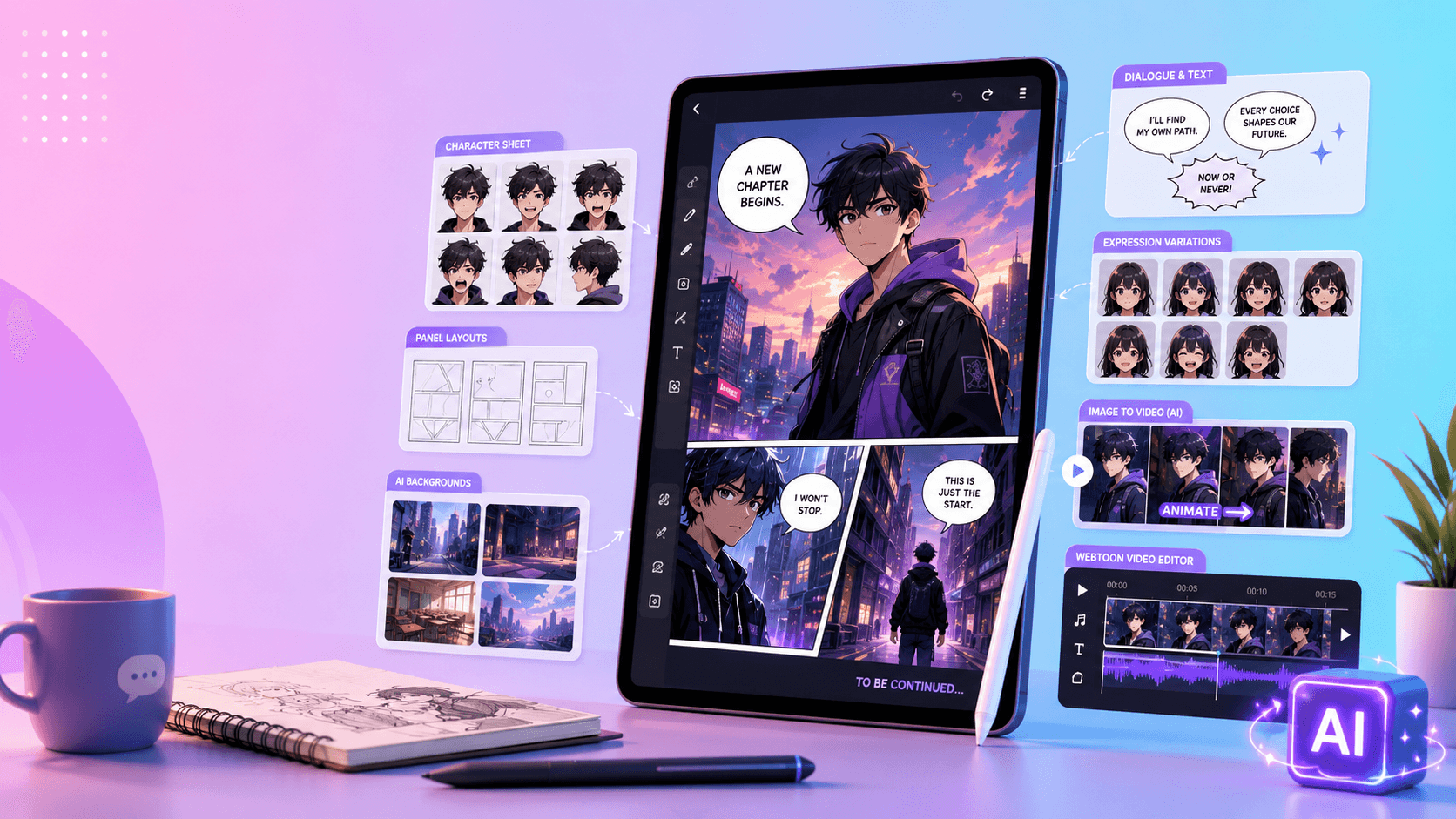
An anchor gives the animation a fixed subject. It can be a character reference, product photo, mascot, comic panel, background, storyboard frame, or simple visual metaphor.
Image-to-video is often useful for repeatable formats because the core identity already exists. For a character series, define the face, outfit, palette, proportions, and art style before producing episodes. For a product format, begin with a clean, accurate packshot. For a comic series, choose one panel with a strong silhouette and emotion. For educational content, keep the host or diagram simple enough to read on a phone.
Start with one subject, one action, and one camera move. Complexity can be added in the edit; it is much harder to remove identity drift or visual confusion from a generation that tried to do too much.
4. Write a Short, Platform-Aware Prompt
A TikTok animation prompt should define the canvas, first frame, subject, action, camera, style, caption space, preservation rules, and common failure modes.
Use this template:
Create a vertical 9:16 AI animation for TikTok. The first frame shows [visual hook]. Main subject: [character, product, or object]. Action: [one clear action]. Camera: [simple movement]. Style: [animation style]. Leave clear safe space for captions. Preserve [identity, product, or style details]. Avoid [distortions, extra limbs, text artifacts, face drift, or other failure modes].
For example:
Create a vertical 9:16 animation. The first frame shows a tiny orange robot holding a huge glowing coffee cup. The robot looks nervous, then proudly presents the cup to the camera. The camera slowly pushes in. Use clean 3D cartoon animation with soft studio light. Leave open space near the top for a short caption. Preserve the robot's round body, orange color, blue eyes, and small antenna. Do not add extra limbs, change the face, or generate text.
Generate a few short variations through VideoAny. Change only one meaningful variable—expression, camera distance, action timing, or background—so you can compare clarity rather than random style differences.
5. Protect Character and Product Consistency
Recurring characters help audiences recognize a format. If an anime host, talking animal, robot, mascot, or brand avatar changes in every post, the series loses memory and trust.
Create an identity block and paste it into every prompt:
Use the same character in every shot. Preserve the exact face, hairstyle, outfit, body proportions, silhouette, palette, and animation style. Do not change age, clothing, facial features, or art direction.
Keep a compact character sheet with front and three-quarter views, expression references, scale, colors, and “must not change” details. For products, replace character traits with exact packaging, logo, color, material, label, and shape requirements.
Controlled action is usually safer than a complicated performance. Blinking, turning, pointing, reacting, walking slowly, holding an object, or making one expressive gesture often reads better than multiple actions packed into the same shot.
6. Edit for TikTok, Not for a Generation Demo
The generated clip is raw material. A finished TikTok needs an intentional opening, readable captions, audio, and a clean ending.
Remove slow lead-in frames and begin near the most interesting pose or change. Crop or recompose so the subject remains readable on a phone. Add a caption that supplies information the image cannot: the situation, joke, lesson, product benefit, or question. Do not describe what viewers can already see.
Sound effects can make a small gesture feel deliberate: a whoosh for a turn, pop for a reveal, click for a prompt change, sparkle for a transformation, impact hit for a desk slam, or tiny vocal noise for a mascot. Music should support pacing without obscuring speech or essential sounds.
Before export, inspect the video with platform overlays in mind. Keep captions, faces, products, and logos away from areas commonly occupied by buttons, descriptions, and navigation. Preview the final upload at phone size rather than judging only on a large desktop monitor.
7. Design a Repeatable Format
A sustainable TikTok system is more valuable than one isolated hit. Repeatable AI animation formats include:
- one character reacts to one trend;
- one product photo becomes one animated ad;
- one comic panel becomes one cliffhanger;
- one prompt mistake gets corrected;
- one mascot explains one concept;
- one surreal object transforms in ten seconds.
Fix the elements that make the series recognizable: character, first-frame composition, caption style, sound cue, duration range, motion scale, and ending. Vary the topic, object, lesson, reaction, or transformation.
Save approved visual anchors, identity blocks, prompt templates, caption layouts, sound choices, and export settings. This turns the next post into a controlled variation rather than a new production from zero.
8. Test Clarity Before Beauty
When comparing generated options, choose the clearest version, not simply the prettiest one. Ask:
- Does the first frame explain the subject at phone size?
- Can a viewer identify the character or product immediately?
- Is there one readable action rather than several competing movements?
- Does the transformation lead naturally to the payoff?
- Is caption space genuinely usable?
- Does the ending feel complete or loop cleanly?
Test variations with a single hypothesis. You might compare two first frames, two caption angles, or two payoff timings. Track retention, rewatches, shares, saves, comments, profile visits, or conversions according to the format's goal. Avoid changing the hook, character, pacing, caption, and sound all at once; the result will not tell you what worked.
9. Complete Workflow Checklist
- Define the concept in one visual sentence.
- Identify the hook, transformation, and payoff.
- Choose a strong first-frame composition.
- Create or select one visual anchor.
- Write a simple 9:16 animation prompt.
- Generate several controlled short variations.
- Choose the clearest version.
- Trim slow frames and tighten the opening.
- Add useful captions, sound, and a clean ending.
- Check mobile readability and UI safe zones.
- Verify current platform specifications and disclosure rules.
- Publish, measure, and repeat the format.
This solves the central short-form problem: the viewer should understand what the video is about immediately and receive a reason to stay until the payoff.
Final Thoughts
AI animation becomes a useful TikTok workflow when it supports a repeatable format with a strong hook, stable identity, controlled motion, and tight editing. Random clips may produce occasional novelty, but a system builds audience recognition and makes creative testing faster.
Start with one idea, one visual anchor, and one simple animated moment. Edit it for vertical viewing, learn from the response, and turn the structure into a series.
If you are new to animating a fixed visual anchor, start with this beginner's guide to image-to-video AI.
FAQs
Should I use text-to-video or image-to-video for TikTok animation?
Text-to-video is useful for exploring ideas. Image-to-video is often more practical for recurring characters, products, comics, and branded formats because the subject already has a fixed reference.
How long should an animated TikTok be?
A 10- to 20-second structure is enough for many hook–transformation–payoff concepts. Use the shortest duration that makes the idea clear and complete rather than stretching a weak beat.
How do I keep captions out of the TikTok interface?
Reserve space during composition, add text in editing, and preview the final video with current UI safe-zone guidance. Keep essential words away from the extreme top, bottom, and side controls.
What motion is safest for a recurring character?
One controlled action—blink, turn, point, hold, react, or walk slowly—is easier to keep consistent than a long sequence of unrelated movements. Add complexity across shots instead of inside one generation.
How many variants should I generate?
Generate enough to compare one meaningful choice. A small set of focused variations is more useful than dozens of unrelated results because you can identify which hook, expression, camera, or timing improves the format.