AI Photoshoot
Use one portrait as a reference for a studio portrait, a professional headshot or a casual lifestyle photo. Choose a preset and refine the prompt in Unbound AI.
Example gallery
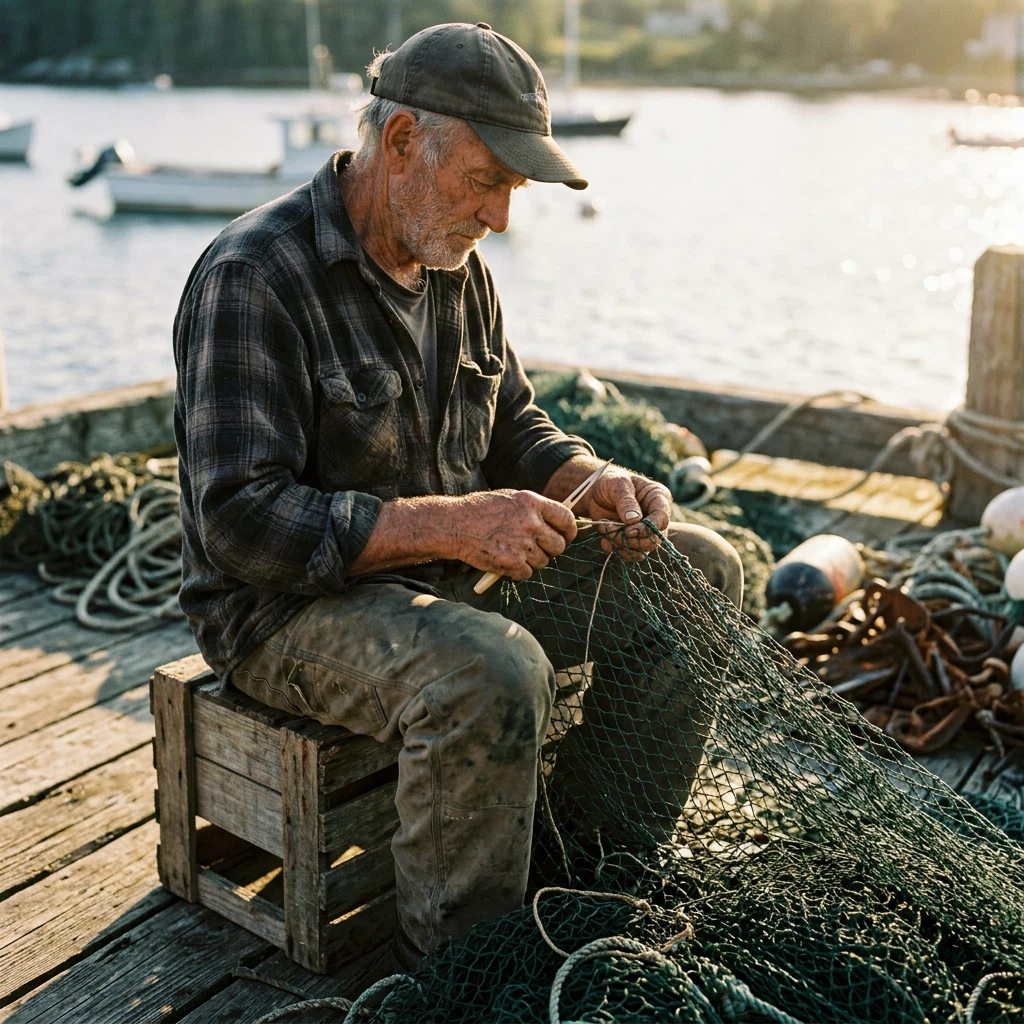
Choose a starting point
Studio generation requires an account and credits. The studio shows the price for the selected model and settings.
How it works
- 01
Choose a reference
Use a well-lit photo of yourself, a fictional character or someone who gave you permission. Keep the face clearly visible.
- 02
Choose a style
Open a preset in the image editor. Upload your reference and adjust the outfit, lighting or framing in the prompt.
- 03
Review and refine
Check that the face remains recognizable and compare results before downloading the ones you want. Repeat with another preset for a set.
Frequently asked questions
Can I make an AI photoshoot from a selfie?
Yes. Use a clear selfie in which the face is well lit and unobstructed. The result depends on the reference image and model.
How do I make multiple styles for one person?
Reuse the same reference photo and start a separate run for each style. Check the face and details in every result.
More solutions
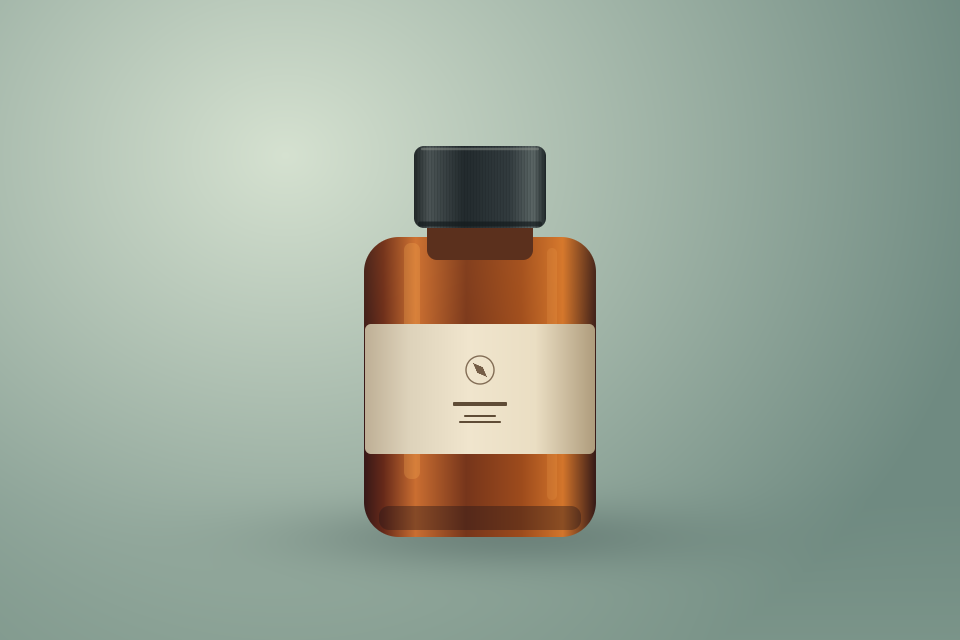 Product Photo to VideoTurn a product photo into a short AI video for a listing, a product page or a social ad. Start with a controlled camera move and a prompt that describes which product details to preserve.Open workflow
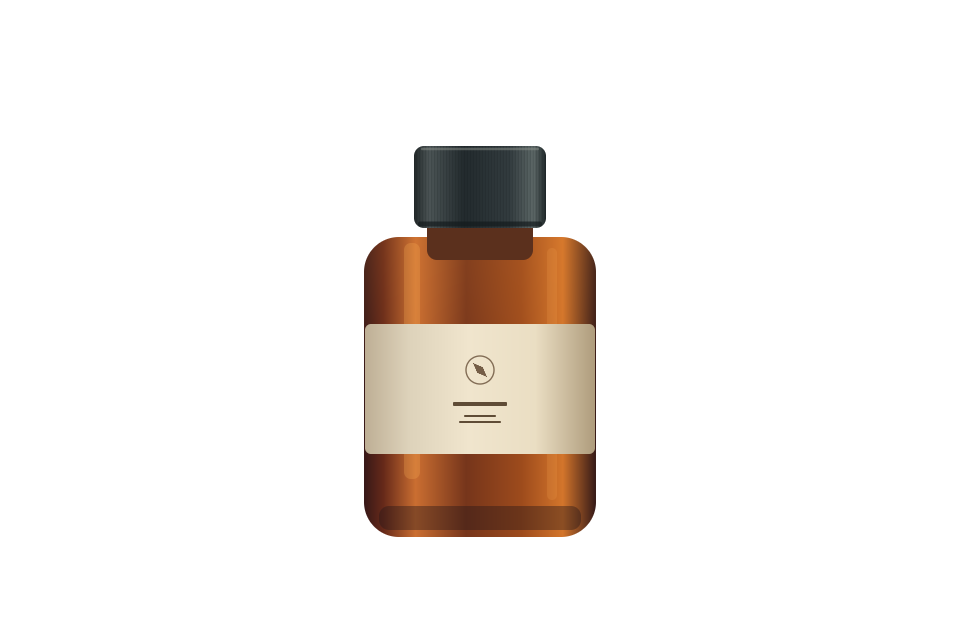 White Background for Product PhotosGive a product photo a clean white backdrop for a store listing or catalog. Use the AI editor for an existing background, or export a transparent PNG on pure white in your browser.Open workflow